

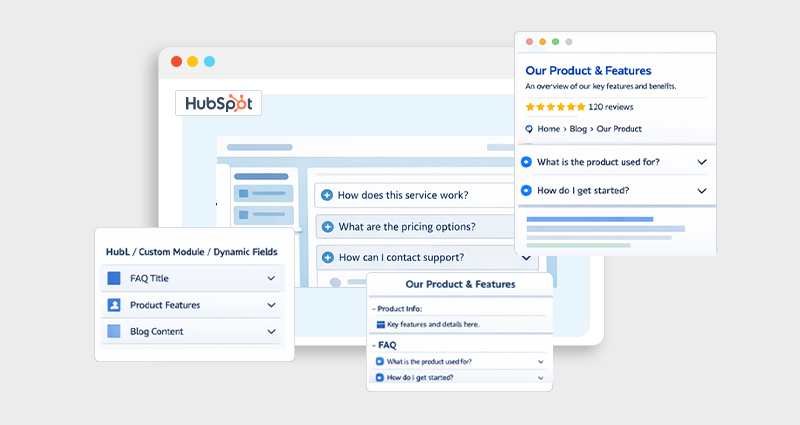
If you’re publishing content on HubSpot but not seeing enhanced search results like dropdown FAQs in Google, you’re likely missing one critical piece, FAQ structured data.
Adding FAQ schema in HubSpot blog posts helps search engines understand your content better and can unlock rich snippets, which directly improve visibility and increase click-through rates (CTR).
In this guide, you’ll learn exactly how to add FAQ schema in HubSpot, including real examples, implementation methods, and best practices based on real-world SEO workflows.
What Is FAQ Schema and Why Does It Matter
A FAQ schema is a type of structured data (usually in JSON-LD format) that tells search engines your content includes a list of questions and answers.
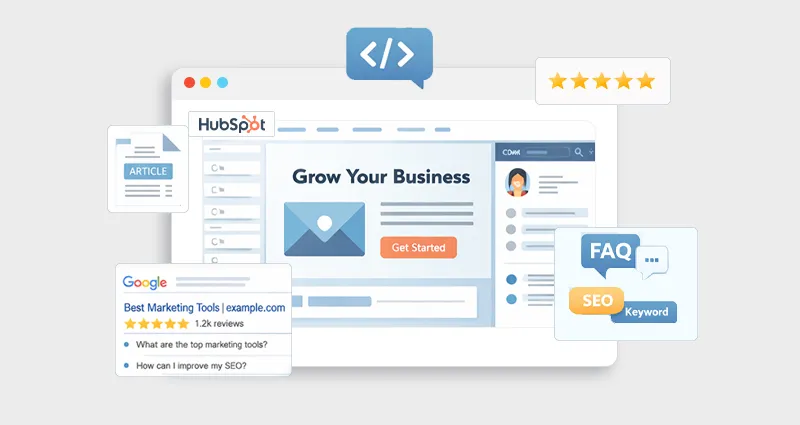
When implemented correctly, it enables HubSpot rich snippets FAQ results , where your FAQs appear directly in search listings.
This matters because:
- It increases SERP real estate (your result becomes larger)
- It improves visibility and authority
- It helps users get answers quickly
- It can significantly improve CTR with FAQ schema
Google officially supports FAQ structured data through its Search Central guidelines, making it one of the most reliable schema types for content-driven websites.
How FAQ Schema Works in HubSpot
HubSpot doesn’t automatically generate advanced schema markup for blog posts. While it includes some default HubSpot SEO schema markup, the FAQ schema must be added manually.
That means if you want to implement the FAQ schema in HubSpot, you’ll need to:
- Create the FAQ content inside your blog
- Add JSON-LD schema markup manually
- Insert it into the blog post’s HTML
This gives you full control but also requires proper formatting.
Step-by-Step: Add FAQ Schema in HubSpot
Let’s walk through the exact process to add structured data to HubSpot blog posts.
Step 1: Create Your FAQ Section
First, add a clear FAQ section in your blog post. For example:
Q: How to add FAQ schema in HubSpot?
A: You can add FAQ schema by inserting JSON-LD structured data into the blog post’s HTML header or footer section.
Make sure:
- Questions are visible on the page
- Answers are concise and helpful
- Content matches the schema exactly
Step 2: Generate JSON-LD FAQ Schema
Here’s a basic HubSpot FAQ schema example. If you don’t want to write this manually, you can use a schema markup tool to generate accurate JSON-LD code in seconds.
<script type="application/ld+json">
{
"@context": "https://schema.org",
"@type": "FAQPage",
"mainEntity": [
{
"@type": "Question",
"name": "How to add FAQ schema in HubSpot?",
"acceptedAnswer": {
"@type": "Answer",
"text": "You can add FAQ schema in HubSpot by inserting JSON-LD structured data into your blog post HTML."
}
},
{
"@type": "Question",
"name": "Does HubSpot support schema markup?",
"acceptedAnswer": {
"@type": "Answer",
"text": "HubSpot supports basic schema, but advanced schemas like FAQ must be added manually."
}
}
]
}
</script>
This is the standard format for HubSpot JSON-LD FAQ schema.
Step 3: Add Schema to Your HubSpot Blog
Now comes the key step to add the FAQ schema in HubSpot blog posts:
- Open your blog post in HubSpot
- Go to Settings → Advanced
- Locate the Head HTML section
- Paste your JSON-LD code there
Alternatively, you can:
- Add it via blog templates
- Use a custom module if you frequently publish FAQs
Once you understand this process, you can apply the same approach when implementing HubSpot schema markup for other schema types like Article, Product, or Breadcrumb.
Step 4: Test Your Schema
Before publishing, validate your markup using:
This ensures your FAQ structured data HubSpot implementation is error-free.
Best Way to Implement FAQ Schema in HubSpot
From practical SEO experience, the best way to implement FAQ schema in HubSpot is:
- Keep FAQs highly relevant to the blog topic — Each question should directly address a user query related to your content. This increases the chances of appearing in People Also Ask and improves topical relevance.
- Focus on 3–8 high-quality questions — Instead of adding too many FAQs, prioritize depth and clarity. Well-written, intent-driven questions perform better than a long list of generic ones.
- Match schema with visible content exactly — The questions and answers in your JSON-LD must be identical to what users see on the page. Any mismatch can cause Google to ignore your schema.
- Write FAQs based on real search intent — Use keyword variations, search queries, and user behavior to craft meaningful FAQs rather than generic or repetitive ones.
- Keep answers concise but valuable — Aim for clear, direct answers that solve the query quickly while still providing useful context.
- Update FAQs regularly — Refresh your FAQ section based on performance data or new queries to keep your structured data relevant and effective.
- Prioritize quality over quantity — Google has become stricter about structured data misuse, so accurate, helpful content matters more than adding excessive FAQs.
Common Mistakes to Avoid
Many marketers struggle with how to add schema markup in HubSpot blog posts because of small but critical errors:
- Adding schema without visible FAQ content — Google requires that structured data reflect what users can see. Hidden or code-only FAQs can lead to your schema being ignored.
- Using incorrect JSON formatting — Even minor syntax errors, like missing commas or неправиль nesting can break your schema and prevent it from being recognized.
- Overloading pages with too many FAQs — Adding excessive or low-value questions can make your content look spammy and reduce your chances of earning rich results.
- Copy-pasting schema without customization — Reusing a generic schema across multiple pages leads to irrelevant FAQs and weak SEO performance.
- Not validating the schema before publishing — Skipping testing can leave errors unnoticed, which means your FAQ structured data may not work at all.
- Using misleading or clickbait questions — If your FAQs don’t genuinely match user intent, they may not qualify for rich results and can harm trust.
- Ignoring updates in Google guidelines — Structured data requirements evolve, so outdated practices can impact your eligibility for rich snippets.
How FAQ Schema Improves SEO Performance
Adding FAQ schema isn’t just about visibility, it directly influences how your content performs in search results:
1. Higher Click-Through Rate (CTR)
Expanded FAQ snippets make your listing more informative and visually prominent. By answering key questions upfront, users are more likely to click your result over others.
2. Better Search Visibility
FAQ-rich results take up more space on the SERP, helping your page stand out among standard listings and increasing your chances of attracting attention.
3. Enhanced Content Understanding
FAQ structured data gives search engines a clearer context about your content, improving how your page is interpreted, indexed, and matched with relevant queries.
4. Voice Search Optimization
Because FAQs are written in a natural, question-based format, they align well with voice search queries, increasing your chances of being surfaced for conversational searches.
Manual vs Tool-Based Implementation
If you’re deciding whether to use a HubSpot schema tool or manual setup, here’s a quick comparison:
| Method | Pros | Cons |
|---|---|---|
| Manual JSON-LD | Full control, flexible | Requires technical knowledge |
| Schema Tool | Easy, automated | Limited customization |
For most SEO professionals, manual implementation remains the most reliable way to add FAQ schema in HubSpot.
Advanced Tips for Better Results
If you want to go beyond basic implementation and actually drive measurable SEO impact:
- Align FAQs with People Also Ask queries — Research real search queries and include variations that users are already asking. This increases your chances of appearing in featured SERP elements.
- Use natural, conversational questions — Frame FAQs the way users actually search, especially for long-tail and voice queries. This improves relevance and match rate.
- Update schema based on performance data — Regularly refine your FAQs using insights from impressions, clicks, and query data to keep them aligned with evolving search intent.
- Track results in Google Search Console — Monitor impressions, CTR, and rich result performance to understand what’s working and where to optimize further.
- Test and iterate on different question formats — Small changes in wording or structure can impact visibility, so continuously experiment to find what performs best.
This is how you turn simple HubSpot FAQ schema markup into a consistent SEO growth lever.
Conclusion
Learning how to add FAQ schema in HubSpot is one of the most practical SEO upgrades you can make to your blog posts. It doesn’t require complex development work, but it can meaningfully improve how your content appears and performs in search.
By combining well-written FAQs with properly implemented HubSpot schema markup, you give search engines clearer context and users a better experience. Over time, this translates into stronger visibility, higher CTR, and more qualified traffic.
The key is simple: focus on helpful content first, then enhance it with structured data the right way.
FAQs
Q1. How to add FAQ schema in HubSpot blog posts?
To add FAQ schema in HubSpot blog posts, create a visible FAQ section, generate JSON-LD structured data, and paste it into the Head HTML section of your blog settings.
Q2. Does HubSpot support FAQ schema markup?
HubSpot supports basic schema automatically, but you need to manually add FAQ schema using JSON-LD.
Q3. What is the best format for HubSpot FAQ schema?
The best format is JSON-LD, as recommended by Google, because it is easy to implement and doesn’t interfere with page design.
Q4. How to get rich results with the FAQ schema in HubSpot?
To get rich results, ensure your schema is valid, matches visible content, and follows Google guidelines for structured data.
Q5. Can the FAQ schema improve CTR?
Yes, the FAQ schema can significantly improve CTR by making your search listing more prominent and informative.
Q6. How many FAQs should I add?
Ideally, include 3 to 8 high-quality FAQs that directly address user intent.
Q7. Is a HubSpot schema tool necessary?
No, you can manually implement a schema, but tools can simplify the process if you’re managing multiple pages.
Q8. Why is my FAQ schema not showing in Google?
It may not appear due to validation errors, low content quality, or Google choosing not to display it.









 Wix Schema
 Squarespace Schema
 BigCommerce Schema
 Shopify Schema
 Hubspot Schema
 Webflow Schema
 GoHighlevel Schema
 Duda Schema
 Weebly Schema
 ClickFunnel Schema