

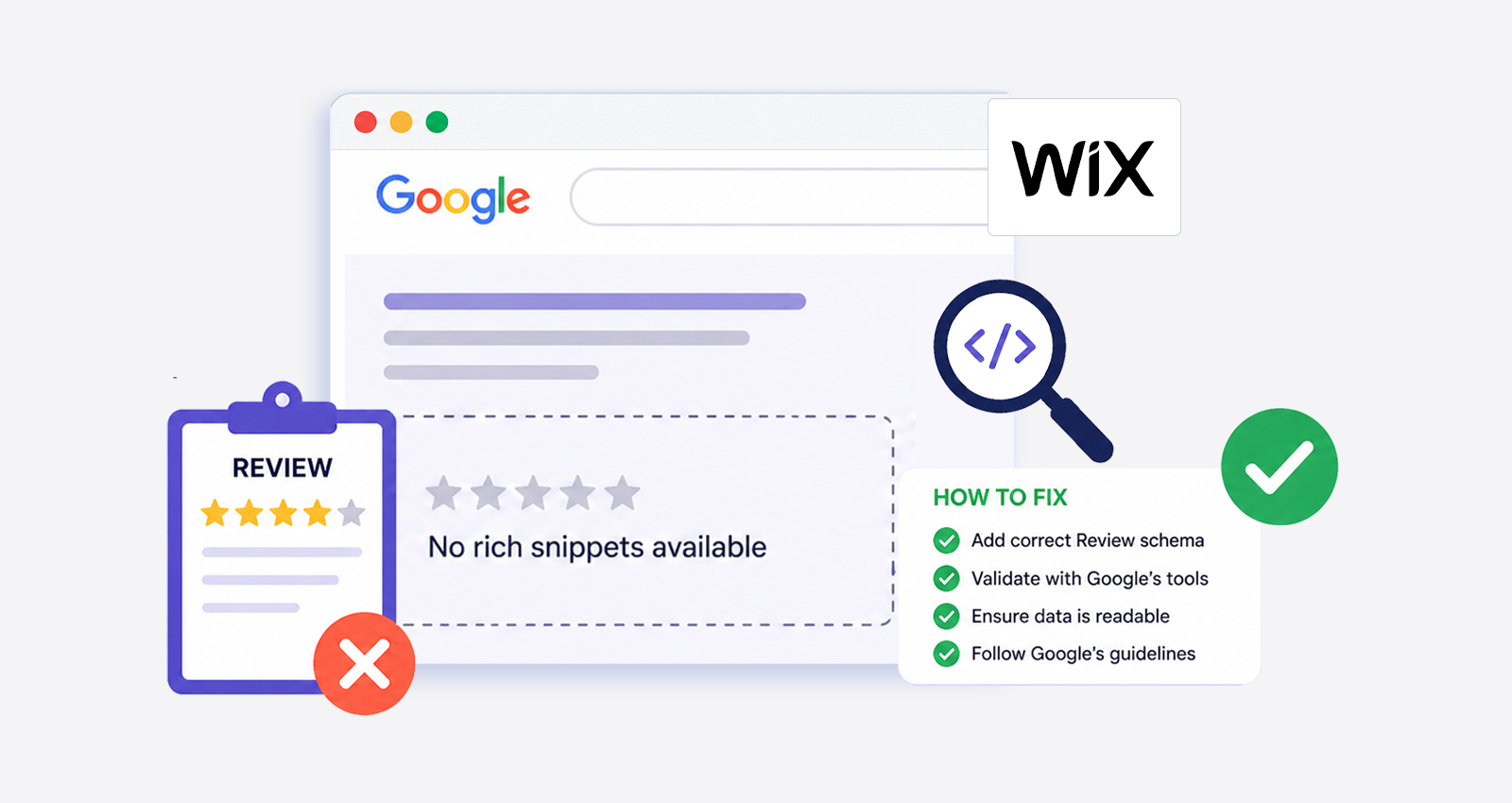
A Wix store can have great products, genuine customer reviews, and still show nothing but a plain blue link in Google. No stars, no ratings. That’s where things start to feel confusing, especially when everything seems set up correctly on the surface.
The issue usually isn’t the reviews themselves, it’s how search engines interpret them. Many site owners run into the same frustration of Wix review rich snippets not showing, even after adding reviews and widgets. The missing piece is often structured clarity. When review data isn’t properly defined or aligned with Google’s requirements, it simply doesn’t get displayed.
This guide breaks down what’s actually happening behind the scenes, why these snippets fail to appear, and what actually fixes the issue so your listings stand out in search.
Why Star Ratings Matter in Search Results
Search results are crowded. When multiple product pages appear together, users don’t read every word, they scan. Star ratings act as a shortcut for trust.
A listing with ratings immediately signals credibility. It answers a basic question before the click: “Do people actually like this product?”
Data backs this up. Around 93% of consumers read online reviews before making a purchase, and listings with visible ratings consistently see higher engagement. In many cases, CTR improves by 20–30% when review rich snippets are present.
How Google Decides to Show Review Rich Snippets
Google doesn’t show review stars just because reviews exist. It relies on structured data, specifically schema markup, to understand and verify that information. For Wix sites, this typically involves Product schema combined with AggregateRating. This structured data tells Google:
- What the product is
- How many people reviewed it
- What is the average rating
Here’s a simplified example:
<script type="application/ld+json">
{
"@context": "https://schema.org/",
"@type": "Product",
"name": "Wireless Headphones",
"aggregateRating": {
"@type": "AggregateRating",
"ratingValue": "4.5",
"reviewCount": "134"
}
}
</script>
If this data is incomplete, inconsistent, or missing, Google simply skips it. That’s why many sites experience Wix rich results not appearing, even when everything looks fine visually.
Top Reasons Wix Review Rich Snippets Are Not Showing
Understanding these gaps makes it easier to pinpoint what’s preventing your review stars from appearing in search results.
1. Incomplete or Incorrect Schema Markup
This is one of the most common schema issues. Structured data must include required fields like rating value, review count, and product name. Even small mistakes like incorrect formatting or missing properties can make the entire schema invalid. When that happens, Google ignores it completely.
2. Mismatch Between Schema and Page Content
Google doesn’t blindly trust structured data. It cross-checks it against what’s visible on the page. If your schema shows a 4.7 rating but your page doesn’t clearly display those reviews, it creates a mismatch. This inconsistency signals low trust, and Google may choose not to show rich snippets at all.
For snippets to appear, the data must match exactly both in content and presentation.
3. Too Few Reviews to Build Trust Signals
There’s no official minimum number of reviews required, but patterns across search results suggest that volume matters.
Here’s a general trend:
| Review Count | Likelihood of Snippets |
|---|---|
| 1-3 | Very low |
| 5-10 | Moderate |
| 15+ | High |
Google prioritizes content with stronger signals. More reviews mean higher confidence in the data.
4. Page Not Indexed or Recently Updated
Even with a perfect schema, nothing will show if Google hasn’t processed your page yet.
After adding structured data, Google needs time to:
- Crawl the page
- Understand the schema
- Evaluate eligibility
This process can take anywhere from a few days to a few weeks. During this time, it may seem like nothing is happening, but it’s part of the normal cycle.
5. Review Widgets Not Fully Crawlable
Wix often uses JavaScript-based widgets to display reviews. While users can see them, search engines may not always process them correctly.
If the review content loads after the initial page render, Google might miss it entirely. That creates a gap between what users see and what search engines understand.
Ensuring reviews are properly rendered and accessible is critical.
6. Not Following Google’s Review Snippet Guidelines
Google has tightened its rules around review markup. Not all pages are eligible for review snippets anymore.
Common issues include:
- Adding reviews to pages that aren’t product-focused
- Using self-serving ratings on business pages
- Displaying reviews that aren’t directly linked to the content
If your site doesn’t meet these guidelines, your Wix rich snippets may never appear, no matter how well the schema is implemented.
What Actually Fixes the Problem
Fixing this issue is about making sure everything works together the way Google expects. Start by validating your structured data using tools like Google Rich Results Test to catch missing fields, formatting errors, or invalid schema types that might be blocking eligibility.
Once that’s clean, focus on alignment: the ratings, review count, and content shown in your schema must exactly match what’s visible on the page. Otherwise, Google treats it as unreliable. It also helps to build stronger review signals over time. Having more authentic, detailed customer reviews increases trust and improves the chances of triggering rich snippets.
After updating everything, submit the page in Google Search Console so Google can crawl and process the changes faster, which is often the step that pushes your page toward showing rich results in search.
What Happens After Fixing Review Snippets in Wix
Once everything is aligned, the impact becomes visible not just in rankings but in how your listing actually performs in search. Your result starts to look more complete, star ratings appear under the title, review counts add context, and users can instantly gauge trust before even clicking.
People are more likely to choose your listing over others, which naturally increases click-through rates, keeps users engaged longer once they land on the page, and increases the chances of conversions. Over time, these signals send strong feedback to search engines, helping your pages perform better overall. Properly implemented Wix rich results make your listings more competitive and more likely to win clicks consistently.
How Long It Takes for Wix Review Snippets to Appear
There’s no instant switch for rich snippets. Even after everything is implemented correctly, there’s a waiting period.
A typical timeline looks like this:
| Stage | Timeframe |
|---|---|
| Schema added | Immediate |
| Google crawl | 3-7 days |
| Processing | 1-2 weeks |
| Snippet display | 2-4 weeks |
If nothing appears after a month, it’s usually a sign that something is still misaligned.
Do Review Snippets Help in AI Search Results?
Yes, with the rise of AI-driven results, search engines are relying heavily on structured, machine-readable data to pull accurate information. When your structured data is clean, consistent, and properly implemented, it gives search engines a clear framework to interpret your reviews, ratings, and product details. That makes your content easier to extract, summarize, and surface in AI-generated answers, voice search, and conversational queries.
Conclusion
When review stars don’t show up, it’s rarely random. It usually comes down to how clearly your structured data communicates with search engines. Wix provides the tools, but visibility depends on accuracy, consistency, and proper implementation. Once those pieces fall into place, your listings don’t just exist in search; they stand out, build trust, and perform better.
FAQs
Q1: Why are my Wix review rich snippets not showing?
This usually happens due to incomplete schema, mismatched data, or indexing delays. Google needs accurate and consistent structured data before displaying rich snippets.
Q2: How many reviews are needed for rich snippets?
There’s no fixed number, but having more genuine reviews improves trust signals. Pages with stronger review signals often have a better chance of qualifying for rich results.
Q3: Can Wix show rich snippets without schema?
No, structured data is essential. Without proper schema markup, Google cannot generate star ratings or review snippets in search results.
Q4: How long does it take for snippets to appear?
It usually takes around 2-4 weeks after implementation. Google needs time to crawl, process, and evaluate your structured data.
Q5: What schema type is required for reviews?
Product schema with AggregateRating and Review properties is required. These define ratings, review count, and individual feedback details.
Q6: Do fake reviews affect snippets?
Yes, misleading or fake reviews can lead Google to ignore your markup. In some cases, it may even impact your site’s credibility in search.
Q7: How do I test my schema?
Use tools like Google Rich Results Test or Schema.org Validator. They help identify errors and confirm whether your markup is eligible.
Q8: Why do snippets disappear sometimes?
This can happen due to guideline violations, inconsistent data, or algorithm updates. Keeping the schema accurate and updated helps maintain visibility.









 Wix Schema
 Squarespace Schema
 BigCommerce Schema
 Shopify Schema
 Hubspot Schema
 Webflow Schema
 GoHighlevel Schema
 Duda Schema
 Weebly Schema
 ClickFunnel Schema