

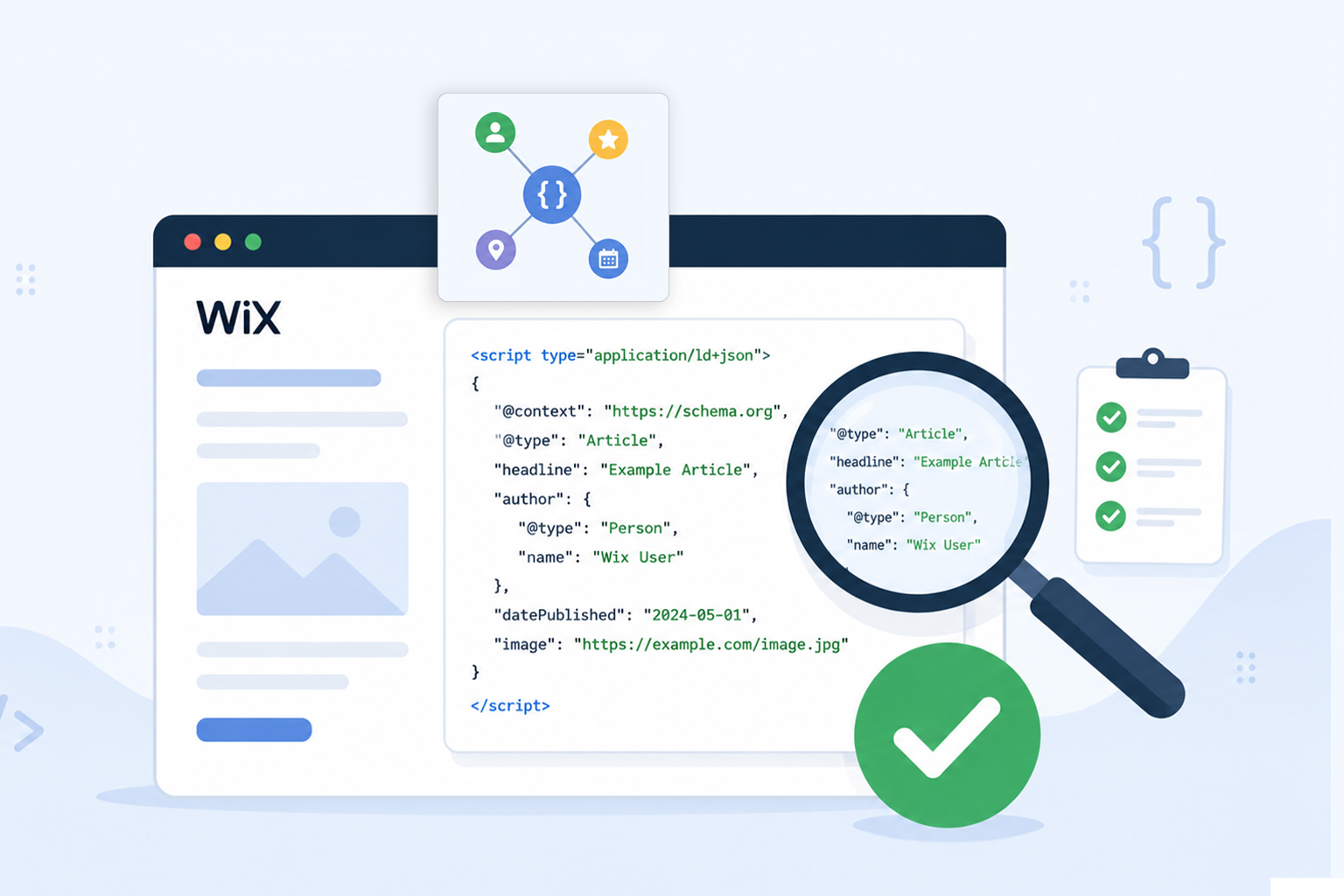
Adding schema markup to your Wix website is only half the job. The real value comes from ensuring that search engines can actually read and interpret it correctly.
Even a small mistake, such as a missing required property, invalid JSON syntax, or duplicate schema, can prevent your pages from becoming eligible for rich results. That’s why learning how to check Wix schema markup is an essential part of your SEO workflow.
In this guide, you’ll learn how to validate Wix structured data, test JSON-LD implementation, identify common issues, and verify that your markup follows Schema.org standards.
Whether you’re using Wix’s built-in schema or adding custom JSON-LD, these validation steps help ensure your structured data is working exactly as intended.
Quick Wix Schema Validation Checklist
- Open your published Wix page, not the editor preview, so you are checking the live version that search engines can crawl.
- View the page source and search for
application/ld+jsonto find the JSON-LD schema code on the page. - Use a trusted Wix schema markup checker, such as JSON Schema App or Google’s Rich Results Test, to validate the markup.
- Review the results carefully and fix any syntax errors, missing required properties, or implementation issues flagged by the tool.
- Test the page again after making changes until the schema validates correctly and is eligible for rich results.
This quick workflow helps ensure your Wix schema markup is technically correct, follows Schema.org standards, and can be properly understood by search engines.
Why You Should Check Wix Schema Markup
Schema markup tells search engines what your content represents instead of making them guess. It helps Google better understand products, articles, FAQs, organizations, local businesses, events, and many other types of content.
However, simply adding a schema doesn’t guarantee it works.
You should regularly validate Wix schema markup because:
- Invalid JSON-LD prevents search engines from reading your structured data.
- Missing required properties can make pages ineligible for rich results.
- Duplicate schema may confuse search engines.
- Website redesigns, template changes, app installations, or page edits can unintentionally alter or remove structured data.
- Regular testing helps catch errors before they affect SEO performance.
Validation ensures your structured data is technically correct and can be properly interpreted by search engines.
Understanding Wix Schema Markup
Before testing anything, it’s important to understand how Wix handles structured data.
Wix automatically generates schema markup for several page types, including products, blog posts, business information, and events. Advanced users can also add custom JSON-LD using custom code or SEO settings.
Most modern Wix websites use JSON-LD, Google’s recommended structured data format, because it is easier to manage and less likely to break page layouts.
Common schema types used on Wix include:
| Page Type | Recommended Schema |
|---|---|
| Homepage | Organization, WebSite |
| Blog Post | Article or BlogPosting |
| Product Page | Product |
| Local Business | LocalBusiness |
| FAQ Page | FAQPage |
| Service Page | Service |
| Event Page | Event |
Choosing the best schema types for Wix websites depends on the purpose of each page rather than applying the same markup everywhere.
Why You Should Validate Wix Schema Markup
Adding schema markup to your Wix website doesn’t automatically mean search engines can use it. If your JSON-LD contains syntax errors, missing required properties, or incorrect schema types, Google may ignore some or all of the markup.
Validating your schema helps confirm that it follows Schema.org standards and can be interpreted correctly by search engines. It also improves your chances of qualifying for rich results, making it easier for users to find relevant information directly in search results.
Using a reliable Wix schema markup checker before publishing or updating your pages allows you to catch schema issues early, ensuring your structured data accurately represents your content and supports your overall SEO strategy.
Check Wix Schema Markup Step by Step
A Wix schema markup checker helps you scan your website’s structured data to verify whether it has been implemented correctly. Some checkers focus on Schema.org validation, while others evaluate whether your markup is eligible for Google’s rich results. Using the right checker helps you identify errors before they affect your visibility in search results.
Step 1: Open Your Live Wix Page
Always validate the published version of your website instead of the editor preview. Open the page you want to inspect in your browser.
Step 2: View the Page Source
Right-click anywhere on the page and select View Page Source , or press:
- Windows: Ctrl + U
- Mac: Command + Option + U
Search for:
application/ld+json
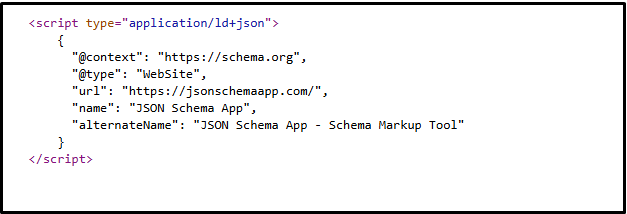
This identifies your JSON-LD structured data block. If multiple JSON-LD scripts exist, inspect each one individually.
Step 3: Review the JSON-LD
Look for common issues such as:
- Missing commas
- Incorrect brackets
- Invalid property names
- Empty values
- Duplicate schema objects
A valid JSON-LD example looks like this:
{
"@context": "https://schema.org",
"@type": "Organization",
"name": "Example Company",
"url": "https://example.com"
}
Even small formatting mistakes can invalidate the entire schema.
Step 4: Validate and Test Your Wix Schema Markup
The next step is to use trusted validation tools. Validation checks whether your JSON-LD follows Schema.org standards, while testing shows whether Google can use it for enhanced search results.
Google Rich Results Test
Google’s Rich Results Test checks whether your schema implementation is eligible for supported rich results.
It reports:
- Valid structured data
- Errors
- Warnings
- Eligible rich result types
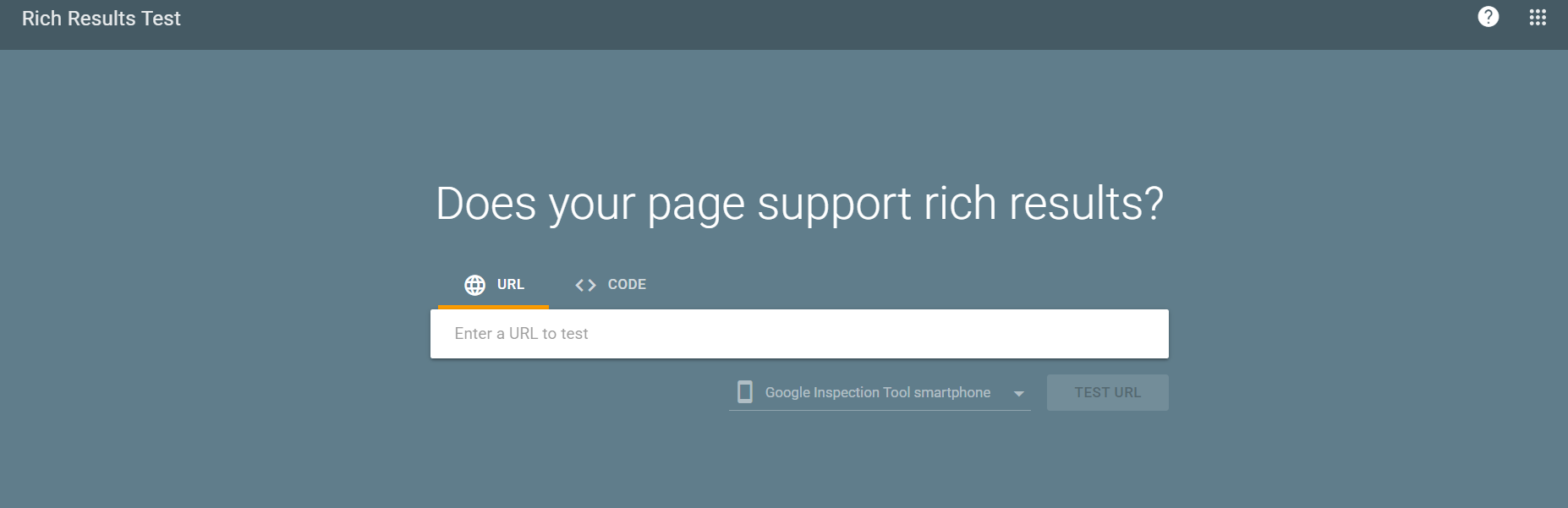
This tool is ideal for testing Product, FAQ, Recipe, Event, Article, and several other supported schema types.
Schema Markup Validator
The Schema Markup Validator validates your structured data against Schema.org vocabulary, even for schema types that Google doesn’t use for rich results.
It helps verify:
- JSON-LD syntax
- Schema.org properties
- Nested objects
- Overall schema structure
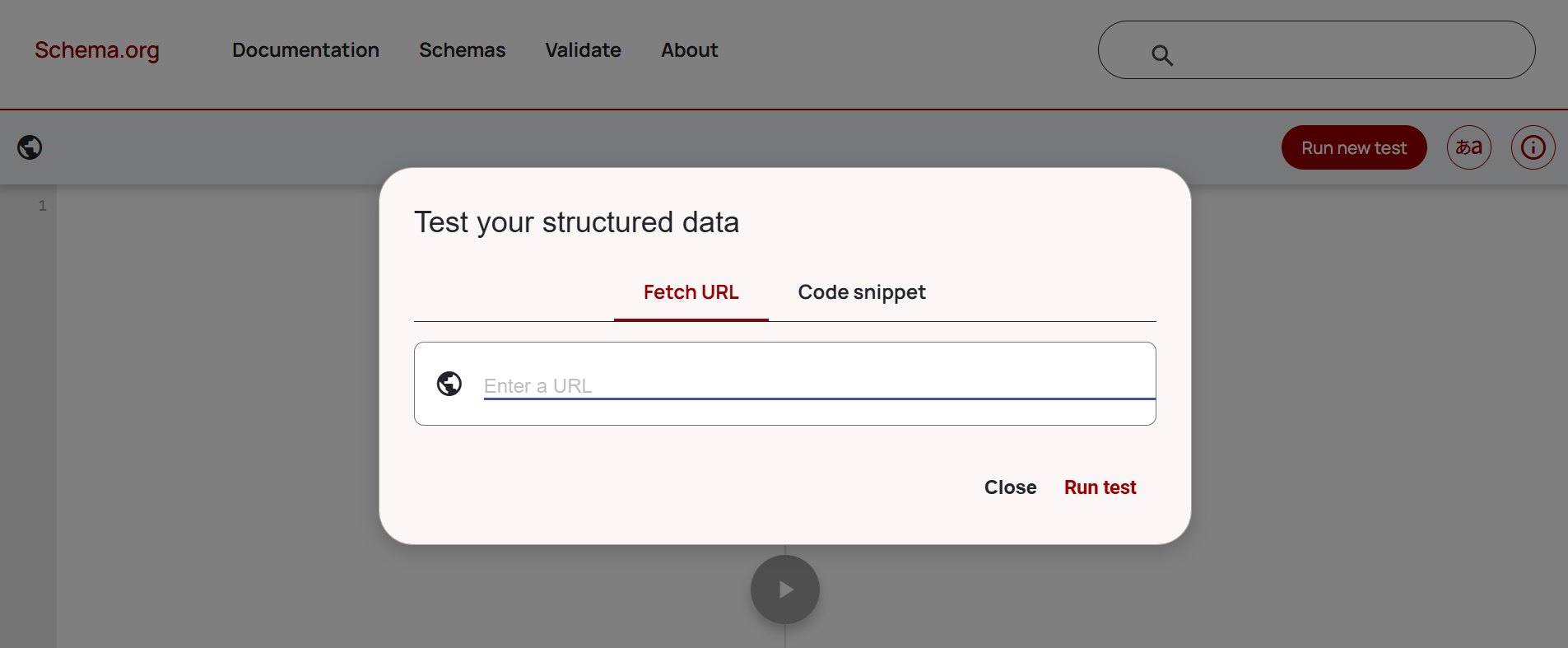
Using both tools provides more complete Wix schema validation because they check different aspects of your markup.
Common Wix Schema Validation Errors
When you test Wix schema markup, you may encounter several common issues.
Missing Required Properties
Some schema types require mandatory fields. For example, Product schema often needs:
| Property | Example |
|---|---|
| name | Running Shoes |
| price | 79.99 |
| availability | InStock |
| image | https://example.com/shoe.jpg |
Without these properties, your page may not qualify for enhanced search results.
Invalid JSON Syntax
Simple punctuation errors can invalidate the entire schema. Examples include:
- Missing quotation marks
- Extra commas
- Incorrect brackets
- Unclosed objects
Always validate JSON-LD after making edits.
Duplicate Schema
Sometimes, both Wix’s built-in schema and custom JSON-LD describe the same content. Duplicate markup may create conflicting signals.
Instead of adding multiple Product or Organization schemas unnecessarily, review your implementation carefully.
Incorrect Schema Type
Using FAQPage on a page without actual FAQs or Product schema on a service page creates inaccurate semantic markup. Always match schema to the actual page content.
Missing Nested Objects
Certain schema types depend on nested properties. For example:
Product
└── Offers
      └── Price
      └── Currency
      └── Availability
Incomplete nested objects frequently appear during Wix structured data validation.
What Happens If Schema Fails Validation?
Failing Wix schema validation doesn’t usually prevent your page from being indexed, but it can reduce the effectiveness of your structured data. Search engines may ignore invalid markup altogether or disregard the specific properties containing errors.
As a result, your pages may not be eligible for rich results such as product details, FAQs, reviews, or event information, even if the content itself is relevant. Validation errors can also make it more difficult for search engines to fully understand the purpose of your page.
Regularly using a Wix structured data checker or schema markup validator helps identify these issues early, allowing you to fix them before they affect your search appearance or eligibility for rich snippets.
Best Practices for Wix Schema Markup Implementation
Successful Wix schema markup implementation isn’t just about passing validation, it should accurately represent your content.
Follow these best practices:
- Keep schema synchronized with the visible page content.
- Avoid adding schema solely to manipulate search rankings.
- Use one primary schema type per page whenever possible.
- Prefer JSON-LD over Microdata.
- Re-test structured data after major website updates.
- Monitor Google Search Console for structured data reports.
- Use only Schema.org-supported properties.
These habits reduce future validation issues and improve long-term SEO consistency.
Which Tool Is Best for Checking Wix Schema Markup?
Different tools serve different purposes. Using multiple tools gives you a more complete picture than relying on just one Wix schema markup checker.
| Tool | Best For |
|---|---|
| Google Rich Results Test | Rich result eligibility |
| Schema Markup Validator | Complete Schema.org validation |
| Google Search Console | Monitoring indexing and enhancement reports |
| Browser Page Source | Verifying JSON-LD implementation |
Conclusion
Learning how to check Wix schema markup is an important step toward maintaining accurate, search-friendly structured data. Validation helps identify syntax errors, missing properties, duplicate markup, and implementation issues before they impact your visibility in search results.
By combining regular Wix structured data validation, Google’s Rich Results Test, and the Schema Markup Validator, you can confidently verify that your JSON-LD is correctly implemented and aligned with Schema.org standards.
Regularly checking, testing, and validating your Wix schema markup helps ensure search engines can accurately understand your content, improves eligibility for rich results, and keeps your structured data aligned with Schema.org best practices as your website evolves.
FAQs
Q1: How do I check Wix schema markup?
Open your published Wix page, inspect the page source for JSON-LD, and validate it using Google’s Rich Results Test and the Schema Markup Validator.
Q2: What is the best Wix schema markup checker?
The most reliable approach is using both Google’s Rich Results Test for rich result eligibility and the Schema Markup Validator for complete Schema.org validation.
Q3: Does Wix automatically add schema markup?
Yes. Wix automatically generates schema markup for several page types, including blog posts, products, business information, and events. You can also add custom JSON-LD where needed.
Q4: How do I validate Wix structured data?
Inspect the live page, copy the JSON-LD if necessary, and run it through trusted validation tools to identify syntax errors, missing properties, or unsupported values.
Q5: Why is my Wix rich results test failing?
Common reasons include missing required properties, invalid JSON syntax, unsupported schema types, duplicate structured data, or content that doesn’t match the markup.
Q6: Can I add custom JSON-LD to Wix?
Yes. Wix allows custom JSON-LD implementation through its SEO settings or custom code features, depending on your site’s setup.
Q7: How often should I test Wix schema markup?
It’s good practice to test Wix schema markup after publishing new pages, modifying structured data, redesigning your website, or making significant content updates.
Q8: Does a valid schema guarantee rich snippets?
No. Passing Wix JSON-LD validation or Google’s Rich Results Test only makes your pages eligible for rich results. Search engines ultimately decide whether to display rich snippets based on many ranking and quality signals.









 Wix Schema
 Squarespace Schema
 BigCommerce Schema
 Shopify Schema
 Hubspot Schema
 Webflow Schema
 GoHighlevel Schema
 Duda Schema
 Weebly Schema
 ClickFunnel Schema