

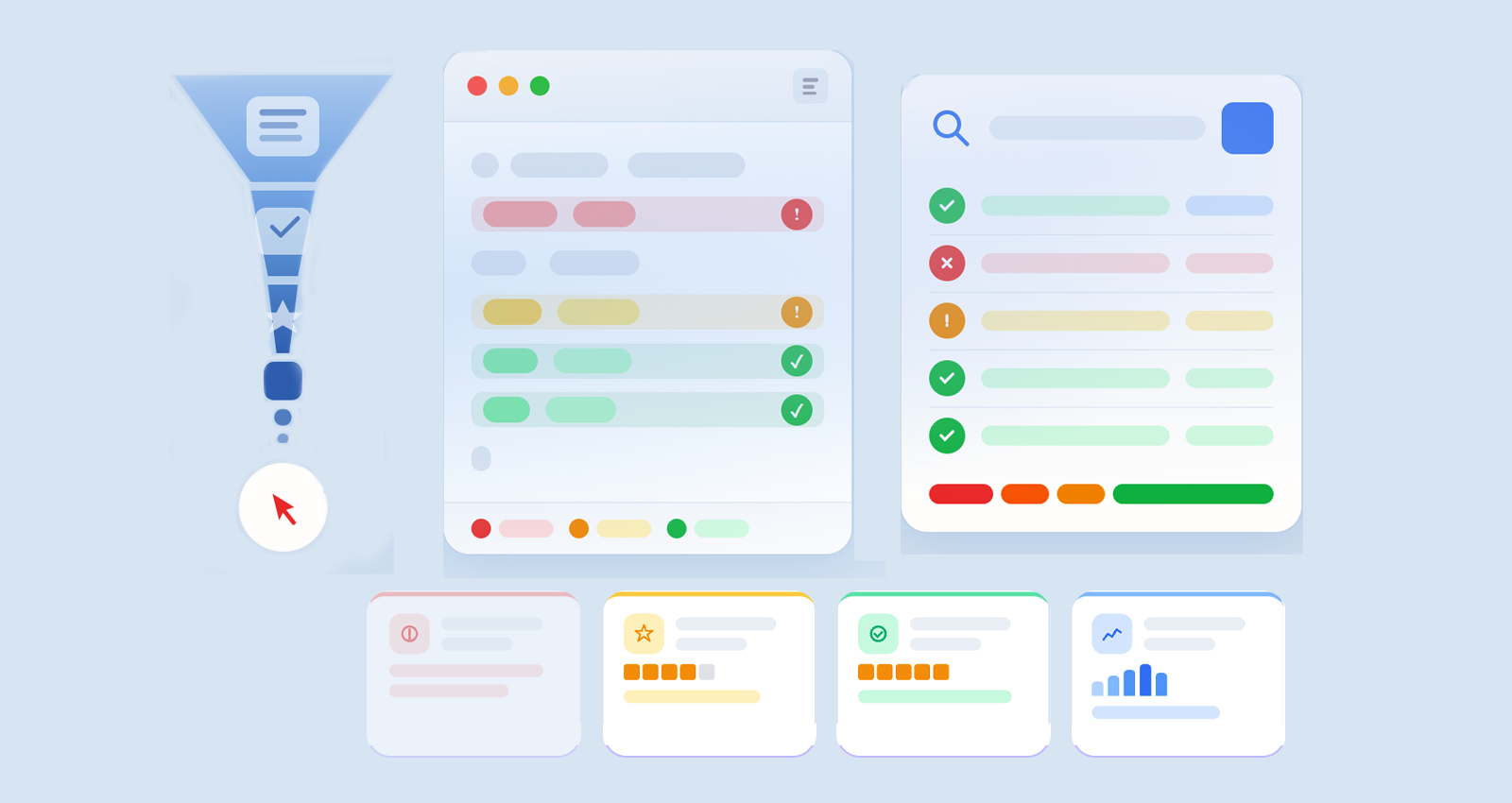
Most marketers add schema markup and expect instant SEO results, but that’s rarely how it works. The real impact begins when you test ClickFunnels schema markup properly.
Search engines like Google don’t “trust” your structured data blindly. They validate it against strict rules. If your markup fails, even slightly, it can be ignored completely. That means no rich snippets, no enhanced visibility, and no SEO advantage.
From a practical standpoint, funnels with perfectly written offers and strong copy fail to gain traction simply because their structured data had minor validation errors. That’s why ClickFunnels schema validation is not just a technical step, it’s a performance multiplier.
In this guide, you’ll go beyond basics and learn how to:
- Validate ClickFunnels structured data correctly
- Use advanced ClickFunnels schema testing tools
- Debug real-world schema issues
- Optimize your markup for rich results
Understanding ClickFunnels Schema Markup (Before You Test It)
Before diving into testing, you need clarity on what you’re validating.
ClickFunnels schema markup is typically implemented using JSON-LD (JavaScript Object Notation for Linked Data). This format helps search engines understand the meaning behind your funnel content rather than just reading it.
For example:
- A sales page → Product + Offer schema
- A webinar funnel → Event schema
- A lead generation page → FAQ schema
Here’s a simplified JSON-LD example:
{
"@context": "https://schema.org",
"@type": "Product",
"name": "SEO Course",
"offers": {
"@type": "Offer",
"price": "99",
"priceCurrency": "USD"
}
}
When implemented correctly, this structured data can:
- Trigger rich snippets (price, FAQs, ratings)
- Improve how Google interprets your page
- Increase click-through rates (CTR)
However, even a small mistake, like missing a required field, can break the entire structure. That’s why understanding ClickFunnels schema markup is the first step toward effective validation.
Why You Must Test ClickFunnels Schema Markup
Testing isn’t just about “checking errors”, it’s about ensuring your schema actually works in real search environments.
1. Google Only Shows Valid Schema
Google explicitly states that only valid structured data is eligible for rich results. If your markup has errors, it may still exist, but it won’t be used.
2. Hidden Errors Are Common in ClickFunnels
Because ClickFunnels often involves custom scripts or third-party tools, issues like:
- Incorrect nesting
- Missing properties
- Duplicate schema blocks
- They are very common.
These errors aren’t always visible unless you actively test them.
3. Schema Impacts Real SEO Performance
Validated schema helps:
- Improve SERP appearance
- Increase CTR
- Enhance content understanding by search engines
Without testing, you’re essentially guessing whether your structured data is working.
Best ClickFunnels Schema Testing Tools (Explained in Depth)
To properly test ClickFunnels schema markup, you need to combine multiple tools, each serving a different purpose. This can include validation tools as well as a ClickFunnels Schema Markup tool to generate and manage structured data efficiently.
1. Google Rich Results Test (Eligibility Checker)
The Google Rich Results Test is the most important tool for ClickFunnels rich snippet testing.
What it does:
- Checks if your page qualifies for rich results
- Identifies errors and warnings
- Shows a preview of eligible enhancements
When to use it:
- After publishing a funnel page
- When optimizing for FAQs, products, or reviews
2. Schema Markup Validator (Technical Validation)
A schema markup validator is essential for accurate ClickFunnels JSON-LD validation, especially when you want to go beyond basic eligibility checks.
What it does:
- Validates your schema structure against schema.org standards
- Detects syntax errors like missing commas or incorrect formatting
- Ensures proper hierarchy and nesting of structured data
Why it matters:
Even if your schema passes Google’s Rich Results Test, it may still have technical flaws. A reliable schema markup validator helps identify these deeper issues, ensuring your structured data is fully optimized and error-free.
3. Google Search Console (Monitoring & Debugging)
Think of Google Search Console as your long-term validation and performance dashboard for structured data.
What it helps with:
- Tracking structured data errors and warnings over time
- Monitoring ClickFunnels rich snippet performance and impressions
- Identifying indexing and crawling issues affecting your pages
Why it matters:
While testing tools show instant results, Google Search Console provides real-world data on how your schema performs in search. It’s essential for maintaining and improving your ongoing ClickFunnels schema markup implementation.
How to Test ClickFunnels Schema Markup Step by Step (Real Workflow)
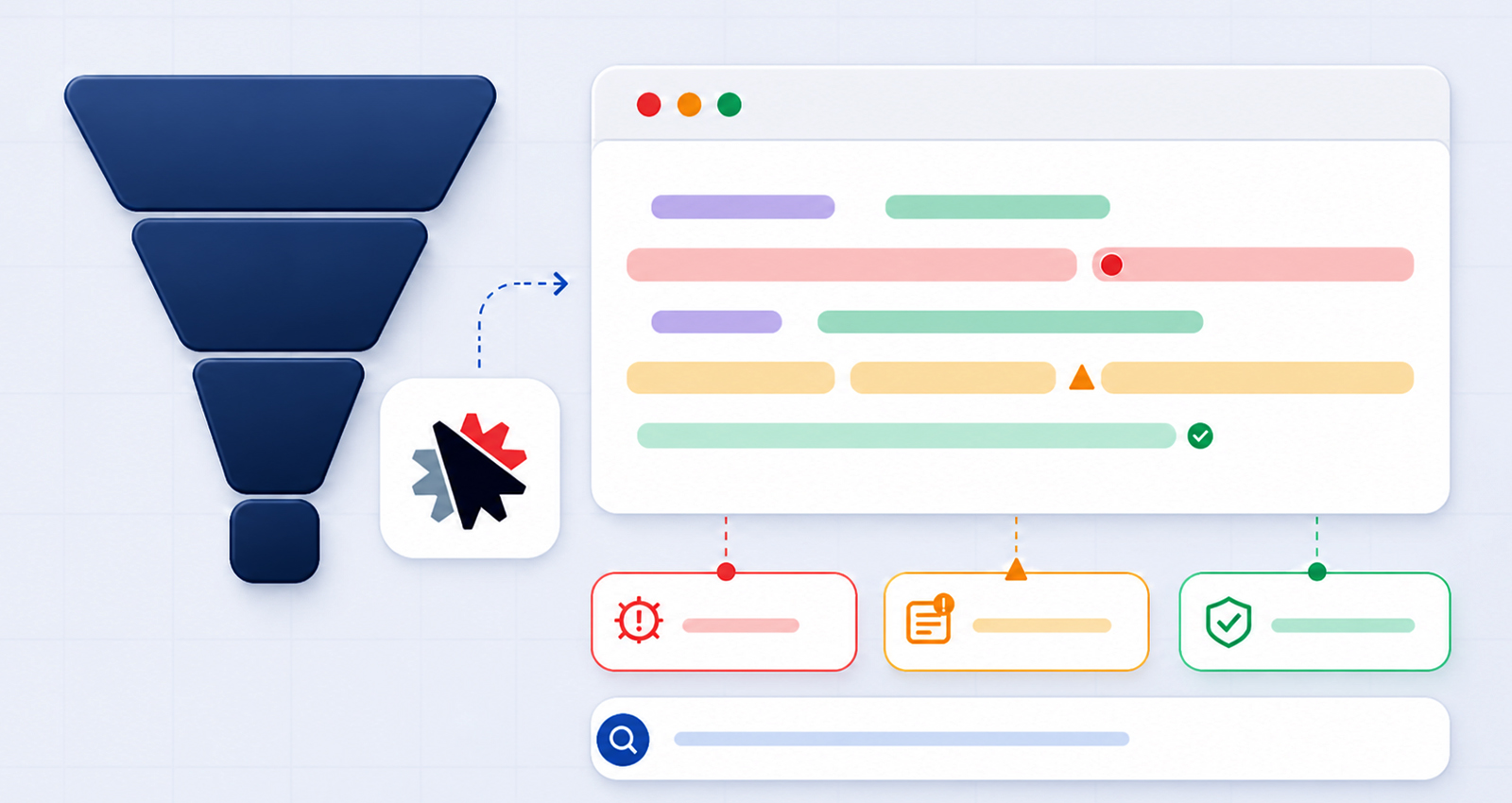
This is the exact, field-tested workflow SEO professionals use to validate ClickFunnels structured data and ensure it performs correctly in real search environments, not just in theory. Each step builds on the previous one, so skipping any stage can lead to incomplete validation or missed errors.
Step 1: Extract Your Schema Code (Start With the Source)
Before you can test anything, you need access to the actual structured data.
In ClickFunnels, schema markup is usually added via:
- Page Settings → Custom Scripts (Header/Footer)
- Third-party schema tools or integrations
Locate and copy the full JSON-LD block. This is the code search engines read.
If you’re unsure where it’s implemented:
- Open your live funnel page
- Right-click → View Page Source View Page Source
- Search for:
application/ld+json
You may find multiple schema blocks. If so, copy each one individually, this helps isolate issues later during validation.
Pro Insight:
Many users unknowingly test outdated or partial schemas. Always extract the schema from the live page, not from your editor, to ensure accuracy.
Step 2: Run Google Rich Results Test (Check Real Eligibility)
Once you have your schema, the next step is to test how Google interprets it.
Use Google Rich Results Test to analyze your page or code.
You can:
- Paste the live URL (recommended)
- Or paste raw JSON-LD code
Focus on three key outputs:
1. Errors (Critical Issues)
These must be fixed. Errors typically prevent your schema from being eligible for rich results.
2. Warnings (Optimization Opportunities)
Warnings don’t block eligibility but indicate missing recommended fields (like images, ratings, or descriptions).
3. Detected Schema Types
Ensure the tool correctly identifies your schema (e.g., Product, FAQ, Event). If it detects the wrong type, or nothing at all, that’s a major red flag.
Why this step matters:
This tool reflects how Google evaluates your schema for SERP features, making it essential for ClickFunnels rich snippet testing.
Step 3: Perform JSON-LD Validation (Deep Technical Check)
After checking eligibility, you need to verify technical accuracy.
Use Schema Markup Validator for deeper ClickFunnels JSON-LD validation.
This step focuses on:
- Correct JSON syntax (no missing commas or brackets)
- Proper nesting of objects
- Required vs optional properties
- Compliance with schema.org standards
Why this step is often overlooked:
Many users rely only on Google’s test. But Google doesn’t catch every structural issue. A schema can pass eligibility checks yet still be technically flawed.
Real-world example:
A Product schema may pass Google’s test but fail to include recommended attributes like brand or availability, limiting its effectiveness.
Step 4: Compare Schema With Page Content (The Trust Check)
This is one of the most critical, and most ignored, steps in any schema markup testing guide for ClickFunnels.
Search engines don’t just validate code, they compare it with visible content.
Make sure:
- Every schema element exists on the page
- No exaggerated or fake claims (like ratings or reviews)
- Structured data accurately reflects what users see
Example of a mismatch:
- Schema shows: “4.9 rating with 120 reviews”
- Page shows: No reviews at all
This creates a trust issue and can lead to the schema being ignored or flagged.
Best practice:
Treat schema as a structured summary of your content, not an enhancement layer that adds new information.
Step 5: Debug Errors and Retest (Iterative Optimization)
Schema validation is rarely a one-time process. It’s iterative.
After identifying issues:
- Fix errors directly in your JSON-LD code
- Re-test using both tools
- Repeat until all critical issues are resolved
Your goal:
- Zero critical errors
- Minimal warnings
- Correct schema detection
- Eligibility for rich results
Pro Insight
Fixing one issue can sometimes reveal another (especially in a nested schema). That’s why retesting is essential after every change.
Step 6: Monitor in Search Console (Long-Term Validation)
Once your schema is live and validated, monitoring becomes your ongoing task.
Use Google Search Console to track:
- Structured data errors over time
- Rich result performance
- Indexing and crawling issues
- Enhancement reports (FAQ, Product, etc.)
Why this matters:
Even a valid schema can break later due to:
- Funnel edits
- Script conflicts
- Platform updates
- Regular monitoring ensures your ClickFunnels schema markup implementation stays error-free.
Common ClickFunnels Schema Markup Errors (With Real Fixes)
Let’s go beyond theory and look at actual issues you’re likely to encounter, and how to fix them effectively.
1. Missing Required Fields (Most Common Issue)
Example:
{
"@type": "Product",
"name": "Online Course"
}
Problem:
Critical properties like offers, price, or availability are missing.
Fix:
Refer to schema.org requirements and include all mandatory fields.
Why it matters:
Missing fields often result in the schema being ignored entirely.
2. Using the Wrong Schema Type
Examples:
- Product schema on a lead magnet page
- FAQ schema without actual FAQs
Problem:
Mismatch between content intent and schema type.
Fix:
Align schema with page purpose. For example:
- Sales page → Product schema
- Info page → FAQ schema
3. JSON Syntax Errors (Technical Breakpoints)
These errors occur frequently during manual edits:
- Missing commas
- Incorrect quotation marks
- Improper nesting
Fix:
Always run your code through a json ld schema validator before publishing.
Even a single missing comma can invalidate the entire schema block.
4. Duplicate Schema Blocks (Conflict Issues)
Having multiple schema scripts describing the same content can confuse search engines.
Fix:
- Merge similar schemas into one structure
- Remove redundant or auto-generated duplicates
5. Structured Data Not Matching Content
Example:
- The schema includes 5-star ratings
- Page has no visible reviews
Problem:
This violates Google’s structured data guidelines.
Fix:
Ensure complete consistency between schema and on-page content.
Best Schema Types for ClickFunnels Funnels
Choosing the right schema is key to successful ClickFunnels schema markup implementation.
| Funnel Type | Recommended Schema Type |
|---|---|
| Sales Page | Product, Offer |
| Webinar Funnel | Event |
| Lead Magnet Page | FAQ, HowTo |
| Course Page | Product, Review |
Using the right schema improves validation success and increases chances of rich snippets.
How to Get ClickFunnels Rich Snippets for Your Pages
Even after you test ClickFunnels schema markup, getting ClickFunnels rich snippets depends heavily on how well your structured data and content are optimized. Validation ensures eligibility, but optimization is what improves your chances of actually appearing as a rich result in search.
Key Ranking & Eligibility Factors for ClickFunnels Rich Snippets
To maximize your chances of earning ClickFunnels rich snippets, focus on the following:
Fully validated schema (no errors):
Complete and detailed structured data:
High-quality, relevant page content:
Proper schema-to-content alignment:
Strong trust signals:
Your structured data must pass all validation checks. Even minor errors can prevent Google from using your markup.
Include all relevant properties (e.g., price, availability, FAQs, ratings) to give search engines as much context as possible.
Schema alone isn’t enough, your page must deliver real value and match search intent.
Every element in your schema should reflect visible content on the page. Misalignment reduces trust and eligibility.
Adding elements like reviews, FAQs, and clear pricing improves credibility and increases the likelihood of triggering ClickFunnels rich snippets.
Pro Tips for Advanced Schema Validation
If you want to go beyond basic validation and build a scalable SEO system:
- Validate schema after every funnel update (even small edits)
- Use multiple tools to cross-check results
- Avoid overloading pages with unnecessary schema types
- Review output from schema generators manually
- Audit structured data performance monthly
These practices ensure consistent success with ClickFunnels schema testing tools and long-term SEO stability.
If you want consistent SEO results, don’t stop at implementation, test ClickFunnels schema markup thoroughly and regularly.
Validation ensures your structured data is:
- Technically correct
- Content-aligned
- Eligible for rich results
The winning workflow is simple but powerful:
- Extract → Validate → Debug → Optimize → Monitor
Follow this consistently, and your ClickFunnels pages won’t just exist in search, they’ll stand out with enhanced visibility and higher engagement.
FAQs
Q1: How do I test ClickFunnels schema markup step by step?
Extract your JSON-LD code, run it through Google Rich Results Test, then validate it with Schema Markup Validator. Fix errors and monitor performance in Google Search Console.
Q2: What is ClickFunnels schema validation?
It’s the process of checking your structured data for errors, missing fields, and compliance with schema standards. This ensures your markup is eligible for rich results and properly understood by search engines.
Q3: Which tool is best for JSON-LD validation?
Schema Markup Validator is best for technical accuracy, while Google Rich Results Test checks eligibility for rich snippets. Using both gives the most reliable results.
Q4: Why is my ClickFunnels schema not working?
Common issues include syntax errors, missing required fields, incorrect schema types, or mismatched content. Running proper validation helps identify and fix these problems quickly.
Q5: Can I automate ClickFunnels schema markup?
Yes, you can use a ClickFunnels Schema Markup tool or generator to automate it. However, always validate the generated output to ensure it’s accurate and error-free.
Q6: How often should I test schema markup?
You should test your schema after every update or change to your funnel. Regular checks help prevent errors from affecting your rich result eligibility.
Q7: Does schema markup improve rankings?
Schema markup doesn’t directly boost rankings, but it enhances visibility through rich results. This can improve CTR, which may indirectly support SEO performance.
Q8: What is the easiest way to check schema in ClickFunnels?
Open your page source, locate the JSON-LD script, and test it using validation tools. This is the quickest way to verify if your schema is working correctly.







 Wix Schema
 Squarespace Schema
 BigCommerce Schema
 Shopify Schema
 Hubspot Schema
 Webflow Schema
 GoHighlevel Schema
 Duda Schema
 Weebly Schema