


Wix has improved a lot in SEO over the years, there’s no denying that. Pages load fast, sitemaps are handled automatically, and getting indexed in Google is usually not a problem. But even with all of that in place, many Wix sites still struggle to stand out in search results. The issue isn’t what’s visible on the surface, it’s what search engines can’t fully understand.
Structured data is what gives your content meaning beyond plain text. It helps search engines identify whether a page is a service, article, product, or something else entirely. Recognizing these Wix schema SEO limitations, identifying where context is missing, and fixing those gaps is what turns a technically optimized site into one that actually performs in search.
Key Wix Schema Limitations That Affect SEO
- Default schema is too basic
- Limited control over structure
- Schema duplication issues
- Missing advanced schema types
- Weak entity connections
- Poor scalability
Why Wix Schema Limitations Hurt SEO Performance
Search engines today don’t just scan keywords, they try to understand entities and context. They want to clearly identify what a page represents, who it’s about, and how it connects to other pieces of information across the web. This is how Google decides whether your page is just another result or something worth highlighting with rich features.
Wix does include some structured data by default, but it usually stops at a basic level. It might tell Google that a page is an article or product, but it doesn’t always provide enough detail to fully define that content. Important signals like author authority, service context, or deeper entity relationships are often missing or loosely defined.
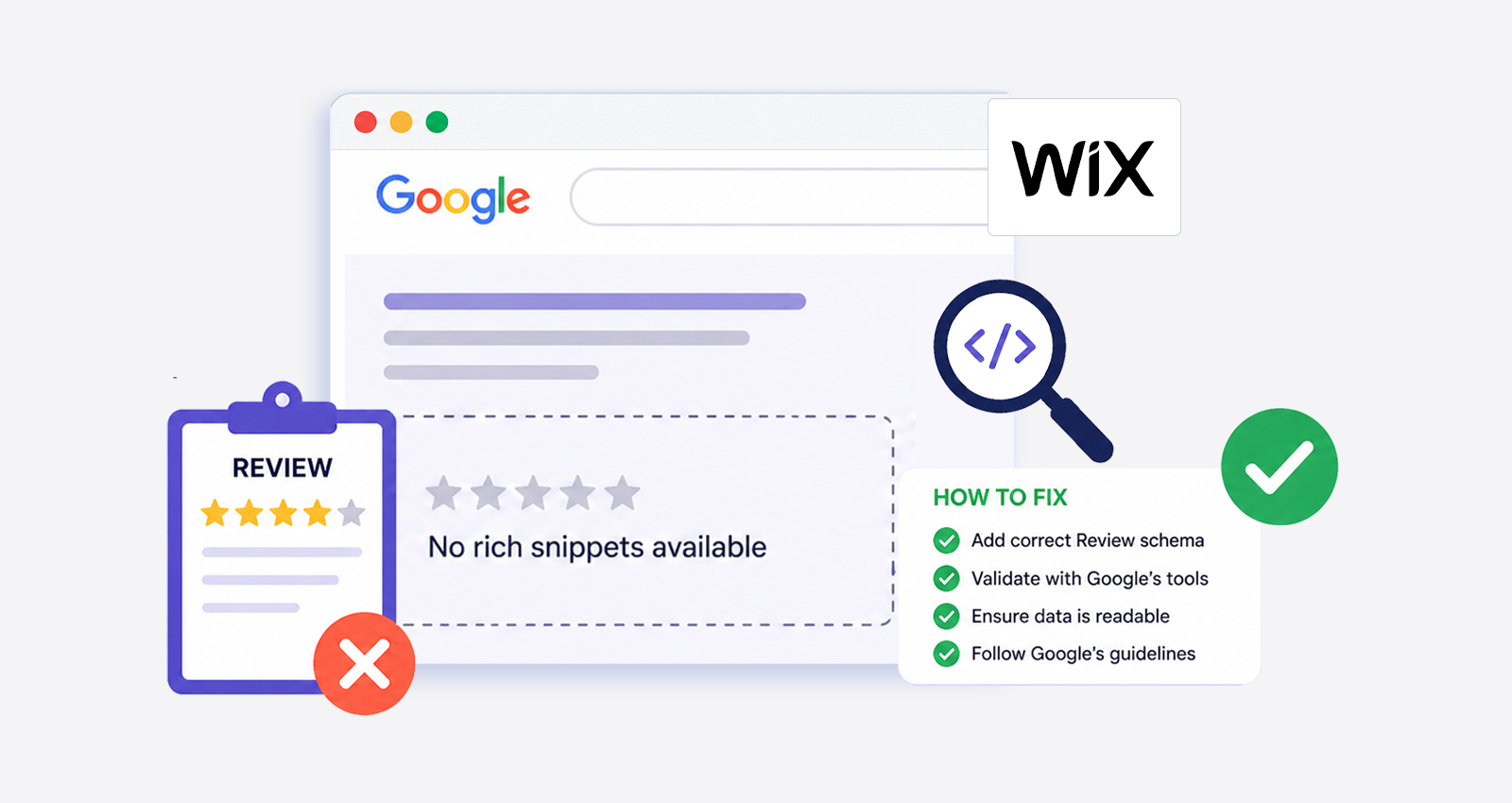
As a result, pages still get indexed, but they don’t stand out. Search listings appear plain, without enhancements like FAQs, ratings, or additional details.
Wix Schema SEO Limitations Explained and How to Fix Them
Wix schema limitations are not always obvious at first, but they start to affect how your content is interpreted as your site grows. While basic structured data is in place, gaps in detail, consistency, and structure can limit how effectively your pages perform in search. Below are the key limitations and how to fix them.
1. Limitation: Default Wix Schema Is Too Basic
Wix automatically applies schema to pages like blog posts and products, but this schema is usually basic. It defines the page type, but not the full context behind it.
The Issue
The structured data often misses critical details such as author authority, publisher identity, and connections between entities. For example, an article may be marked as an Article, but without a properly defined author or organization, it lacks credibility signals.
Search engines rely on these details to decide whether your content deserves enhanced features like rich snippets. Without them, your page becomes just another standard listing, even if the content is strong.
The Fix
Using JSON Schema for Wix, structured data can be expanded to include these missing elements. A properly defined schema connects your content to real entities and improves how it’s interpreted.
<script type="application/ld+json">
{
"@context": "https://schema.org",
"@type": "Article",
"headline": "Wix SEO Limitations Explained",
"author": {
"@type": "Person",
"name": "John Smith"
},
"publisher": {
"@type": "Organization",
"name": "Your Brand",
"logo": {
"@type": "ImageObject",
"url": "https://yourwebsite.com/logo.png"
}
}
}
</script>
This level of detail increases trust signals and improves eligibility for rich results.
2. Limitation: No Strong Control Over Schema Structure
Wix allows adding structured data through custom code, but it lacks a built-in system to manage schema consistently across multiple pages.
The Issue
Schema is often added manually to individual pages, which leads to inconsistencies. Some pages may have a detailed schema, while others have none. Over time, this creates gaps in how your website is interpreted.
Additionally, when content changes, the schema is often not updated. This results in outdated structured data, which can reduce credibility and even cause errors in search results.
The Fix
A consistent schema strategy is required. Each page type should have a defined schema structure, and all implementations should follow the same format. Regular audits ensure accuracy.
When implemented correctly, a schema creates a uniform structure across your site, making it easier for search engines to understand and categorize your content.
<script type="application/ld+json">
{
"@context": "https://schema.org",
"@type": "Article",
"@id": "https://yourwebsite.com/blog/sample-post",
"headline": "Sample Blog Title",
"description": "Brief description of the blog post content.",
"author": {
"@type": "Person",
"name": "Author Name",
"url": "https://yourwebsite.com/about-author"
},
"publisher": {
"@type": "Organization",
"name": "Your Brand Name",
"logo": {
"@type": "ImageObject",
"url": "https://yourwebsite.com/logo.png"
}
},
"datePublished": "2026-04-20",
"dateModified": "2026-04-20",
"mainEntityOfPage": {
"@type": "WebPage",
"@id": "https://yourwebsite.com/blog/sample-post"
}
}
</script>
This approach creates consistency across your entire site, every blog post follows the same schema structure, only key fields (title, URL, dates) are updated per page, author and publisher stay consistent, strengthening entity signals.
3. Limitation: Schema Duplication and Conflict
Wix automatically generates a schema, which can conflict with manually added structured data.
The Issue
When both default and custom schemas exist on the same page, search engines receive mixed signals. For example, two Article schemas with different details can confuse crawlers.
This doesn’t always trigger errors, but it reduces clarity. And in SEO, reduced clarity means reduced effectiveness.
The Fix
The schema should be simplified and unified. Avoid duplicating the same schema type. If a custom schema is added, it should either replace or align with the default markup.
Clean, consistent, structured data always performs better than layered or conflicting implementations.
4. Limitation: Missing Advanced Schema Types
Wix supports basic schema types like Article, Product, and Organization, but many high-impact schema types are not included by default.
The Issue
This limits your ability to appear in rich results. For example, the FAQ schema can create expandable search listings, and the service schema can define business offerings clearly. Without these, your listings remain basic.
The Fix
The advanced schema needs to be added manually in JSON-LD format. This allows pages to qualify for enhanced search features and improves how content is displayed.
For example, adding FAQ schema to a blog or service page can instantly improve how it appears in search:
<script type="application/ld+json">
{
"@context": "https://schema.org",
"@type": "FAQPage",
"mainEntity": [{
"@type": "Question",
"name": "Does Wix support advanced schema?",
"acceptedAnswer": {
"@type": "Answer",
"text": "Wix supports basic schema, but advanced schema types must be added manually for better SEO performance."
}
}]
}
</script>
5. Limitation: Automation Lacks Depth and Scalability
Wix does automate structured data to an extent, but the automation is limited to basic, predefined schema types. It doesn’t scale well when you need a consistent, customized schema across a growing website.
The Issue
As the site expands, managing structured data becomes increasingly complex. Default schema continues to apply, but it doesn’t adapt to specific page intent or advanced requirements. At the same time, manually adding schema for each page creates gaps; some pages get optimized, others are missed, and updates don’t always stay in sync with content changes.
Over time, this leads to inconsistency. Some pages may have outdated schema, others may lack important properties, and the overall structure becomes fragmented.
The Fix
Automation is the most effective solution here. Tools like JSON Schema App can automate structured data across your website without requiring manual coding for every page.
This ensures:
- Consistent schema across all pages
- Real-time updates when content changes
- Reduced risk of errors
- Scalable implementation
6. Limitation: Weak Entity-Level Understanding
Modern search engines rely on entity relationships to understand content deeply.
The Issue
Wix schema often doesn’t connect entities properly. Pages exist in isolation instead of being part of a structured network. This weakens your site’s authority and reduces visibility in knowledge graphs and AI search.
The Fix
Structured data should connect entities across your site. For example, linking an author to an organization or connecting pages through consistent schema improves how search engines interpret your content.
This strengthens overall authority and improves visibility across search ecosystems. Here’s a simple example:
<script type="application/ld+json">
{
"@context": "https://schema.org",
"@type": "Article",
"author": {
"@type": "Person",
"name": "John Smith",
"affiliation": {
"@type": "Organization",
"name": "Your Brand"
}
}
}
</script>
How Wix Schema Limitations Impact SEO Results
Without proper structured data, results look plain, just a title and meta description, while competitors may show FAQs, ratings, breadcrumbs, or additional details. That visual difference directly affects user behavior. Even if two pages rank close to each other, the one with richer information naturally attracts more clicks.
Studies consistently show that rich results often improve click-through rates (CTR) by making listings more informative. That means the same ranking position can drive significantly different traffic depending on how the result is displayed. Over time, higher engagement also sends positive signals back to search engines.
Also, content with a clear schema is easier for AI platforms to interpret, making it more likely to be surfaced in AI-driven results.
Final Thoughts
Wix gives you a strong SEO foundation with solid performance and indexing. But real visibility today depends on how clearly your content is understood, and that comes from structured data.
The platform doesn’t limit you, but it doesn’t fully define your content either. Fixing schema gaps and implementing structured data properly is what helps your site stand out, improve CTR, and perform better in both search and AI results.
FAQs
Q1: What are Wix SEO limitations in structured data?
Wix provides basic schema, but it often lacks depth, flexibility, and advanced schema types, which limits rich results and visibility.
Q2: Can JSON-LD schema be added in Wix?
Yes, JSON-LD can be added manually through code injection, allowing better control and customization of structured data.
Q3: Why are rich snippets missing on Wix sites?
Rich snippets often don’t appear due to an incomplete or generic schema that doesn’t meet Google’s structured data guidelines.
Q4: How does JSON Schema App help Wix users?
It automates structured data implementation, ensuring consistency, real-time updates, and a scalable schema across the entire website.
Q5: Does schema improve rankings directly?
Schema doesn’t directly affect rankings but improves CTR, visibility, and how content is understood, which impacts performance.
Q6: Is structured data important for AI search?
Yes, AI platforms rely on structured data to interpret content accurately and include it in generated responses.









 Wix Schema
 Squarespace Schema
 BigCommerce Schema
 Shopify Schema
 Hubspot Schema
 Webflow Schema
 GoHighlevel Schema
 Duda Schema
 Weebly Schema
 ClickFunnel Schema