

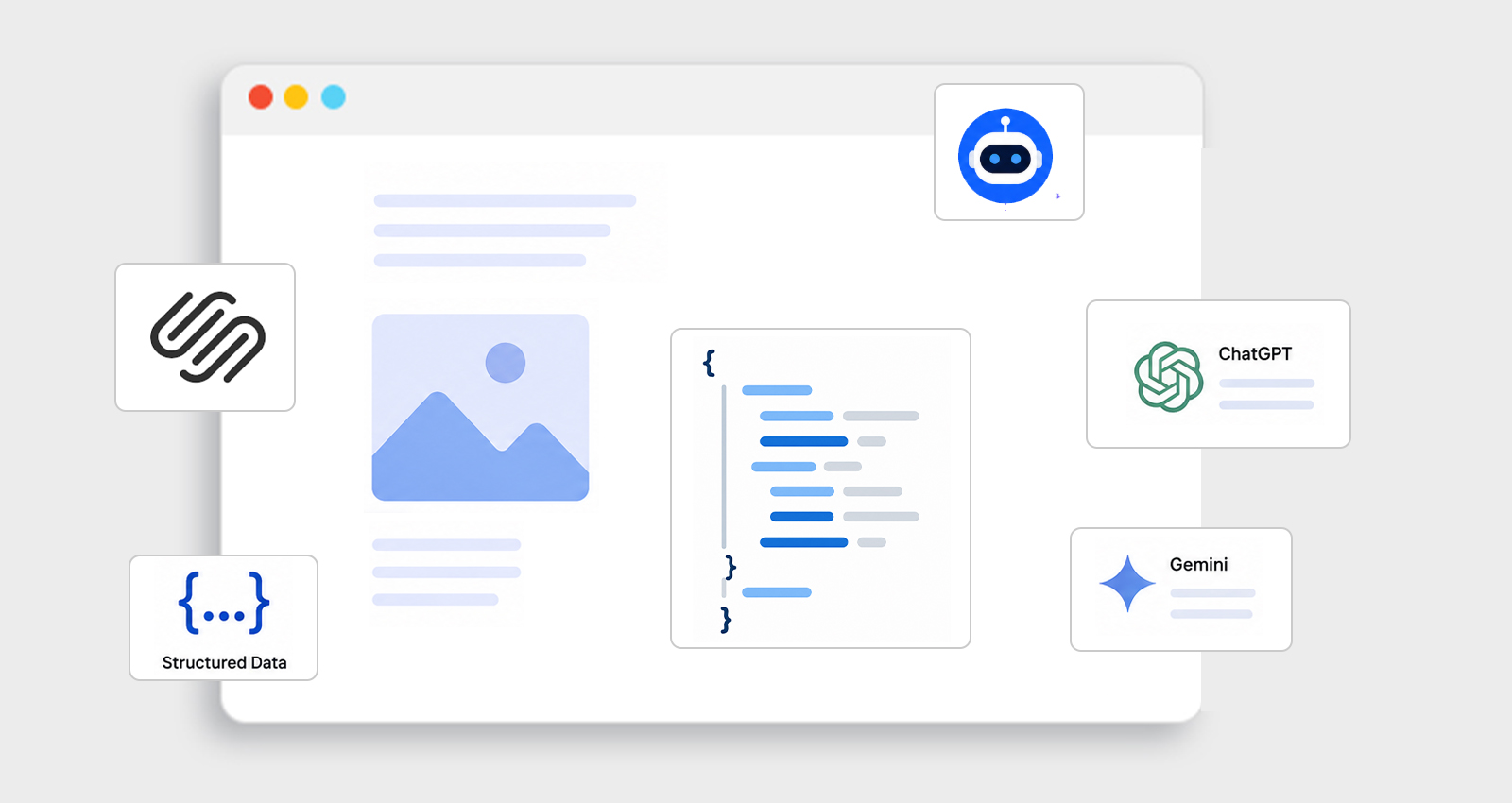
AI search has become the first stop for millions of users. Google AI Overviews, ChatGPT, Gemini, and Perplexity are now answering questions directly and the websites powering those answers aren’t chosen at random. They’ve given AI platforms a clear, structured way to read and understand their content. For Squarespace site owners, that means one thing: implementing the right Squarespace schema for AI search before competitors do.
How AI Search Differs From Traditional Google Search
Traditional search is about ranking. AI search is about understanding. When ChatGPT or Google’s AI Overview assembles an answer, it doesn’t pick the top-ranked URL and stop. It processes structured signals from multiple sources to build a coherent, confident response. The sites it chooses to cite share a common trait, their content is machine-readable, not just human-readable.
Google AI Overviews appear in 13.1% of all searches, and that number keeps climbing. Both Google and Microsoft publicly confirmed that they use schema markup to power their Generative AI features.
Without schema, AI tools have to guess what a page means. With schema, there’s no guessing, the content defines itself.
Why Squarespace’s Default Schema Isn’t Enough for AI Search
The platform has been auto-generating structured data since 2016. It covers the basics, business name, site type, product listings, post dates. For a simple portfolio or small local business, that’s often sufficient. But “sufficient” and “featured in AI search” are two very different bars.
Squarespace’s default schema is generic and non-customizable. It doesn’t know whether a page is answering a specific user question, describing a professional service, or positioning the site owner as an expert on a topic. Those are exactly the signals AI platforms use to decide whose content gets surfaced in an AI-generated answer.
Squarespace doesn’t automatically generate FAQPage, Service, Article (with authorship), or JobPosting schema. Those are the types most likely to earn featured placement in both rich results and AI responses.
Best Schema Types for AI Search Visibility on Squarespace
Not all schema types carry equal weight when it comes to AI search. These are the ones worth prioritizing.
1. FAQPage Schema
FAQ schema is the single most effective type for conversational AI queries. When someone asks ChatGPT or Perplexity a question, those platforms look for content explicitly marked as a question-and-answer pair. FAQPage schema does exactly that, it tells the AI, “this content directly answers this specific question.”
It’s also quick to implement and gets picked up fast. Here’s what a proper FAQPage JSON-LD block looks like:
<script type="application/ld+json">
{
"@context": "https://schema.org",
"@type": "FAQPage",
"mainEntity": [{
"@type": "Question",
"name": "Does Squarespace support custom schema markup?",
"acceptedAnswer": {
"@type": "Answer",
"text": "Squarespace generates basic structured data automatically, but it doesn't support FAQPage, Service, or Article schema with authorship. Those need to be added manually via JSON-LD in the code injection settings."
}
}]
}
</script>
2. Article Schema
For blog-driven Squarespace sites, the Article schema is essential. It communicates authorship, publish date, and the publisher, three signals AI tools use to assess whether a source is credible and current.
<script type="application/ld+json">
{
"@context": "https://schema.org",
"@type": "Article",
"headline": "How to Get Featured in AI Search Using Squarespace Schema Markup",
"author": {
"@type": "Person",
"name": "Your Name"
},
"datePublished": "2025-05-01",
"publisher": {
"@type": "Organization",
"name": "Your Site Name",
"url": "https://yoursite.com"
}
}
</script>
3. Organization Schema
Before AI platforms feature a site in their answers, they need to recognize the brand behind it. Organization schema establishes that identity, and it connects the business name, website, social profiles, and core description into a unified entity that both Google’s Knowledge Graph and AI search systems can reference with confidence.
For local service businesses, LocalBusiness schema extends this further by feeding directly into Knowledge Panels and location-based AI answers.
How to Add Schema Markup to a Squarespace Site (Step by Step)
Squarespace allows custom HTML injection in two places, which is all that’s needed to deploy JSON-LD cleanly.
Site-Wide Schema: Organization and LocalBusiness
- Go to Settings → Advanced → Code Injection
- In the Header field, paste the schema block inside a
<script type="application/ld+json">tag - Save and test the homepage using Google’s Rich Results Test
Page-Level Schema: Article, FAQPage, and Service
- Open the specific page in the Squarespace editor
- Add a Code Block anywhere on the page
- Paste the JSON-LD schema directly inside it
- Publish the page, then validate the URL at the Schema Markup Validator
A few mistakes that commonly break this process and cause schema to be ignored entirely:
- Schema that doesn’t match the page content. If an FAQ section is updated but the JSON-LD isn’t changed to match, Google flags the mismatch. Rich result eligibility gets pulled.
- Placeholder text left in from a generator. Fields like “Organization Name” or “Service Description” need real values. Generic placeholders signal low-quality markup and often cause Google to discard the schema entirely.
- Stacking multiple conflicting schema types on one page. One primary type per page, supplemented by related types where they fit naturally, keeps indexing clean and avoids crawler confusion.
Squarespace Default Schema vs Custom JSON-LD
Squarespace includes basic schema by default, but it only covers limited structured data. Custom JSON-LD provides deeper control for rich results, entity signals, and stronger search visibility. Here’s a quick breakdown of what actually changes between the two.
| Capability | Squarespace Auto Schema | Custom JSON-LD |
|---|---|---|
| Generated without setup | Yes | Manual / Automation |
| FAQPage schema | Not supported | Full support |
| Article with authorship | Limited | Complete |
| Service / professional schema | No | Yes |
| AI search visibility | Minimal | Strong |
| Rich result eligibility | Partial | Full range |
| Knowledge Graph entity signals | Weak | Entity-level |
Why AEO Matters Alongside Schema Markup
AI search visibility also depends on how content is structured at the page level. Answer Engine Optimization (AEO), the practice of formatting content specifically to be cited in AI-generated answers, combines schema markup with content that AI platforms can parse and trust.
In practical terms for Squarespace sites:
- Service pages need both Service schema and clearly written, question-answering prose
- Blog posts should have Article schema and headings that mirror real user queries
- FAQ sections need FAQPage schema and concise, direct answers, not buried inside long paragraphs
- Product pages need complete Product schema: price, availability, description, and reviews
ChatGPT, Claude, Perplexity, and Gemini all actively process Schema Markup when crawling pages for AI response generation.
How Schema Markup Improves CTR and Search Visibility
Beyond AI search, Squarespace schema markup has a direct impact on traditional search performance. Rotten Tomatoes reported a 25% higher click-through rate on pages using structured data compared to plain listings.
Rich results, FAQ dropdowns, review stars, product availability, breadcrumb paths, make a listing visually distinctive on the SERP. A plain blue link sitting next to an enhanced listing loses clicks even at the same ranking position.
Schema doesn’t move rankings directly. But it changes how a result looks, which changes how many people click, which sends positive engagement signals back to search engines over time. The compounding effect starts the moment clean structured data goes live.
Schema Priority Order for Squarespace Websites
For most Squarespace sites, rolling everything out at once isn’t realistic. Here’s a sensible order based on impact:
- Organization schema: Establishes entity identity; foundational for everything else
- FAQPage schema: Highest immediate impact for AI search and rich result eligibility
- Article schema: Critical for blogs; adds authorship and freshness signals
- Service schema: High value for coaches, consultants, and service businesses
- LocalBusiness schema: Required for any site with a geographic service area
- BreadcrumbList schema: Improves SERP display and crawlability
Tools like JSON Schema App handle automatic detection, generation, and deployment of these schema types across a Squarespace site, removing the manual errors that typically occur with copy-paste JSON-LD.
Final Thoughts
Getting featured in AI search on a Squarespace site comes down to a structured data gap, and closing it is more straightforward than most site owners expect. FAQPage, Article, Organization, and Service schema are what push a site from “indexed” to “cited” in AI-generated answers. Clean, accurate JSON-LD on the right pages is what makes AI tools confident enough to reference a site, and that confidence shows up in both featured AI answers and stronger click-through rates in traditional search.
FAQs
Q1: Does adding schema guarantee a spot in Google AI Overviews?
There’s no guarantee, AI Overviews are selective, but schema markup is one of the clearest eligibility signals. Without it, most Squarespace pages won’t be considered at all.
Q2: Which schema type is most effective for getting cited by ChatGPT?
The FAQPage schema maps most directly to how ChatGPT handles conversational queries. Question-and-answer structured content is what AI platforms pull from most reliably.
Q3: Does Squarespace’s default schema conflict with custom JSON-LD?
It can, if property values contradict each other. Custom schema should complement what Squarespace outputs, not duplicate or contradict it. Audit both with the Schema Markup Validator before publishing.
Q4: How long after adding the schema do results appear?
Rich result appearance typically follows within a few weeks of Google recrawling the page. AI search citation timelines vary, but well-structured pages tend to get incorporated faster.
Q5: How do I verify that Squarespace schema is working?
Use Google’s Rich Results Test for rich result eligibility and the Schema.org Markup Validator for syntax accuracy. Google Search Console’s Enhancements tab shows which schema types are being read and flags any errors.
Q6: What happens if schema markup contains errors?
Errors don’t cause ranking penalties, but they make a page ineligible for rich results. Left unfixed over time, consistent errors can cause Google to stop reading the structured data entirely.








 Wix Schema
 Squarespace Schema
 BigCommerce Schema
 Shopify Schema
 Hubspot Schema
 Webflow Schema
 GoHighlevel Schema
 Duda Schema
 Weebly Schema
 ClickFunnel Schema