

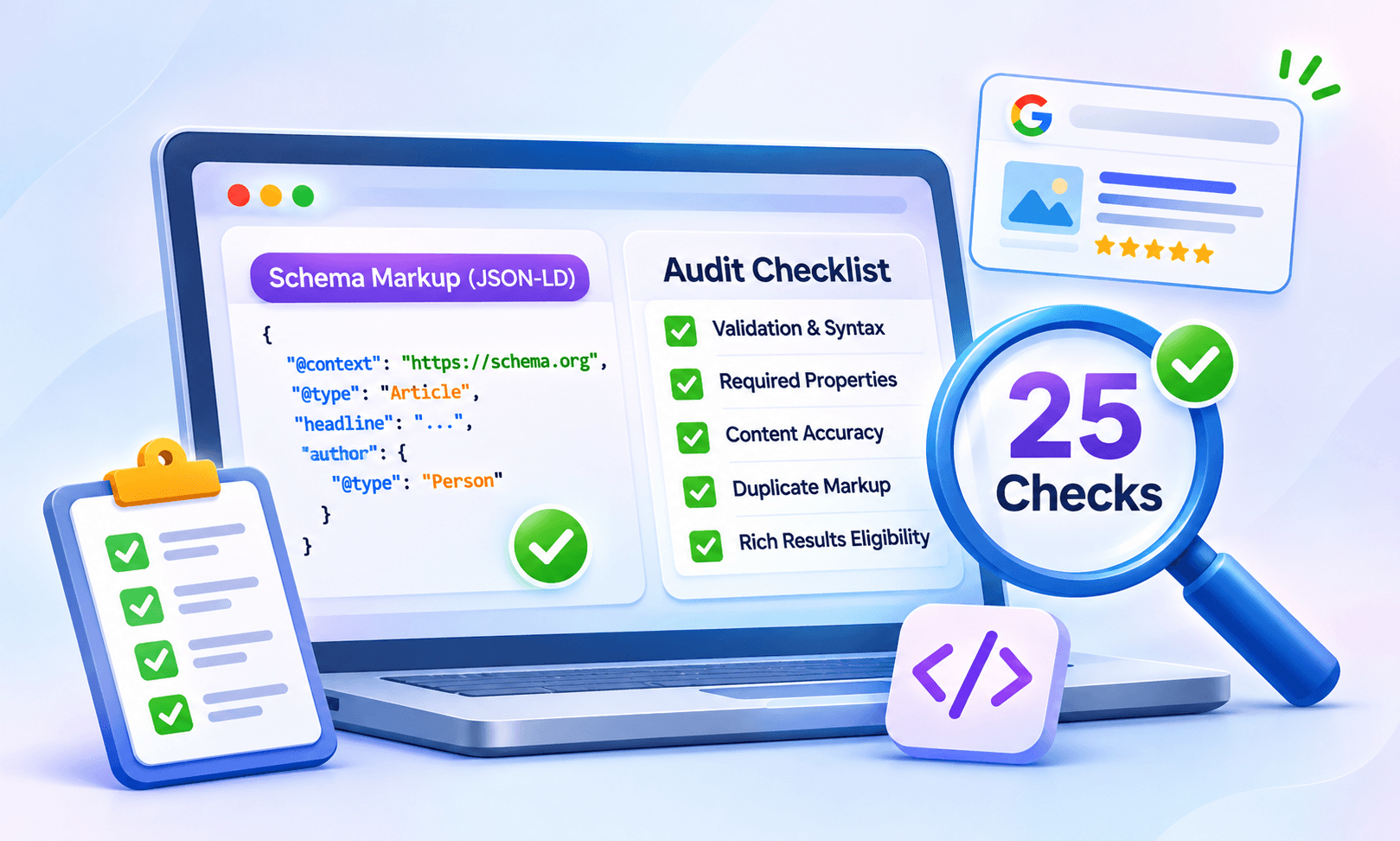
Structured data has a strange failure mode. A page can pass the Google Rich Results Test with a green checkmark, get crawled and indexed without a single warning in Search Console, and still earn nothing from its markup for months. Nobody notices, because nothing looks broken.
That gap between valid and correct is exactly what a schema markup audit checklist is for. Validators check whether JSON-LD parses. They do not check whether the rating on the page matches the rating in the code, whether three plugins are each injecting their own Organization block, or whether the rich result being chased was retired in May.
This guide walks through 25 checks, grouped into five stages, that catch those problems before a page goes live. It covers what to look at, why each check matters, and how to fix the most common issues when they turn up.
What a Schema Markup Audit Actually Involves
A schema markup audit is a structured review of every piece of structured data on a page or site, measured against three questions. Does it parse? Does it describe what is visibly on the page? Is it eligible for the search feature it was built to earn?
Most teams stop at the first question. That is understandable, because the first question is the only one a tool answers automatically. The second and third require a human reading the page next to the code, which is slower and less satisfying than a green checkmark.
A properly structured data audit treats the code as a claim about the page. Every property is an assertion, and each one gets checked against the visible content, the site template, and Google’s current documentation. That framing turns an audit from a syntax pass into a quality check.
Why Audit Before Publishing Instead of After
Schema problems compound over time in a way most on-page issues do not. A duplicated Organization block on one template becomes a duplicate on 2,000 pages the moment the template deploys. A frozen reviewCount stays frozen for years. A misleading Product type on a service page sits there until a manual action arrives.
Catching these at the publishing stage costs minutes. Catching them after a sitewide rollout costs a recrawl cycle, a Search Console cleanup, and sometimes a reconsideration request. The rich results eligibility a page earns also lags behind the fix by days or weeks, so every delay in finding the issue pushes the payoff further out.
There is also a click-through rate argument. Rich results can make listings more prominent in search results and may influence click-through rates. However, their appearance and performance vary by search query, device, and the type of result displayed. A page that could have qualified but never did because of a structural error is leaving that visibility unclaimed.
The 25-Point Schema Markup Audit Checklist
The checks are grouped into five stages. Running them in order matters, because there is no point checking eligibility on markup that does not parse, and no point checking accuracy on markup attached to the wrong entity.
Stage 1: Syntax and Validation (Checks 1 to 5)
This stage is the mechanical layer. Everything here is checkable with tools, and every problem here blocks every later stage.
1. The JSON-LD parses without errors
Run the page through the Google Rich Results Test and the Schema Markup Validator. A trailing comma, a missing closing brace, or an unescaped quotation mark inside a description will silently disable the entire block. JSON-LD validation is the first gate, not the last.
2. The @context and @type are declared correctly
Every top-level object needs "@context": "https://schema.org" and a valid @type. A surprising number of implementations use http:// instead of https://, or misspell a type in a way the validator flags only as an unknown type rather than an error.
3. Property names match Schema.org exactly
Schema.org properties are case-sensitive. ratingvalue is not ratingValue, and datepublished is not datePublished. Validators usually catch this, but not always, and a mis-cased property is simply ignored rather than rejected.
4. Nested objects use the right structure
An author should be a Person or Organization object, if the target rich result requires it. An offers block inside a Product needs its own @type of Offer. Flattened objects that skip the inner @type are one of the more common schema markup errors in hand-coded implementations.
5. The markup is in the rendered HTML, not only in the source
Some frameworks inject JSON-LD through JavaScript after the initial page load. Do not assume that markup missing from the original HTML is automatically unusable. Check the rendered HTML using Google’s URL Inspection tool and verify that Google can access the structured data after rendering. If the script is missing, blocked, or fails to execute, investigate the rendering issue before publishing.
Stage 2: Required Properties and Completeness (Checks 6 to 10)
Valid syntax with missing properties earns an “eligible with warnings” result at best. This stage confirms the markup has what Google actually asks for.
6. Every required property for the target rich result is present
Google’s documentation lists required schema properties per feature. Product merchant listings require name, image, and offers with a price. JobPosting requires title, description, datePosted, hiringOrganization, and jobLocation. Check the feature page, not just the vocabulary.
7. Recommended properties are included where the content supports them
Recommended properties provide additional information that can help Google better understand the content. For example, Article markup can include datePublished, author, and image when those details are available. Google does not specify required properties for Article structured data, so missing these fields does not automatically make the markup invalid or ineligible.
8. Property values use the expected format
Dates should follow the format expected by the relevant property, typically ISO 8601 for date and date-time values. For Product offers, use a numeric value for the price property and specify the currency separately through priceCurrency, such as 49.99 and USD.
Durations that require ISO 8601 duration notation should use the appropriate format, such as PT30M for 30 minutes. Always check the expected data type and format in the documentation for the specific property and Google feature.
9. Image references resolve and meet size requirements
Article and Product images should be crawlable, high resolution, and, for Article, ideally provided in multiple aspect ratios. A broken image URL in the markup is a warning, and a tiny thumbnail may disqualify the page from certain displays.
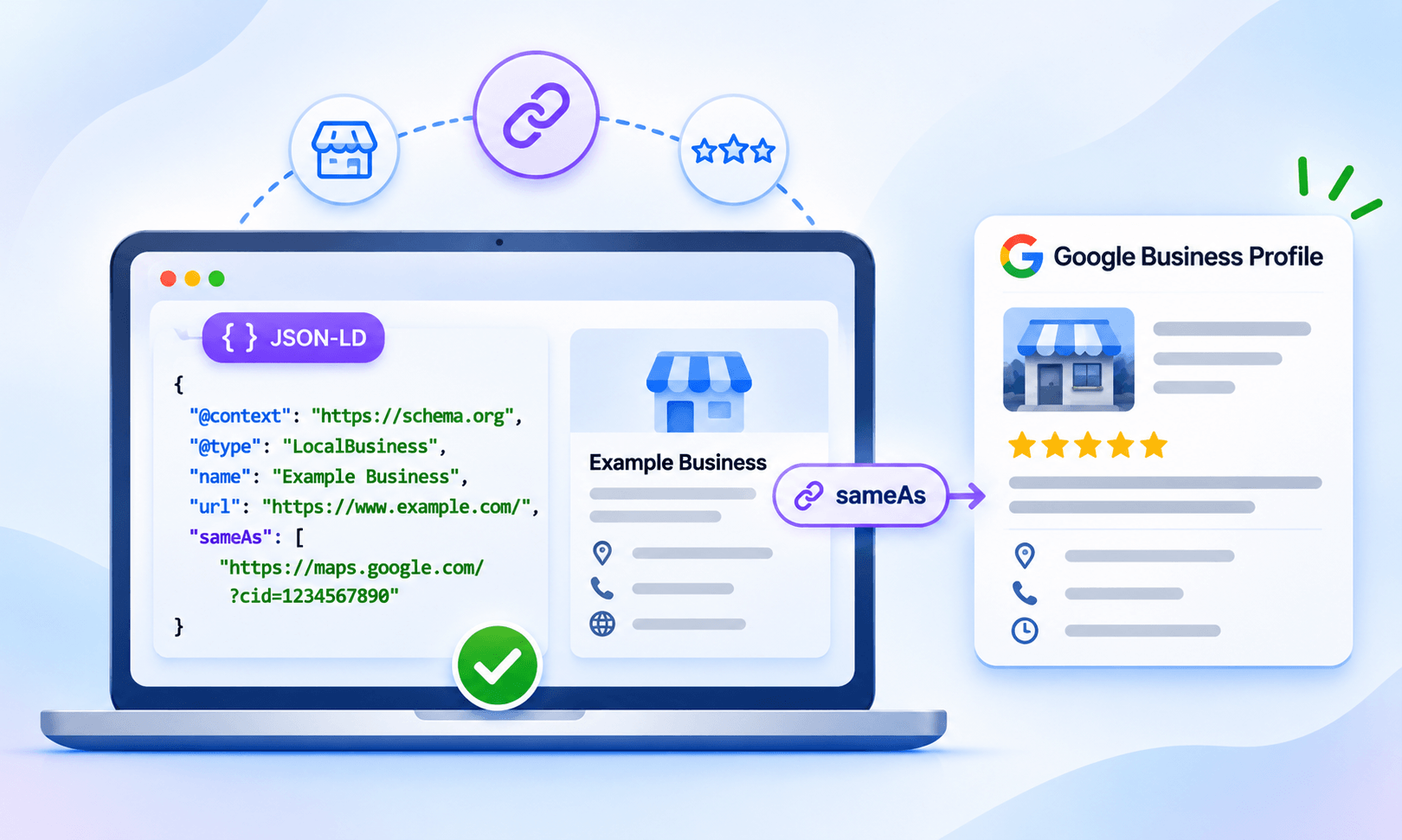
10. Identifiers connect the entity to the wider web
sameAs links to official profiles, @id values that are consistent across pages, and url properties that point to the canonical page all help search engines and AI systems tie the markup to a known entity. This is not required for most rich results, but it matters for entity understanding.
Stage 3: Accuracy and Content Match (Checks 11 to 15)
This is the stage validators cannot run. It requires reading the page and the code together.
11. Every value in the markup is visible on the page
Google’s guidelines require structured data to represent content that users can access on the page. User-facing information such as ratings, prices, dates, author names, and FAQ answers must match the visible content. Do not use structured data to describe hidden, misleading, or unrelated information. Technical properties such as identifiers and URLs do not necessarily need to appear as visible text, but they must accurately describe the entity or page.
12. Ratings and counts match what visitors see
A visible 4.6 from 212 reviews with a ratingValue of 4.8 and a reviewCount of 300 is the single most common mismatch in structured data validation work. Hardcoded values drift from live data within weeks. Audit these after every template change, not just at launch.
13. The type describes the actual content
A general “Web Design Services” page marked up as Product is misrepresentation. A category page marked up as a single Course is misrepresentation. The honesty test is simple: could a visitor buy, attend, or read the exact thing the type describes, on this page, right now?
14. Dates are current and reflect real changes
dateModified that updates on every crawl, or datePublished set in the future, both undermine trust. Set dateModified only when the content changed in a meaningful way.
15. The markup does not aggregate reviews from other websites
Do not aggregate reviews or ratings from other websites in structured data. Mark up genuine review information that is available to users on the page and follows Google’s guidelines for the relevant feature. For LocalBusiness and Organization markup, remember that self-serving reviews are ineligible for review snippets when the business or organization controls the reviews, including reviews displayed through third-party widgets.
Stage 4: Duplicates, Conflicts, and Sitewide Consistency (Checks 16 to 20)
Individual pages can be perfect while the site as a whole sends contradictory signals. This stage widens the lens.
16. Remove duplicate or conflicting descriptions of the same entity
Duplicate schema markup often comes from stacking: a theme adds Organization markup, an SEO plugin adds another Organization block, and custom code adds a third. Multiple instances of the same schema type are not automatically errors, because a page may legitimately describe several entities.
Check whether the blocks describe the same entity, repeat identical information unnecessarily, or contain conflicting values. Consolidate overlapping descriptions and use consistent @id references to connect related entities where appropriate.
17. No conflicting types describing the same thing
Declaring the same entity with incompatible or contradictory types, such as Product and Service, can create ambiguity about what the page describes. Some types are related through Schema.org inheritance: BlogPosting, for example, is a more specific type of Article. Avoid redundant or conflicting declarations, and use the most specific type that accurately represents the content.
18. Templated markup does not repeat item-level data across pages
A sitewide aggregateRating injected into every page’s head means forty service pages all claim the same 4.9 rating. That describes the business, not the page, and it reads as templated rather than genuine. Item-level markup belongs on item-level pages only.
19. Breadcrumbs match the actual site hierarchy
BreadcrumbList markup that lists a path the page does not sit on, or that skips levels visible in the on-page breadcrumb trail, is a mismatch. Check that the order and the URLs line up with the visible navigation.
20. Canonical and markup URLs agree
If the url or mainEntityOfPage in the markup points to a non-canonical version of the page, the signals split. The markup should reference the same URL the canonical tag declares.
Stage 5: Eligibility, Indexing, and Monitoring (Checks 21 to 25)
The final stage asks whether the markup can earn anything at all, and whether anyone will know if it stops.
21. The target rich result still exists
Google stopped showing FAQ rich results in Search starting May 7, 2026, and subsequently removed the FAQ structured data documentation in June 2026. HowTo rich results were retired in 2023. Before auditing markup for a particular search feature, check Google’s current documentation and feature availability.
A Schema.org type may remain valid even when Google no longer uses it for a specific rich result. Markup for a retired feature is harmless, but building an audit around it wastes effort. Check the feature’s documentation page for a deprecation notice before treating it as a goal.
22. The page type is eligible under Google’s policies
Self-serving reviews on LocalBusiness or Organization pages do not qualify for review snippets, regardless of how clean the markup is. Service is not a supported type for stars at all. This is the check that explains most “valid but no stars” cases. Read the eligibility section of the relevant feature page, not just the property list.
23. The page is indexable
Structured data on a page blocked from Googlebot, marked noindex, or inaccessible because of crawling restrictions cannot qualify for Google rich results. A soft 404 can also prevent the page from appearing in search results. Check the page’s indexing status and rendered output in Search Console before troubleshooting missing rich results. Remember that a successful live URL test does not necessarily mean Google has already indexed the page or processed the latest markup.
24. Search Console shows no unresolved issues for the type
The Enhancements reports in Search Console list errors and warnings by rich result type across the whole site. An audit that only checks the page in question misses sitewide problems that were introduced by the same template.
25. There is a plan to re-audit after changes
Markup rots. Themes update, plugins add features, and content teams change prices without touching code. Schedule a recheck after every template deployment and at least quarterly for pages that carry ratings, prices, or dates.
Rich Results Test vs Schema Markup Validator: Which One to Use
Both tools belong in a schema validation checklist, but they answer different questions and are often confused.
| Feature | Google Rich Results Test | Schema Markup Validator |
|---|---|---|
| Maintained by | Schema.org | |
| Checks syntax | Yes | Yes |
| Checks Google’s required properties | Yes | No |
| Reports rich result eligibility | Yes, for supported types | No |
| Validates types Google does not use | Ignores them | Validates them fully |
| Shows rendered page preview | Yes | No |
| Best for | Confirming eligibility for a specific feature | Checking vocabulary correctness on any type |
The practical workflow is to run the Schema Markup Checker first to catch vocabulary and structure problems, then the Rich Results Test to confirm Google recognizes the target feature. A page that passes the first and shows nothing in the second usually has a type or policy problem, not a code problem.
Common Schema Markup Errors and How to Fix Them
The table below covers the errors that come up most often during schema markup testing, ranked roughly by how frequently they survive validation unnoticed.
| Error | Why it survives validation | Fix |
|---|---|---|
| Rating in markup does not match visible rating | Validators cannot read the page | Pull values from the live rating system, not a hardcoded field |
| Three Organization blocks on one page | Each block is individually valid | Disable duplicate sources, keep one |
| aggregateRating on Service type | Syntax is fine, type is ineligible | Move the rating to an eligible type or remove it |
| Price stored as “$49.99” string | Warning only, not an error | Store as a number with priceCurrency separately |
| Markup injected client-side after load | Source view looks correct | Move to server-rendered output or confirm with URL Inspection |
| FAQPage markup expected to show dropdowns | Type still validates | Keep it for content understanding, stop expecting a rich result |
| dateModified updates on every crawl | Valid date format | Update only when content actually changes |
Running the Audit Step by Step
A structured data audit checklist is only useful if it fits into an actual workflow. Here is the sequence that works for most publishing teams.
Step 1: Inventory what is on the page
Extract every JSON-LD block, Microdata attribute, and RDFa property. Browser extensions and the Rich Results Test both surface this. Note where each block comes from, whether theme, plugin, or custom code.
Step 2: Validate syntax
Run Checks 1 through 5. Fix anything that fails before moving on, because later checks are meaningless on broken markup.
Step 3: Compare against Google’s feature documentation
Open the specific feature page for the target rich result. Run Checks 6 through 10 against that page’s required and recommended lists.
Step 4: Read the page next to the code
This is the part that gets skipped. Run Checks 11 through 15 with the visible page open in one window and the markup in another. Every value in the code should be findable on screen.
Step 5: Zoom out to the template
Run Checks 16 through 20 on two or three sibling pages using the same template. Duplicate and conflicting markup shows up immediately when pages are compared side by side.
Step 6: Confirm eligibility and indexing
Run Checks 21 through 25. Check the deprecation status of the feature, the policy eligibility of the page type, and the indexing status in Search Console.
Step 7: Log and schedule
Record what was found and fixed, and set a date for the next pass.
Conclusion
Most structured data problems are accuracy problems, duplication problems, and eligibility problems, and none of those show up in a validator. That is why a 25-point schema markup checklist has to include reading the page, comparing templates, and checking Google’s current documentation.
Run the five stages in order, fix what fails before moving on, and re-run after every change that touches the template.
Frequently Asked Questions
How often should structured data be audited?
After every template or plugin change, and at least quarterly for pages carrying ratings, prices, or dates. Those values drift from the visible content faster than most teams expect.
Why does my schema pass validation but show no rich results?
Validation confirms syntax, not eligibility. The most common causes are an ineligible page type, a policy issue such as self-serving reviews, a retired rich result, or a page that is not indexed.
What are the most common schema markup errors?
Ratings that do not match visible content, duplicate Organization blocks from stacked plugins, ratings attached to ineligible types like Service, and markup for features Google no longer displays, such as FAQ rich results.
Can structured data be added if the page is not indexed?
It can be added, but it will not be processed until the page is indexed. Confirm indexing status in Search Console before troubleshooting missing rich results.







 Wix Schema
 Squarespace Schema
 BigCommerce Schema
 Shopify Schema
 Hubspot Schema
 Webflow Schema
 GoHighlevel Schema
 Duda Schema
 Weebly Schema
 ClickFunnel Schema