

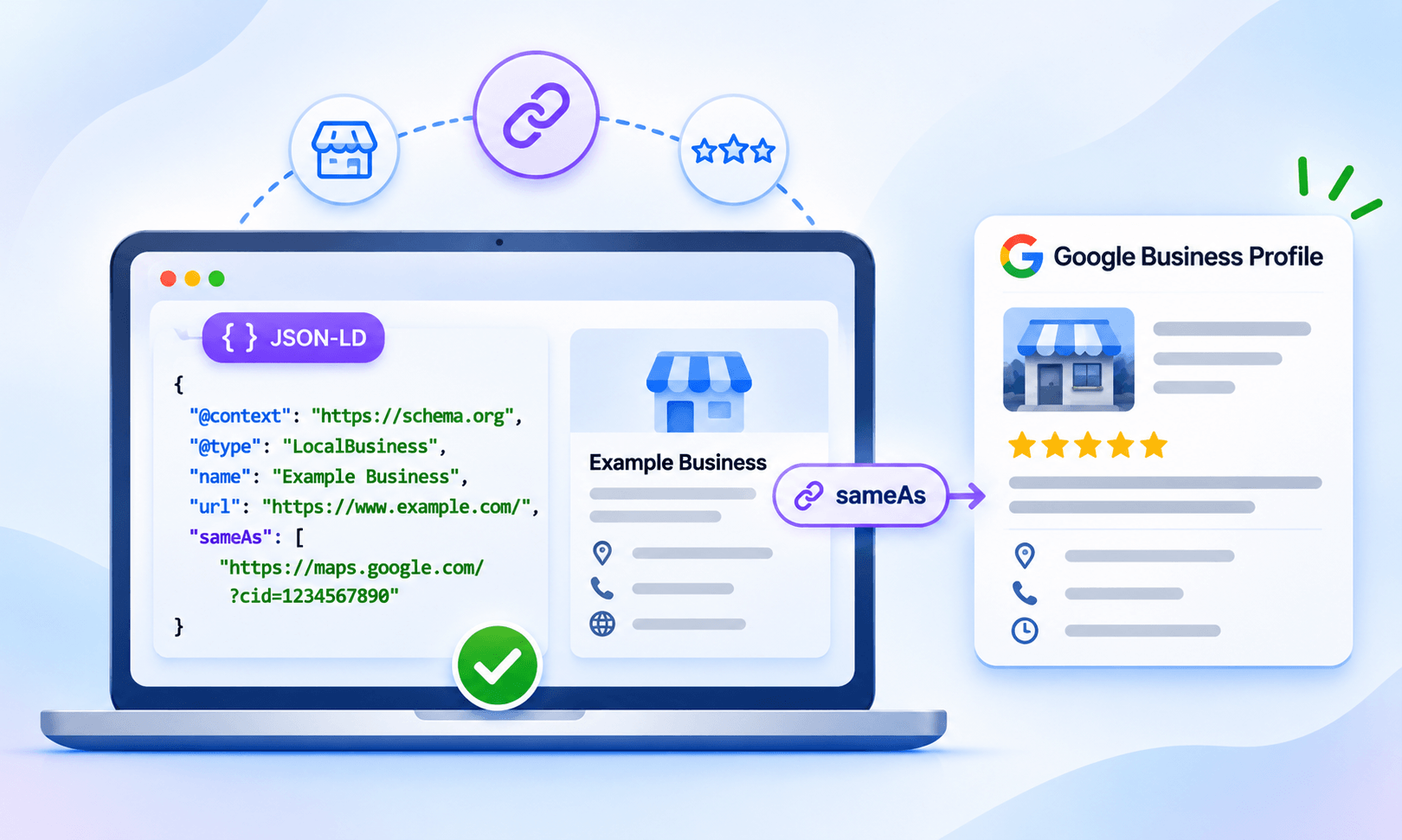
TL;DR: To use sameAs schema for Google Business Profile, add the official Google Business Profile URL to the
Your website and Google Business Profile are two representations of the same business. sameAs schema for Google Business Profile helps communicate that relationship to search engines.
The Schema.org sameAs property of your LocalBusiness or Organization JSON-LD. Make sure the profile represents the same business, keep business details consistent, and validate the markup after implementation. sameAs helps connect business identities; it does not create review stars or guarantee rankings.
sameAs property connects an entity with an external webpage that unambiguously identifies the same entity. For a local business, this can be used within LocalBusiness structured data to connect the website’s business entity with its Google Business Profile.
The important point is that sameAs is about entity identification, not reviews or rankings. Adding a Google Business Profile URL to schema does not automatically create Google review stars or guarantee a special search appearance.
How Do You Add a Google Business Profile to Schema?
Add your official Google Business Profile URL to thesameAs property of your LocalBusiness or Organization JSON-LD, ensuring it represents the same business described on your website.
| Step | What to do |
|---|---|
| 1. Choose the entity | Use LocalBusiness or the most specific applicable subtype. |
| 2. Identify the profile | Use the official Google Business Profile that represents the same business. |
3. Add sameAs |
Place the Google Business Profile URL in the entity’s JSON-LD. |
| 4. Keep details consistent | Make sure the business name, location, contact details, and website accurately represent the same business. |
| 5. Validate | Test the structured data and inspect the published page using Google’s tools. |
What Is sameAs Schema?
The sameAs property schema is a Schema.org property used to associate an entity with another webpage that represents the same entity. For example, a business may have an official website, Google Business Profile, Facebook page, Instagram account, and other legitimate profiles. When those profiles represent the same real-world business, their URLs can be referenced with sameAs. Schema.org definessameAs as a URL to a reference page that unambiguously indicates an item’s identity.
That makes sameAs different from url:
| Property | Purpose |
|---|---|
url |
Identifies the entity’s official website |
sameAs |
Connects the entity to an external page representing the same entity |
sameAs property and other Schema.org structured data, even when a property is not tied to a specific rich-result feature.
Why Use sameAs Schema for Google Business Profile?
Using Google Business Profile sameAs schema helps connect your website’s business entity with its official Google Business Profile. The main benefits are:
- Connect business identities: Relates your website’s
LocalBusinessorOrganizationentity to the corresponding Google Business Profile. - Strengthen entity understanding: Gives search engines an additional reference for identifying the business represented on your website.
- Keep business information connected: Works alongside accurate business details such as your business name, address, phone number, and website.
- Support clearer structured data: Helps make your Google Business Profile structured data more complete when the profile genuinely represents the same business.
- Avoid misleading signals: Using the correct profile creates a clear identity relationship rather than simply associating your site with a similarly named business.
- Don’t treat it as a ranking shortcut: sameAs can help search engines understand entities, but it does not guarantee higher rankings, a knowledge panel, or a specific search appearance.
How to Add the Google Business Profile URL to the sameAs Property
Follow these steps to connect the correct Google Business Profile with your website’s business entity using the sameAs property.
1. Identify the Correct Business Profile
Start with the official Google Business Profile belonging to the business represented on your website. This matters becausesameAs is an identity relationship. If your website describes one business but the URL points to another business with a similar name, the markup is inaccurate.
Google recommends claiming and verifying your Business Profile so you can manage the business information shown on Google Search and Maps.
2. Use the appropriate business schema type
For a local business, useLocalBusiness or the most specific subtype available.
For example, a restaurant could use LocalBusiness entity and using the most specific subtype possible.
3. Add the profile URL with sameAs
A basic sameAs markup implementation can look like this:
{
"@context": "https://schema.org",
"@type": "LocalBusiness",
"name": "Example Business",
"url": "https://www.example.com/",
"telephone": "+1-555-555-5555",
"sameAs": [
"GOOGLE_BUSINESS_PROFILE_URL"
]
}
4. Add other legitimate profiles when relevant
ThesameAs property can contain multiple URLs.
"sameAs": [
"GOOGLE_BUSINESS_PROFILE_URL",
"https://www.instagram.com/examplebusiness/",
"https://www.facebook.com/examplebusiness/"
]
sameAs URLs for an organization.
But adding more URLs is not automatically better. Only include profiles that genuinely represent the same business.
What Should the sameAs URL Point To?
The Google Business Profile URL in the schema should identify the exact business described by your website. Before adding it, check whether the external profile matches the business in meaningful ways, such as:
- Business name
- Physical location or service area
- Website
- Phone number
- Other recognizable business information
sameAs URL should unambiguously indicate the identity of the entity.
LocalBusiness sameAs vs. Organization sameAs
Both LocalBusiness sameAs and Organization sameAs can be valid, but the choice should reflect what the structured data is describing. For a local business location,LocalBusiness is usually the more relevant entity. For broader organization-level information, Organization may be appropriate.
Google’s documentation states that LocalBusiness is a subtype of Organization and recommends following Organization guidance alongside LocalBusiness requirements and recommendations.
For example:
{
"@context": "https://schema.org",
"@type": "Organization",
"name": "Example Corporation",
"url": "https://www.example.com/",
"sameAs": [
"GOOGLE_BUSINESS_PROFILE_URL"
]
}
How to Validate Google Business Profile sameAs Schema
After implementing the markup, use a structured data solution such as JSON Schema App to help manage your website’s structured data. Then validate the published markup using the appropriate testing tools. Google recommends using the Rich Results Test to validate structured data and the URL Inspection tool to check how Google sees a published page. It also notes that crawling and re-indexing can take time after deployment.Use this practical checklist:
- Confirm the JSON-LD is valid.
- Check that the
sameAsvalue is a valid URL. - Open the URL and confirm it represents the correct business.
- Check that the business information on the page and in the markup is accurate.
- Test the page with Google’s Rich Results Test.
- Use Search Console’s URL Inspection tool after publishing.
- Recheck the markup when the business changes its website, location, or profile.
Common sameAs Schema Mistakes
Using sameAs incorrectly can create inaccurate connections between your website and external business profiles. Avoid these common mistakes to ensure your structured data accurately represents your business and its online identity.Using the wrong Google Business Profile
The most serious mistake is connecting your website to a profile that represents a different business or location.sameAs should describe an actual identity relationship, not simply a similar name.
Treating sameAs as a ranking shortcut
sameAs structured data can help search engines understand relationships between entities, but it is not a guaranteed ranking boost. Google explicitly says it can make general use ofsameAs, but that does not mean the property guarantees a particular search result.
Adding unrelated profiles
Do not add every social or directory profile you can find. If a page is unofficial, outdated, unrelated, or cannot clearly establish the business’s identity, it should not be included.Confusing sameAs with review markup
A Google Business Profile URL insameAs does not import Google reviews into your website’s structured data.
If your objective is review stars, that is a separate structured-data and eligibility question. Google treats Local Business and Review snippet as separate search features.
Does sameAs Schema Create Google Review Stars?
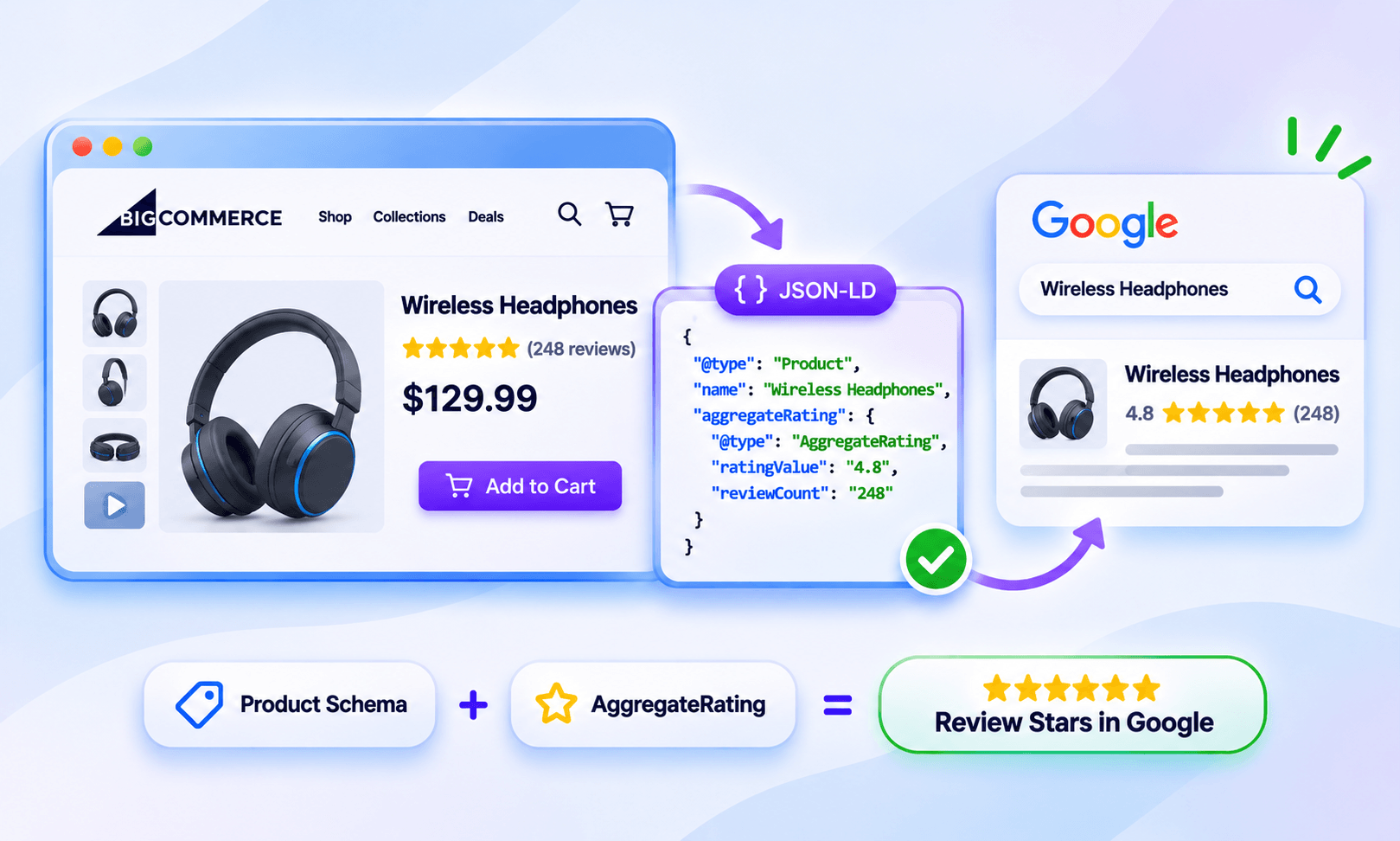
No. ThesameAs property connects your website’s business entity with an external page that represents the same business. It does not make Google Business Profile ratings eligible for review rich snippets.
Review stars are a separate search feature with their own structured data requirements, eligibility criteria, and review guidelines. Adding a Business Profile URL to sameAs therefore does not transfer its ratings to your website or guarantee that stars will appear in Google Search.
If review stars are missing, the issue may involve the structured data, review source, eligibility, or other requirements for review stars in Google Search. These considerations are separate from using sameAs to establish a connection between your website and your Google Business Profile.
Best Practices for Google Business Profile Structured Data
A good implementation does not need to be complicated. Use the most specific applicable business type, identify the official website with a URL, provide accurate business information, and use sameAs only for external profiles that genuinely represent the same entity. Google’s structured-data guidance emphasizes that fewer complete and accurate properties are preferable to large amounts of incomplete or inaccurate markup.A practical example is:
{
"@context": "https://schema.org",
"@type": "LocalBusiness",
"@id": "https://www.example.com/#business",
"name": "Example Business",
"url": "https://www.example.com/",
"telephone": "+1-555-555-5555",
"address": {
"@type": "PostalAddress",
"streetAddress": "123 Main Street",
"addressLocality": "Austin",
"addressRegion": "TX",
"postalCode": "78701",
"addressCountry": "US"
},
"sameAs": [
"GOOGLE_BUSINESS_PROFILE_URL"
]
}
Conclusion
sameAs schema for Google Business Profile is primarily an entity-identification tool. It connects your website’s structured-data representation of a business with an external profile that represents the same real-world entity. For a local business, the practical approach is simple: use the appropriate LocalBusiness type, provide accurate business information, identify the official website withurl, add the correct Google Business Profile URL to sameAs, and validate the markup after publishing.
Most importantly, keep sameAs separate from review markup. It can help establish relationships between business identities, but it does not create review stars or guarantee rankings.
Frequently Asked Questions
What is sameAs schema used for?
The sameAs property connects an entity to an external webpage that represents the same entity. For businesses, this can include a Google Business Profile or other legitimate external profiles.Can I add my Google Business Profile URL to sameAs?
Yes. You can add the official profile URL when it clearly represents the same business described by your website’s structured data.Should sameAs go on LocalBusiness or Organization?
Use the most specific applicableLocalBusiness subtype when describing a local business. sameAs is also available for Organization structured data.
Does Google Business Profile sameAs schema improve rankings?
There is no guarantee. Google says it can make general use ofsameAs and other Schema.org structured data, but it does not identify sameAs as a standalone ranking boost.
Does sameAs markup create review stars?
No.sameAs establishes an identity relationship. It does not transfer Google Business Profile reviews to your website or make review rich results appear automatically.
Can I add multiple sameAs URLs?
Yes. Multiple URLs can be used when they genuinely represent the same business or organization. Google supports multiplesameAs URLs in Organization structured data. 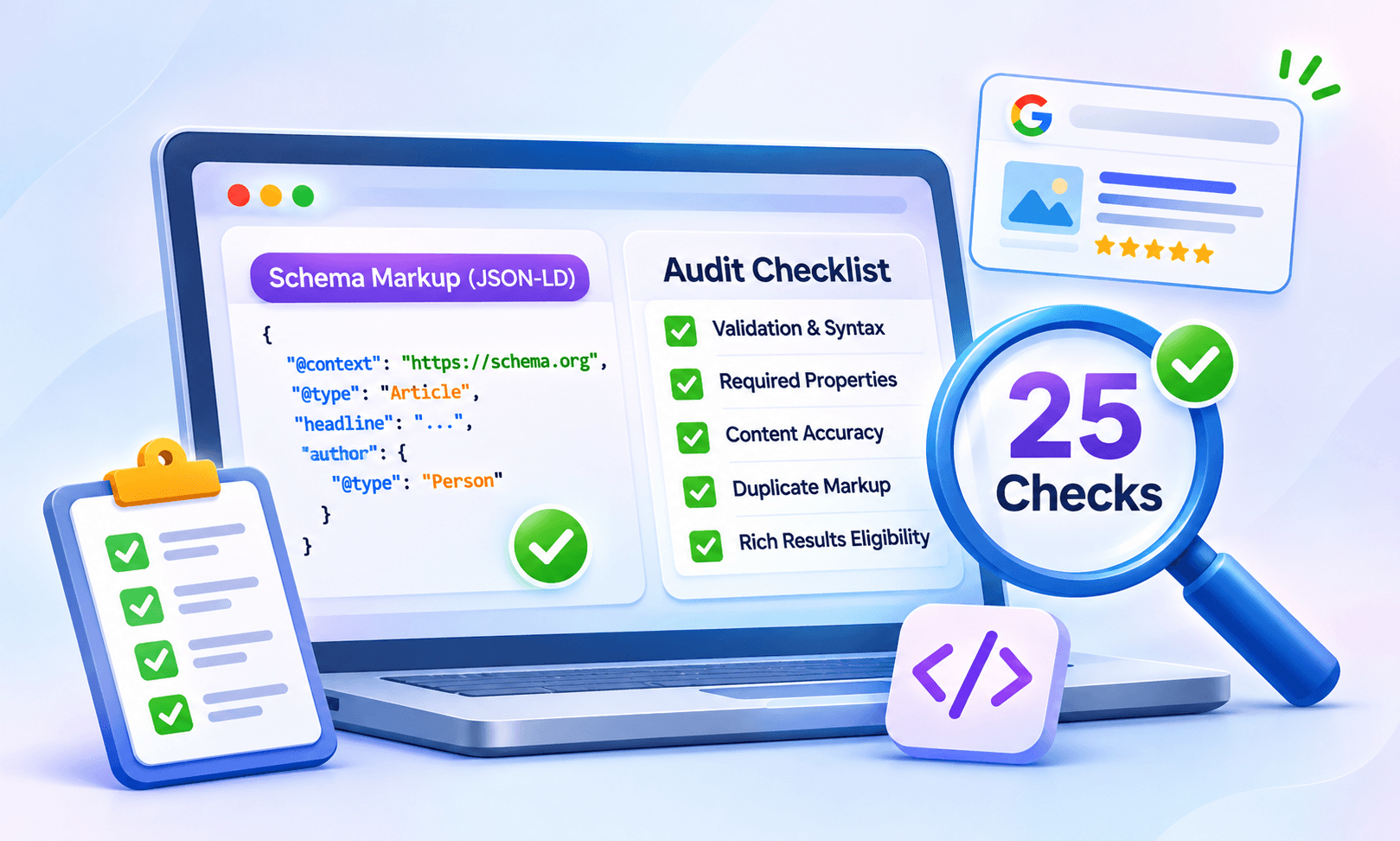




 Wix Schema
 Squarespace Schema
 BigCommerce Schema
 Shopify Schema
 Hubspot Schema
 Webflow Schema
 GoHighlevel Schema
 Duda Schema
 Weebly Schema
 ClickFunnel Schema