

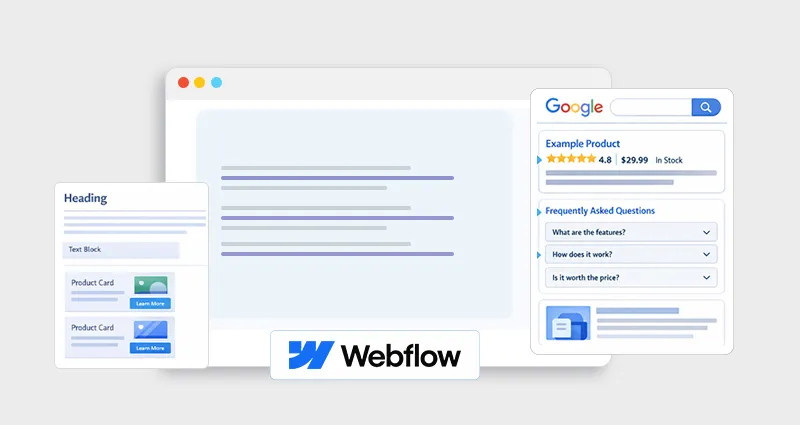
If you’re using Webflow and relying only on visual design and basic SEO settings, you’re leaving a major opportunity untapped.
Search engines, and increasingly, AI systems, don’t just read your content. They interpret it. That’s where Webflow schema markup comes in.
Schema markup (a form of structured data SEO) helps search engines understand the actual meaning of your content, not just its surface-level meaning. Done right, it can unlock rich snippets, improve click-through rates, and position your content for AI-driven search experiences.
This guide goes beyond the basics. You’ll learn how to implement Webflow structured data, avoid costly mistakes like incorrect schema markup in Webflow, and use validation tools to ensure everything works flawlessly.
What is Webflow Schema Markup and Why It Matters
Schema markup is structured data written in JSON-LD that tells search engines exactly what your content represents, whether it’s a product, article, FAQ, or business.
When you implement Webflow schema markup, you’re essentially adding a semantic layer to your site, helping search engines and AI systems interpret your content with clarity and precision.
Why it matters for SEO and AI visibility
- Search engines like Google use structured data to generate rich snippets.
- AI systems (like search assistants and LLMs) rely on structured signals for accurate answers.
- It improves how your content appears in search results, not just rankings, but presentation.
- This isn’t just theoretical. When structured data is implemented at scale, the impact can be significant. For example, by enabling structured data on 80% of its pages, The Food Network reported a 35% increase in visits from search results, highlighting how powerful structured data SEO can be when done correctly.
Think of it this way:
| Without Schema | With Schema |
|---|---|
| Search engines guess context | Search engines understand context |
| Plain blue links | Rich snippets (FAQs, ratings, breadcrumbs) |
| Lower CTR | Higher engagement |
Types of Schema You Can Add in Webflow
Not all schema types deliver the same results. The key to effective Webflow schema markup is choosing the type that matches your page’s intent and content.
Common schema types for Webflow sites
-
Article Schema
Ideal for blogs and guides. Helps search engines understand content details like author, publish date, and headline, improving visibility in search features.
-
FAQ Schema
Allows your questions and answers to appear directly in search results. Great for capturing “People Also Ask” and boosting click-through rates.
-
Product Schema
Essential for eCommerce. Displays pricing, availability, and reviews, helping generate rich snippets and attract high-intent users.
-
Organization Schema
Define your brand details like name, logo, and social profiles. Builds trust and supports entity recognition in search and AI systems.
-
Local Business Schema
Important for location-based businesses. Improves visibility in local search results by providing address, hours, and contact info.
-
Breadcrumb Schema
Enhances navigation in search results by showing a clear page hierarchy instead of raw URLs.
Quick tip: Focus on relevance over quantity. Using the right Webflow schema type is far more effective than adding multiple unnecessary ones.
How to Add Schema Markup in Webflow (Step-by-Step)
Unlike plugin-based platforms, Webflow schema markup is typically added manually or through semi-automated setups. The good news is that it’s straightforward once you know where to place it.
Method 1: Add JSON-LD in Page Settings (Best for static pages)
- Open your Webflow project
- Go to Page Settings
- Scroll to the Custom Code section
- Paste your Webflow JSON-LD schema inside the <head> using:
<script type=”application/ld+json”>
This method is ideal for pages like homepages, service pages, or landing pages where the content doesn’t change frequently.
Example: Basic Article Schema
{
"@context": "https://schema.org",
"@type": "Article",
"headline": "The Ultimate Webflow Schema Markup Guide",
"author": {
"@type": "Person",
"name": "Your Name"
},
"datePublished": "2026-04-08"
}
Method 2: CMS-Based Dynamic Schema (Best for blogs & collections)
For a scalable Webflow JSON-LD implementation, use CMS collections:
- Map CMS fields (title, author, date, etc.) into JSON-LD
- Insert dynamic values using Webflow’s field binding
- Apply the schema template across all collection items
This approach ensures your Webflow structured data updates automatically as you publish new content, saving time and reducing manual errors.
Tools to Generate and Validate Schema
Using the right tools simplifies both creation and debugging of schema markup for Webflow SEO.
Schema Generation Tools
- JSON-LD schema generators help you create structured data without coding
- A good schema markup generator ensures correct formatting and required fields
- Some Webflow Schema Markup tools offer partial automation for faster deployment
These tools are especially useful if you’re not comfortable writing JSON-LD from scratch.
Schema Validation Tools
After adding the schema, validation is non-negotiable.
Top schema validation tools:
- Google Rich Results Test
- Schema Markup Validator
- JSON-LD schema validator
They help you confirm:
- No syntax or formatting errors
- Correct schema type and properties
- Eligibility for rich results
Regular schema markup validation prevents issues like incorrect schema markup in Webflow that can block search enhancements.
Webflow Rich Snippets: What You Can Achieve
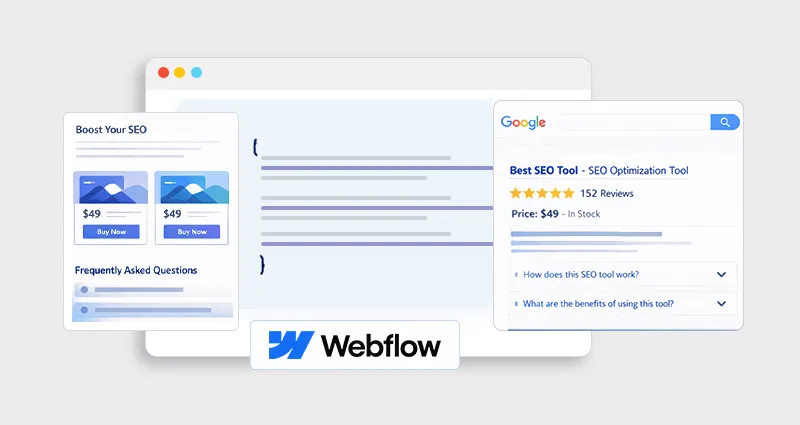
Once your Webflow schema markup is properly implemented and validated, your pages become eligible for enhanced search results known as Webflow rich snippets.
Examples of Webflow rich snippets
- FAQ dropdowns – Expandable answers directly in search results
- Star ratings – Product reviews and ratings for eCommerce pages
- Breadcrumb paths – Clean navigation instead of messy URLs
- Article details – Author name, publish date, and headline
These enhancements make your listings more visually appealing and informative, which often leads to higher click-through rates and better overall search performance.
Common Issues and Fixes in Webflow Schema Markup
Even experienced users run into problems. Let’s address the most common Webflow schema markup errors:
1. Incorrect Schema Type
Using the wrong schema type confuses search engines.
Fix: Match schema to page intent, not just content format.
2. Missing Required Fields
Many schema types require specific properties.
Fix: Use schema markup validation tools to identify missing fields.
3. Duplicate or Conflicting Schema
Using multiple schema markup tools simultaneously can create conflicts.
Fix: Stick to one schema markup tool or implementation method.
4. Static Instead of Dynamic Schema
Hardcoding schema limits scalability.
Fix: Use CMS-based dynamic fields for large sites.
5. Syntax Errors in JSON-LD
Even a missing comma can break your schema.
Fix: Always run your code through a json ld schema validator.
Webflow Schema Markup for AI Visibility
This is where Webflow schema markup goes beyond traditional SEO.
Ranking is no longer the only goal. Modern search is driven by AI systems that need clear, structured context to understand and surface content accurately. That’s exactly what Webflow schema markup for SEO and AI visibility provides.
Why AI systems rely on structured data
- Clear entity definition: Schema helps AI identify who, what, and why your content is about
- Reduced ambiguity: Structured data removes guesswork from unstructured HTML
- Better answer extraction: AI can confidently pull and present your content in summaries
Practical insight
Pages with well-implemented Webflow structured data are more likely to:
- Be cited or referenced in AI-generated answers
- Appear in voice search and conversational queries
- Gain visibility in zero-click and featured results
In short, schema helps your content become machine-readable, not just human-readable, which is critical for AI-first search.
Best Practices for Webflow On-Page SEO Optimization with Schema
To get real results, Webflow schema markup should work alongside your broader SEO strategy, not in isolation.
- Match schema with intent: Don’t just add schema based on page type, align it with what users are searching for
- Support with strong SEO fundamentals: Well-structured headings, internal linking, and high-quality content amplify the impact of schema.
- Keep schema updated: Outdated structured data can reduce trust and eligibility for rich results.
- Avoid overuse: Adding too many or irrelevant schema types can confuse search engines and hurt clarity.
The goal is simple: make your content easier to understand for both search engines and AI systems while maintaining a clean, intent-driven structure.
Conclusion
Mastering Webflow schema markup is no longer optional, it’s a competitive advantage.
By implementing structured data correctly, validating it with the right tools, and aligning it with search intent, you improve not just how your content ranks, but how it’s understood by both search engines and AI systems.
The real value lies in precision. When your content is clearly defined, it becomes easier to discover, interpret, and trust exactly what modern SEO demands.
FAQs
Q1. What is the easiest way to add schema markup in Webflow?
The simplest way is to paste JSON-LD into the page’s custom code section. For scalability, use a CMS-based dynamic schema.
Q2. Do I need coding skills for Webflow JSON-LD implementation?
Basic understanding helps, but you can use a schema markup generator to simplify the process.
Q3. How do I check if my schema markup is working?
Use schema markup validation tools like Google Rich Results Test or a JSON-LD schema validator.
Q4. Can incorrect schema markup harm SEO?
Yes. Incorrect schema markup in Webflow can confuse search engines and prevent rich results from appearing.
Q5. What schema types work best for Webflow sites?
It depends on your content, but FAQ, Article, Product, and Organization schemas are commonly effective.
Q6. Does schema markup improve rankings?
Not directly. But it improves visibility, CTR, and understanding, factors that indirectly impact SEO performance.
Q7. How often should I update schema markup?
Update it whenever your content changes or when Google updates structured data guidelines.
Q8. Can I use multiple schema types on one page?
Yes, but they must be relevant and properly structured to avoid conflicts.








 Wix Schema
 Squarespace Schema
 BigCommerce Schema
 Shopify Schema
 Hubspot Schema
 Webflow Schema
 GoHighlevel Schema
 Duda Schema
 Weebly Schema