

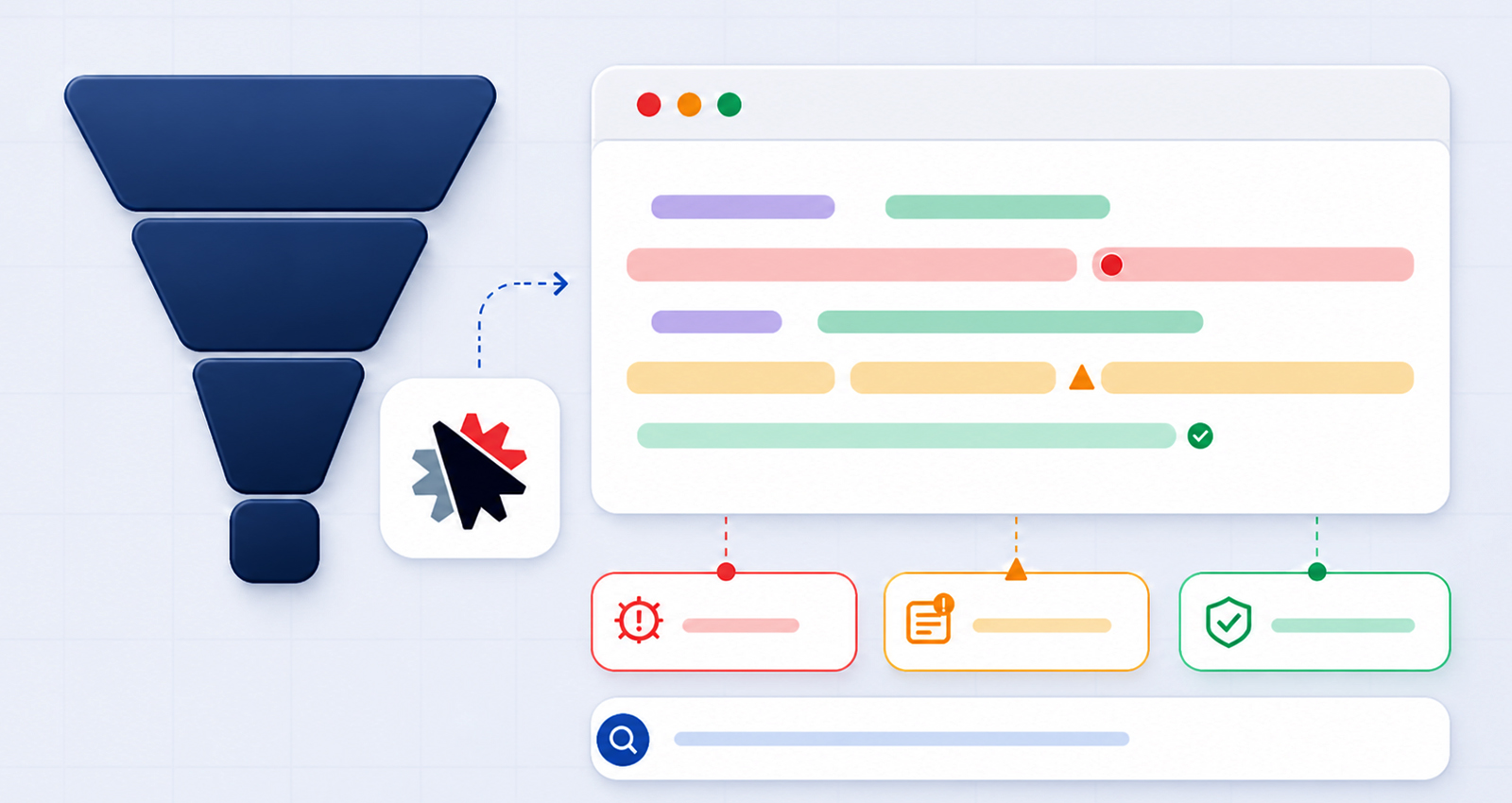
If you’ve implemented structured data but still aren’t seeing rich results, you’re not alone. Many funnel builders struggle with ClickFunnels schema markup errors, often without realizing it.
Schema markup isn’t just about adding code, it’s about accuracy, consistency, and alignment with your page content. Even small mistakes can prevent search engines from understanding your funnel properly.
In this comprehensive guide, we’ll go deeper into common ClickFunnels schema issues, why they happen, how to fix them, and how to ensure your structured data actually drives results.
Understanding ClickFunnels Schema Markup (Why Errors Are So Common)
To truly fix ClickFunnels structured data errors, you need to understand why they happen in the first place, and more importantly, why they happen so often in funnel-based environments.
ClickFunnels is designed for conversions, not technical SEO. Unlike traditional CMS platforms like WordPress (which offer built-in SEO plugins such as RankMath or Yoast), ClickFunnels doesn’t automatically generate or manage structured data for key elements like:
- Products
- FAQs
- Reviews
- Events
This means users are responsible for implementing the schema themselves, typically through:
- Manual JSON-LD scripts
- Third-party schema tools
- Custom integrations or scripts
While this flexibility allows for customization, it also introduces complexity. You’re not just adding code, you’re responsible for ensuring that code is valid, complete, and aligned with your funnel content.
Why Errors Occur Frequently
In real-world scenarios, most ClickFunnels schema validation issues don’t come from one big mistake, but from a series of small, overlooked details.
Manual coding mistakes:
JSON-LD is unforgiving. A missing comma, incorrect bracket, or misplaced quotation mark can invalidate the entire schema block.
Lack of schema understanding:
Many users copy templates from guides without adapting them to their actual funnel structure, leading to mismatched or incomplete data.
Dynamic funnel changes:
Funnels evolve frequently, prices change, offers expire, headlines are optimized, but schema often remains static, creating inconsistencies.
Over-optimization:
Adding multiple schema types (Product, FAQ, Review, Organization) on a single page without structure can confuse search engines rather than help them.
According to Google’s structured data guidelines, schema must be both technically valid and contextually accurate. If your markup fails on either front, it may be ignored, even if it looks correct at first glance.
Most Common ClickFunnels Schema Markup Errors (With Deep Insights)
Let’s go beyond surface-level issues and explore what actually causes these ClickFunnels schema markup errors in real scenarios.
1. Invalid JSON-LD Syntax (The Silent Breaker)
This is one of the most common JSON-LD errors ClickFunnels users encounter, and it’s often invisible unless you validate it.
Even experienced developers make mistakes like:
- Missing commas
- Extra trailing commas
- Incorrect quotation marks
- Improper nesting
Incorrect Example:
{
"@context": "https://schema.org"
"@type": "Product",
"name": "Marketing Course",
}
This looks harmless, but the missing comma and trailing comma invalidate the entire script.
Correct Version:
{
"@context": "https://schema.org",
"@type": "Product",
"name": "Marketing Course"
}
Practical Tip:
Always run your schema through a json ld schema validator before publishing, or use a ClickFunnels Schema Markup tool that minimizes manual syntax errors altogether.
Always run your schema through a json ld schema validator before publishing, or use a ClickFunnels Schema Markup tool that minimizes manual syntax errors altogether.
2. Missing Required Properties (Why Google Ignores Your Schema)
One of the most frustrating ClickFunnels rich snippet errors is when everything “looks right,” but nothing appears in search results.
The reason? Missing required fields.
For example:
| Schema Type | Required Fields |
|---|---|
| Product | name, image, offers |
| FAQPage | question, acceptedAnswer |
| Event | name, startDate, location |
If even one required field is missing, Google may:
- Ignore the schema entirely
- Show no rich results
- Flag errors in validation tools
Real Insight:
Many ClickFunnels JSON-LD implementation guides skip required fields to keep code short, but this hurts performance.
3. Mismatch Between Schema and Page Content
This is one of the most overlooked common ClickFunnels schema issues.
For instance:
- Marking a lead capture page as a Product
- Adding Review schema without actual reviews
- Using the FAQ schema for hidden or irrelevant content
Google explicitly states that structured data must reflect visible content.
What Happens If You Ignore This?
- Your schema may be ignored
- You risk manual actions (in extreme cases)
- Rich snippets won’t appear
Fix:
Ensure schema mirrors what users actually see on the page, no shortcuts.
4. Duplicate or Overlapping Schema Markup
When implementing multiple schemas, things can get messy fast.
A typical ClickFunnels schema markup implementation mistake looks like:
- Adding Product schema manually
- Adding another via a plugin/tool
- Injecting the FAQ schema separately
Now you have overlapping or conflicting structured data.
Result:
- Confusion for search engines
- Reduced eligibility for rich snippets
- Increased validation warnings
Best Practice:
Combine related schemas into a single structured JSON-LD block whenever possible.
5. Incorrect Placement of Schema Code
Even a valid schema can fail if it’s not placed correctly.
In ClickFunnels, users often:
- Add schema inside body scripts incorrectly
- Load schema after page rendering
- Use JavaScript injections that Google can’t parse
Ideal Placement:
<head>
<script type="application/ld+json">
{
"@context": "https://schema.org",
"@type": "Organization",
"name": "Your Brand"
}
</script>
</head>
Why It Matters:
Search engines prioritize schema found in the <head> section, making it easier to crawl and process.
6. Outdated or Static Schema on Dynamic Funnels
Funnels evolve, your schema should too.
A common issue:
- Price updated → schema still shows old price
- Offer expired → schema still active
This leads to schema markup not working in ClickFunnels effectively.
Impact:
- Trust issues with search engines
- Reduced chances of rich results
- Inconsistent indexing
Solution:
Use dynamic schema tools or regularly audit your structured data.
How to Fix ClickFunnels Schema Markup Errors (Step-by-Step Process)
Fixing ClickFunnels schema markup errors isn’t about guesswork, it’s about following a structured debugging process. Skipping steps often leads to recurring issues, so consistency is key.
Step 1: Audit Your Current Schema
Start by identifying what’s actually wrong.
Use tools like:
These tools don’t just flag errors, they also show how search engines interpret your structured data.
Focus on identifying:
- Critical errors (must be fixed for eligibility)
- Missing required fields
- Warnings (which can impact performance but not eligibility)
- This step gives you a clear baseline before making changes.
Step 2: Fix Syntax and Formatting Issues
Once you’ve identified errors, the next step is to clean up your code.
Common fixes include:
- Correcting JSON structure (brackets, commas, nesting)
- Removing invalid or unsupported properties
- Ensuring proper formatting and encoding
This step alone resolves a large percentage of JSON-LD errors that ClickFunnels users face, especially for those manually adding schema.
If you frequently encounter syntax issues, using a ClickFunnels Schema Markup tool can help standardize formatting and reduce human error.
Step 3: Ensure Completeness of Schema
After fixing syntax, the next priority is completeness.
Cross-check your schema against Schema.org guidelines:
- Add all required properties
- Include recommended fields for better visibility
- Ensure data accuracy (e.g., correct price, availability, URLs)
For example, a Product schema without an “offers” property may validate partially, but won’t qualify for rich results.
Completeness is what moves your schema from “valid” to “eligible.”
Step 4: Align Schema with Funnel Intent
Many ClickFunnels schema markup errors happen because the schema doesn’t match the actual purpose of the page.
Ask yourself:
- Is this page selling something? → Use Product schema
- Is it collecting leads? → Use Service or WebPage schema
- Is it educational with FAQs? → Use FAQPage schema
Search engines prioritize relevance. The closer your schema aligns with your content, the higher your chances of getting rich snippets.
Choosing the best schema types for ClickFunnels websites is critical.
| Funnel Type | Best Schema Type |
|---|---|
| Sales Funnel | Product / Offer |
| Lead Funnel | Service / WebPage |
| Webinar Funnel | Event |
| FAQ Section | FAQPage |
| Brand Page | Organization |
Step 5: Re-Test and Monitor Performance
After implementing fixes:
- Re-run validation tests
- Submit your page for indexing via Google Search Console
- Monitor impressions, clicks, and CTR over time
Schema optimization is not a one-time task, it requires ongoing monitoring and refinement.
Best Practices to Prevent Future ClickFunnels Schema Markup Errors
Preventing ClickFunnels schema markup errors is far more efficient than fixing them repeatedly, especially if you’re managing multiple funnels.
Key Recommendations:
-
Use a reliable schema markup generator:
Instead of writing JSON-LD manually, use a schema markup generator to ensure proper structure and required fields. This reduces syntax errors and speeds up implementation across multiple pages.
-
Validate after every update:
Even small funnel changes (like pricing or content edits) can break schema. Always re-test using a schema markup validator to catch issues early and maintain accuracy.
-
Avoid unnecessary schema types:
Adding too many schema types can confuse search engines and reduce effectiveness. Focus only on the most relevant schema that matches your page intent.
-
Keep schema aligned with visible content:
Your structured data should reflect what users actually see on the page. Mismatched or hidden content can lead to ignored schema or validation issues.
-
Standardize your implementation:
Create a consistent schema structure across funnels to avoid errors and simplify scaling. This makes updates, audits, and troubleshooting much easier.
For teams managing multiple pages, a ClickFunnels Schema Markup tool can help maintain consistency and reduce repetitive manual work.
Pro Insight:
Experienced SEOs treat schema as a dynamic asset, not a static setup. As your funnel evolves, your structured data should evolve with it.
How to Get Rich Snippets for ClickFunnels Pages (Realistic Expectations)
Fixing ClickFunnels schema markup errors is essential, but it’s only one part of the equation.
To actually get rich snippets for ClickFunnels pages, several factors need to align:
- Error-free structured data: Your schema must be valid, complete, and relevant
- High-quality content: Google prioritizes pages that provide real value to users
- Proper indexing: If your page isn’t indexed, schema won’t matter
- Domain authority and trust signals: Stronger domains are more likely to earn rich results
- SERP competition: In competitive niches, even a perfect schema may not guarantee visibility
Important Insight:
Schema doesn’t guarantee rich snippets, it simply makes your page eligible for them. Think of it as an optimization layer, not a ranking shortcut.
Conclusion
Fixing ClickFunnels schema markup errors is one of the most practical and impactful ways to improve your funnel’s search visibility.
Most issues, whether it’s invalid JSON-LD, missing fields, or incorrect schema types, are not complex, but they require attention to detail and a structured approach. Once you understand how structured data works within a funnel environment, these problems become much easier to identify and resolve.
By validating regularly, aligning schema with your content, and using the right tools or systems, you can eliminate recurring errors and improve your chances of earning rich snippets.
In a competitive SERP landscape, even small enhancements like structured data can create a meaningful edge.
FAQs
Q1: Why is my ClickFunnels schema markup not working?
In most cases, it’s due to invalid JSON-LD syntax, missing required fields, or a mismatch between your schema and actual page content. Even small inconsistencies can prevent search engines from using your structured data.
Q2: How do I fix ClickFunnels schema markup errors quickly?
Start by validating your schema using tools like Google Rich Results Test. Fix syntax issues, ensure all required properties are included, and align the schema with your funnel content.
Q3: What are the most common ClickFunnels structured data errors?
The most common issues include invalid JSON formatting, incomplete schema properties, duplicate schema blocks, and incorrect schema types that don’t match the page intent.
Q4: Can I automate schema markup in ClickFunnels?
Yes, you can automate schema using a ClickFunnels Schema Markup tool or other structured data solutions that generate and manage JSON-LD dynamically.
Q5: Which schema types work best for ClickFunnels funnels?
Product, FAQPage, Service, Event, and Organization schemas are commonly used, depending on the funnel’s purpose and content structure.
Q6: How often should I validate my schema?
You should validate your schema every time you update your funnel content, pricing, offers, or structured data code.
Q7: Do schema errors affect SEO rankings?
Schema errors don’t directly impact rankings, but they reduce your chances of earning rich snippets, which can significantly lower click-through rates and visibility.
Q8: What’s the difference between warnings and errors in the schema?
Errors must be fixed for your page to be eligible for rich results, while warnings are optional improvements that can enhance performance and completeness.
Q9: What tools can I use to debug schema markup?
Google Rich Results Test and Schema.org Validator are the most reliable tools for identifying and fixing structured data issues.







 Wix Schema
 Squarespace Schema
 BigCommerce Schema
 Shopify Schema
 Hubspot Schema
 Webflow Schema
 GoHighlevel Schema
 Duda Schema
 Weebly Schema