

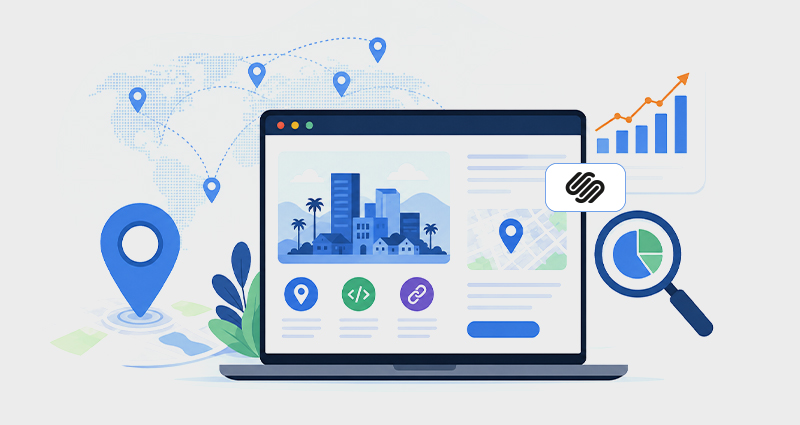
Businesses that operate across multiple cities face a similar challenge. Their Squarespace website ends up ranking in only one location, or sometimes not at all. This usually isn’t due to poor services or weak content. In most cases, the issue lies in how search engines interpret location relevance and fail to clearly connect services with specific geographic areas.
Search engines need a clear connection between your services and the locations you serve. With Squarespace location pages SEO, businesses can create dedicated pages for each city they serve, making it easier for search engines to understand location-specific intent and match the right page to the right query. Instead of relying on a single broad page, this approach builds stronger local relevance and improves how content appears in search.
When supported with structured data, these pages can also qualify for Squarespace rich results (or rich snippets), helping improve visibility and click-through rates.
Why Squarespace Websites Struggle to Rank in Multiple Cities
Search engines have become much more precise about local intent. A single service page trying to target multiple cities doesn’t provide enough context anymore.
When someone searches for a service in a specific city, Google looks for pages that clearly reflect that location. If your content is too broad, it becomes harder for search engines to confidently rank it for those queries.
That’s why businesses often see inconsistent performance. They may rank well in one area but struggle elsewhere, even if they serve both regions equally.
How Squarespace Location Pages Improve Local SEO
Location pages give each city its own dedicated space on your website. Instead of trying to cover everything in one place, you create focused pages that align with how people search. Each page becomes a clear signal. It tells search engines, “This service is available in this specific location.” Over time, that clarity helps your site appear for more relevant searches.
When done properly, this approach strengthens overall site structure and improves how your content is categorized and displayed.
Why Unique Location Content Matters for SEO
It’s tempting to create multiple pages using the same template and just swap out city names. That approach usually doesn’t work. Search engines are good at identifying repetitive content. If pages feel too similar, they lose value.
Strong location pages feel specific. They reflect the city they’re targeting. That might include mentioning local industries, common challenges, or how your service adapts to that market. Even small differences in context can make a big impact on how search engines interpret your content.
How to Create SEO-Friendly Location Pages in Squarespace
Create a separate page for every location you actively serve instead of trying to target multiple cities on one page. In Squarespace, this usually works best when each location has its own URL, localized headings, and unique supporting content.
Even if your services stay the same, the page itself should reflect the area it targets. Mentioning local industries, service areas, or market-specific challenges helps create stronger geographic relevance.
It’s also important to keep important SEO elements unique across each page. That includes the page title, meta description, headings, and internal links. Small differences in structure and wording can help search engines better understand how each page relates to a specific location.
Once these pages are supported with structured data and connected through internal linking, they become much easier for search engines to categorize and rank appropriately.
Adding Structure: How Schema Supports Location Pages
Location pages become much more effective when supported by structured data. Schema markup provides a layer of clarity that search engines can process quickly.
Instead of relying only on text, you define key details in a structured format, like your business type, location, and services. Here’s a simple example:
<script type="application/ld+json">
{
"@context": "https://schema.org",
"@type": "LocalBusiness",
"name": "Your Business Name",
"url": "https://yourwebsite.com/los-angeles-services",
"address": {
"@type": "PostalAddress",
"addressLocality": "Los Angeles",
"addressRegion": "CA",
"addressCountry": "US"
},
"areaServed": "Los Angeles"
}
</script>
This helps search engines clearly associate your page with a specific city, improving how it’s indexed and ranked.
How to Connect Services and Cities with Structured Data
Defining location is useful, but combining it with service information adds another layer of relevance. When search engines understand both what you offer and where you offer it, your pages become more aligned with real search queries.
<script type="application/ld+json">
{
"@context": "https://schema.org",
"@type": "Service",
"name": "Digital Marketing Services in San Diego",
"provider": {
"@type": "LocalBusiness",
"name": "Your Company Name"
},
"areaServed": {
"@type": "City",
"name": "San Diego"
},
"serviceType": "Digital Marketing"
}
</script>
This kind of structure helps search engines connect your services with location-specific intent more effectively.
How Rich Results Improve Local Search Visibility
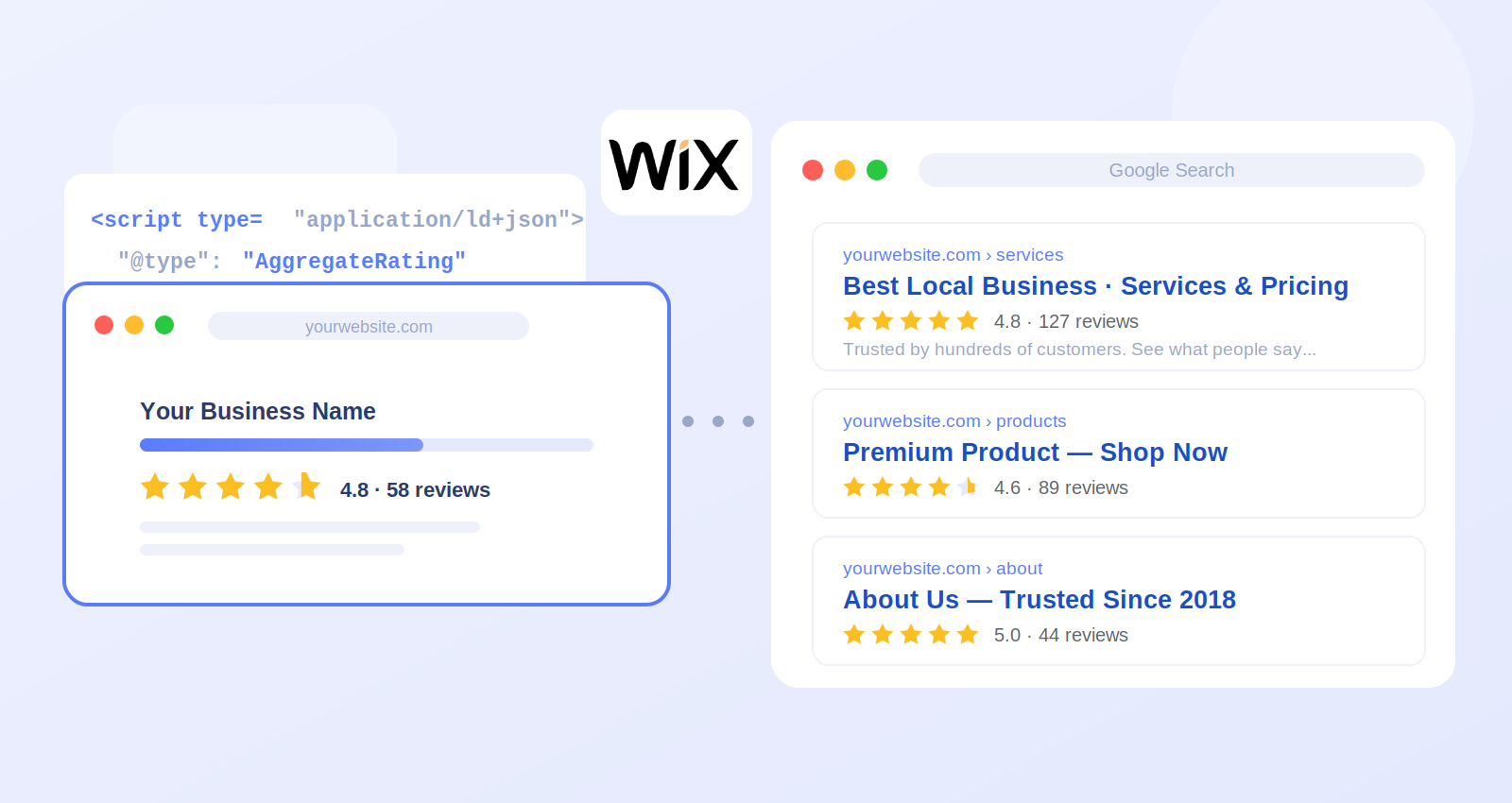
Once structured data is in place, your Squarespace pages may become eligible for rich results in Google Search. These enhanced listings display additional information directly in search results. Instead of a standard listing, users may see elements like breadcrumbs or business details. This makes your result more noticeable and easier to understand at a glance.
That visibility often leads to higher engagement. Studies suggest that enhanced listings can significantly improve click-through rates, especially in competitive local searches.
Strengthening Your Site with Smart Internal Linking
Location pages work best when they’re connected to the rest of your site. Internal links help search engines understand how your pages relate to each other. Your main service page can act as a hub, linking to each location page. In return, those pages can link back to core services or related content. This creates a stronger structure and helps distribute authority across your site.
It also helps visitors navigate between related services and nearby locations more naturally, improving overall user experience.
How AI Search Is Changing Local SEO Expectations
AI-driven features are changing how information is presented. Structured, well-organized content is easier for AI platforms to interpret. Location pages with clear structure and localized relevance are easier for AI search systems to interpret and surface.
This includes AI summaries, voice search responses, and contextual recommendations. As search continues to evolve, clarity becomes just as important as content quality.
Why Some Location Pages Don’t Perform as Expected
Not all location pages deliver results right away. In many cases, the issue isn’t the idea, it’s the execution. Pages that lack unique content or clear signals can struggle to gain traction. Missing structured data can also limit how search engines interpret the page.
Consistency plays a big role. When content, structure, and data align, pages perform better over time.
Conclusion
Ranking in multiple cities comes down to clarity. Location pages give each area a defined presence, while structured data helps search engines & AI platforms understand exactly what those pages represent.
When content feels specific, structure is consistent, and signals are clear, your site becomes much more capable of showing up in the right places (both in traditional search and in newer, AI-driven experiences).
FAQs
Q1: What are location pages in Squarespace?
They are dedicated pages targeting specific cities or regions, helping your site appear in local search results.
Q2: Do location pages really help with SEO?
Yes, they improve relevance for city-based searches and make it easier for search engines to match your content with local intent.
Q3: How many location pages should a site have?
Only create pages for locations you actively serve and can provide meaningful, unique content for.
Q4: Can schema improve location page performance?
Yes, structured data helps search engines understand location and service details more clearly.
Q5: What are Squarespace rich results?
They are enhanced search listings that display additional details, improving visibility and click-through rates.
Q6: How do I avoid duplicate content?
Write unique, location-specific content instead of copying templates across pages.
Q7: Do location pages help with Google Maps rankings?
They can support local SEO efforts when combined with consistent business information and structured data.
Q8: Are location pages still important today?
Yes, they remain a key part of local SEO as search engines continue to prioritize relevance and intent.






 Wix Schema
 Squarespace Schema
 BigCommerce Schema
 Shopify Schema
 Hubspot Schema
 Webflow Schema
 GoHighlevel Schema
 Duda Schema
 Weebly Schema
 ClickFunnel Schema