

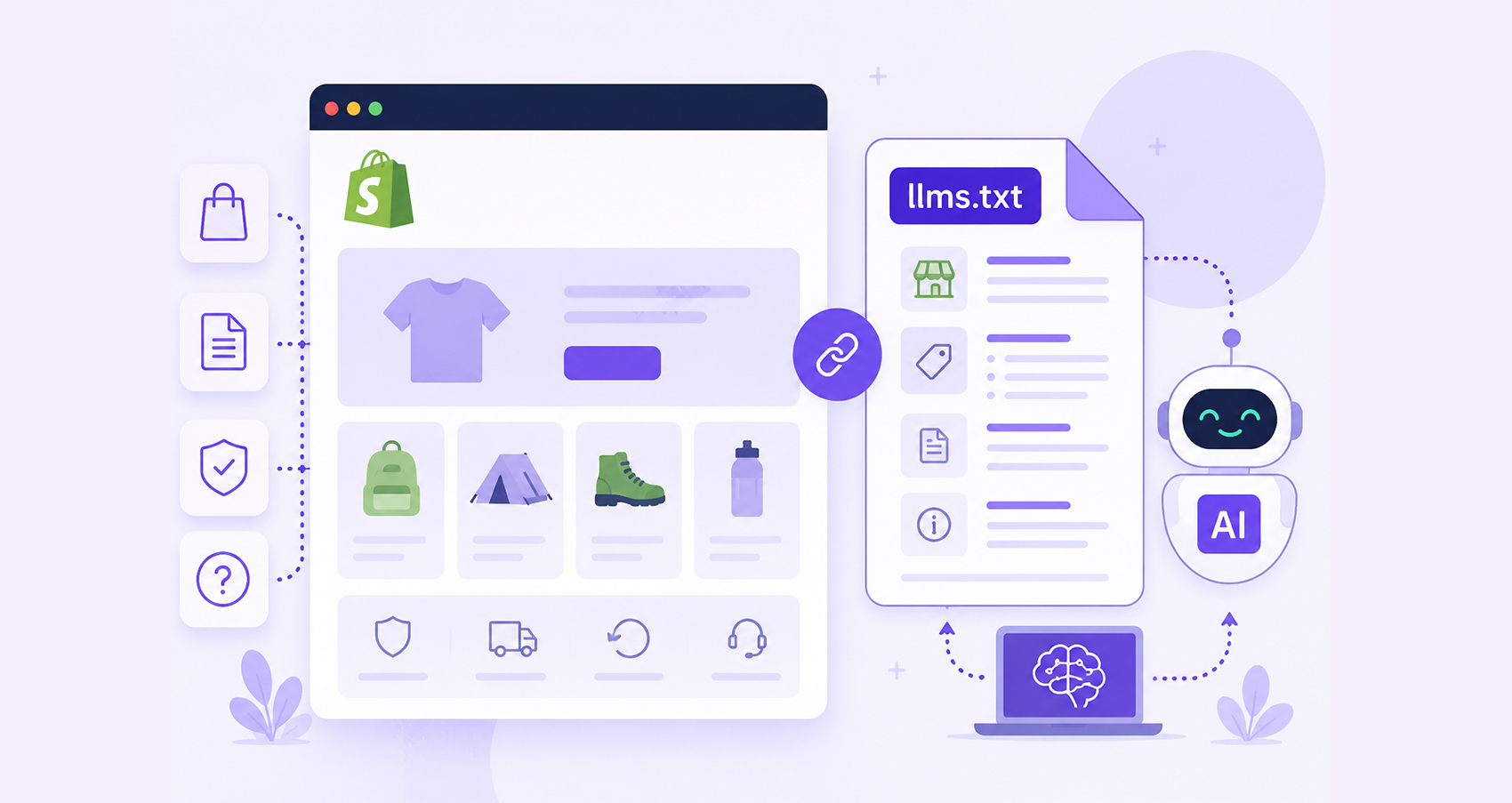
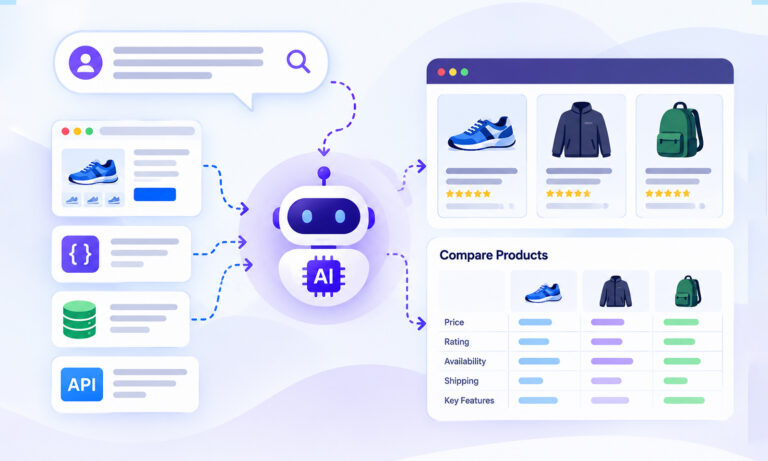
Search behavior is changing rapidly. Customers are increasingly discovering products through AI assistants, AI-powered search engines, and conversational shopping experiences.
As a result, many ecommerce brands are looking beyond traditional SEO and exploring ways to improve their visibility in AI-generated answers. One emerging approach is implementing a Shopify llms.txt file. Shopify now makes it much easier for merchants to publish one, providing AI systems with a structured overview of their store.
In this guide, you’ll learn how to create, publish, validate, and maintain an llms.txt file in Shopify using the latest implementation.
An llms.txt file acts as a structured guide for AI systems, helping them understand what your website offers and which pages matter most. Think of it as a curated overview of your store that helps AI systems quickly understand what you offer and which pages matter most.
Shopify llms.txt Setup: Quick Overview
- Create an llms.txt file containing a brief description of your store, key collections, important pages, policies, and helpful resources.
- Format the file using clear Markdown headings and links.
- Add the file to Shopify using a custom llms.txt theme template or another supported implementation method.
- Publish the file so it is accessible at yourstore.com/llms.txt.
- Test the URL to confirm the file loads correctly, and all links work.
- Validate the file structure, formatting, and URLs before deployment.
- Update your Shopify llms.txt file whenever you add major collections, resources, or important store pages.
In short, the Shopify llms.txt setup process involves creating the file, publishing it at /llms.txt, validating it, and keeping it updated so AI systems can easily understand your store’s most important content.
What Is an llms.txt File?
An llms.txt file is a structured Markdown document placed at the root of a website, typically:
https://yourstore.com/llms.txt
The format was introduced as an open standard to help AI systems quickly understand a website’s purpose, structure, and most important content. Instead of forcing AI tools to discover everything through crawling, website owners can provide a curated summary of their site.
A typical file includes:
- Business description
- Website summary
- Important collections
- Product categories
- Documentation or guides
- Policy pages
- Key landing pages
Unlike robots.txt, llms.txt does not control crawling behavior. Its purpose is to improve content understanding and context.
Why Add an llms.txt File to Your Shopify Store?
For e-commerce stores, AI visibility is becoming an important consideration. When customers ask AI assistants questions such as:
- “What are the best eco-friendly yoga mats?”
- “Which Shopify stores sell handmade candles?”
- “Where can I buy minimalist office furniture?”
AI systems rely on clear context to understand what your store sells, who it’s for, and which pages are most useful when answering shopper questions. A properly structured ecommerce LLMS.txt file can help communicate:
- What your store sells
- Your product categories
- Brand positioning
- Key informational content
- Important shopping pages
This is why many merchants are now exploring Shopify AI search optimization and Shopify AI visibility strategies that include llms.txt implementation.
Important Reality Check About Shopify llms.txt
Before implementing llms.txt, it’s important to understand its current status. The llms.txt specification is gaining adoption, but there is currently limited public evidence that major AI platforms use it as a significant ranking or retrieval signal. Industry discussions and independent testing have shown mixed results so far.
That doesn’t mean it’s useless. Many businesses view llms.txt as a low-effort future-proofing measure. As with early schema markup adoption, implementation costs are low, while potential long-term benefits may increase as AI search evolves.
The best approach is to treat llms.txt as a complement to:
- Strong technical SEO
- Structured data
- Product schema
- High-quality content
- Clear site architecture
How to Create llms.txt for Shopify
Creating a Shopify llms.txt file is relatively straightforward. Start with a simple Markdown structure:
# Example Store
> Premium outdoor gear for hiking and camping enthusiasts.

## About
Example Store provides camping equipment, hiking gear, and outdoor accessories.

## Collections
- Hiking Backpacks: https://example.com/collections/backpacks
- Camping Tents: https://example.com/collections/tents
- Sleeping Bags: https://example.com/collections/sleeping-bags

## Policies
- Shipping Policy: https://example.com/policies/shipping-policy
- Returns Policy: https://example.com/policies/refund-policy

## Contact
- Contact Us: https://example.com/pages/contact
The goal is clarity, not keyword stuffing.
AI systems should immediately understand:
- What you sell
- Who you serve
- Which pages matter most
Shopify llms.txt Setup: Step-by-Step
Step 1: Create Your File
Create a plain text file named: llms.txt
Use Markdown formatting and include a concise overview of your store. At a minimum, add your store description, major collections, important pages, policies, and helpful resource content. The goal is to give AI systems a clear understanding of your business and website structure.
If you want to speed up the process, you can use a Shopify llms.txt generator to automatically create a draft based on your store’s content and URLs.
Step 2: Add Relevant Ecommerce URLs
Focus on URLs that best represent your business and customer journey. Good examples include:
- Collections
- Best-selling products
- Buying guides
- FAQs
- Policies
- Contact page
Avoid listing hundreds of individual product URLs. Instead, prioritize pages that define your store, showcase your expertise, or help customers make purchasing decisions.
Step 3: Publish the File on Shopify
Historically, Shopify merchants relied on redirects because Shopify did not support root-level llms.txt files. However, Shopify introduced support for customizable /llms.txt and /llms-full.txt endpoints through theme templates in 2026.
You can create:
templates/llms.txt.liquid
inside your Shopify theme and customize the output served at:
yourstore.com/llms.txt
This is now the preferred Shopify llms.txt setup method because it allows you to manage and update the file directly within your Shopify theme.
Step 4: Test Accessibility
After publishing, visit:
https://yourstore.com/llms.txt
Verify that:
- The page loads successfully
- Formatting appears correctly
- Links are accurate and accessible
- No redirects or errors occur
- A quick review helps ensure AI systems can access and interpret the file without issues.
Step 5: Validate Shopify llms.txt
Before deployment, validate Shopify llms.txt to ensure:
- Proper Markdown formatting
- Correct headings
- Valid URLs
- Logical content structure
Whether you create the file manually or with a Shopify llms.txt generator, validation is an important final step. It helps identify formatting errors, broken links, or structural issues that could reduce the file’s usefulness for AI systems.
How to Check Whether Your Shopify llms.txt File Is Working
After publishing and validating your Shopify llms.txt file, take a few minutes to make sure everything is working as expected. Visit yourstore.com/llms.txt in your browser and confirm that the file loads without errors. Review the Markdown formatting, check that every link opens correctly, and make sure the content reflects your latest collections, pages, and policies.
If you’ve recently updated your theme or made significant changes to your store, revisit the file to confirm it’s still accessible. Keeping your llms.txt file accurate and up to date makes it easier for AI systems to understand your store and reference the right content over time.
Shopify llms.txt Example for Ecommerce Stores
Here’s a simplified Shopify llms.txt example:
# Mountain Trail Gear
> Premium hiking and outdoor equipment.

## About
Mountain Trail Gear specializes in hiking backpacks, camping tents, trekking poles, and outdoor accessories.

## Collections
- Backpacks
- Tents
- Sleeping Bags
- Hiking Accessories

## Resources
- Hiking Guide
- Backpack Sizing Guide
- Camping Checklist

## Policies
- Shipping Policy
- Return Policy
- Privacy Policy

## Contact
- Customer Support
This format provides a concise overview while remaining easy for AI systems to process.
Best Practices for Shopify AI Visibility
To maximize the effectiveness of your Shopify llms.txt file and support broader Shopify AI visibility efforts, follow these best practices:
1. Keep It Concise
An llms.txt file should act as a curated summary, not a sitemap. Focus on the most important pages, collections, and resources that define your store. Clear, concise information is easier for AI systems to understand and process.
2. Update It Regularly
Your Shopify llms.txt file should reflect the current state of your business. Whenever you launch new collections, publish buying guides, or retire product categories, review and update the file to keep the information accurate.
3. Prioritize High-Value Pages
Include pages that best showcase your products, expertise, and customer experience. Collection pages, buying guides, FAQs, and key policy pages typically provide more value than listing large numbers of individual product URLs.
4. Support It with Structured Data
Schema markup remains one of the most effective ways to help search engines and AI systems understand ecommerce content. Product, Organization, FAQ, and Breadcrumb schema can provide additional context that complements your Shopify llms.txt file.
5. Maintain Strong Site Organization
Even the best llms.txt file cannot compensate for a poorly organized website. Clear navigation, logical collection structures, and internally linked content help both users and AI systems discover and understand your store more effectively.
Common Shopify llms.txt Mistakes
Many merchants make the same errors:
| Mistake | Why It’s a Problem |
|---|---|
| Listing every product | Creates unnecessary clutter |
| Using vague descriptions | Reduces context for AI |
| Forgetting updates | Information becomes outdated |
| Broken URLs | Damages usability |
| Treating llms.txt as SEO magic | It is only one part of AI optimization |
Conclusion
Implementing a Shopify llms.txt file is one of the simplest ways to prepare your store for the evolving AI search landscape. While its long-term impact is still developing, the file provides a structured summary of your business that can help AI systems understand your products, collections, and key content.
The most effective approach is to combine a well-maintained Shopify llms.txt file with strong technical SEO, structured data, high-quality content, and a clear site architecture. Together, these elements create a stronger foundation for both traditional search visibility and emerging AI-driven discovery.
FAQs
Q1: What is a Shopify llms.txt file?
A Shopify llms.txt file is a structured Markdown document that helps AI systems understand your store’s purpose, products, and key content.
Q2: How do I add llms.txt to Shopify?
You can create a custom template/llms.txt.liquid template within your Shopify theme and publish content directly at /llms.txt.
Q3: Does Shopify support llms.txt natively?
Yes, Shopify introduced customizable /llms.txt and /llms-full.txt endpoints in 2026 through theme templates.
Q4: Is llms.txt required for Shopify SEO?
No, Traditional SEO does not require llms.txt. It is considered an additional AI visibility optimization rather than a ranking requirement.
Q5: Can I generate a Shopify llms.txt file automatically?
Yes, Several tools and Shopify apps can generate a Shopify llms.txt file automatically from your products, collections, and pages.
Q6: How do I validate Shopify llms.txt?
Use an llms.txt validator to check Markdown structure, URL formatting, and compliance with the published specification.
Q7: What should be included in an ecommerce llms.txt file?
Include:
- Store description
- Major collections
- Important product categories
- Resource content
- Policies
- Contact information
Q8: Does llms.txt improve AI search rankings?
There is currently no conclusive evidence that llms.txt directly improves rankings in AI systems. However, it may help provide clearer context and improve content discoverability as AI search evolves.






 Wix Schema
 Squarespace Schema
 BigCommerce Schema
 Shopify Schema
 Hubspot Schema
 Webflow Schema
 GoHighlevel Schema
 Duda Schema
 Weebly Schema
 ClickFunnel Schema