

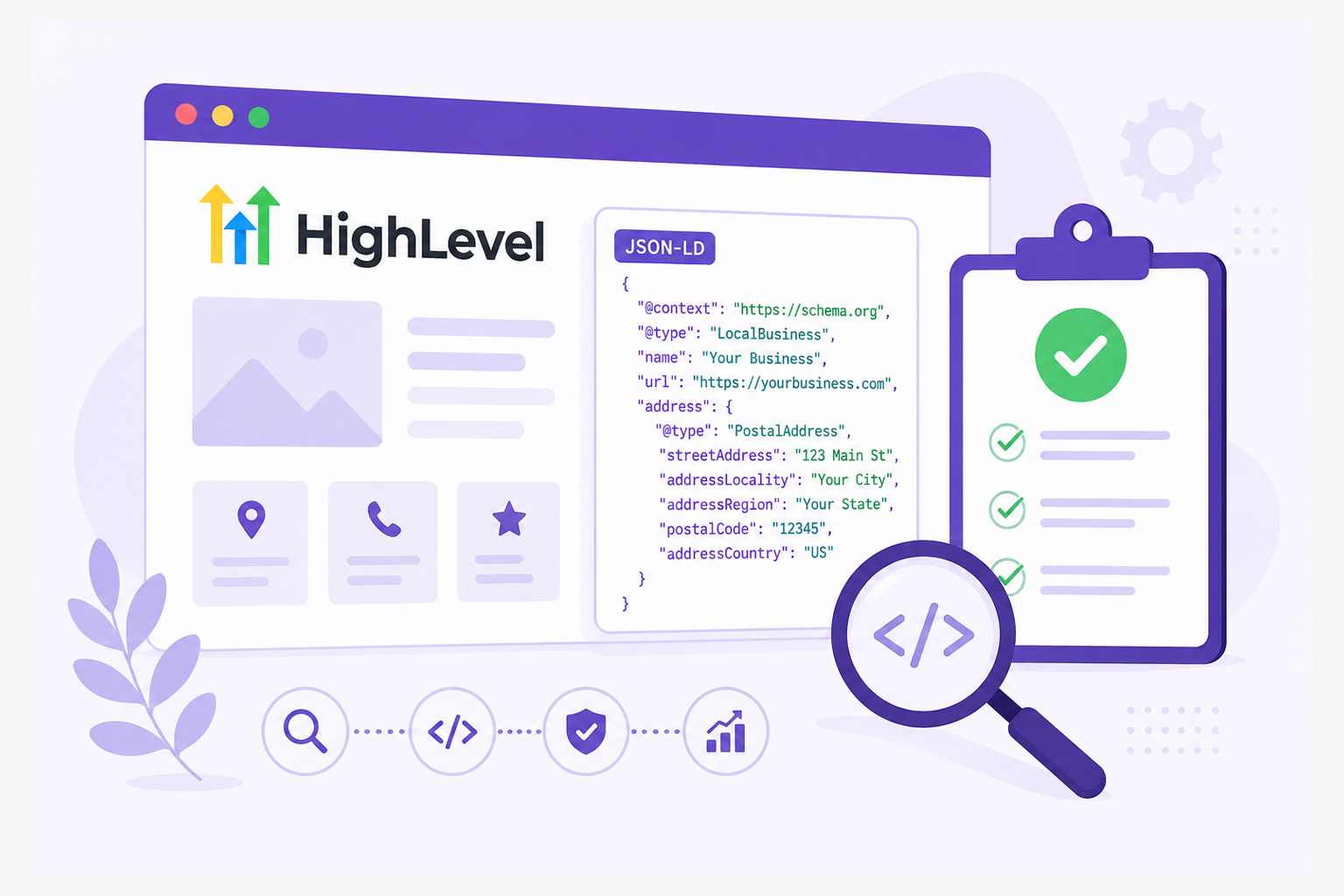
Adding schema markup to your GoHighLevel website is only half the job. The real value comes from making sure search engines can read and interpret that markup without confusion.
Whether you’re using GoHighLevel for landing pages, funnels, local business websites, or lead generation, incorrectly structured data can prevent Google from recognizing important information about your business. Even a small mistake, such as missing required properties or using the wrong schema type, can reduce your chances of earning rich results.
That’s why it’s essential to check GoHighLevel schema markup after implementation instead of assuming everything works correctly.
This guide explains how to use a GoHighLevel schema markup checker, validate your structured data, identify common errors, and ensure your JSON-LD follows Schema.org and Google guidelines.
Quick Validation Checklist for GoHighLevel Schema Validation
- Check GoHighLevel schema markup using Google Rich Results Test and Schema.org Validator.
- Verify that your JSON-LD matches the visible content on the page.
- Fix missing required properties, syntax issues, and unsupported schema types.
- Re-test every page after editing templates, funnels, or custom code.
- Use a reliable GoHighLevel schema markup checker before publishing important pages.
- Monitor structured data regularly because website updates can unintentionally break existing markup.
Why You Should Check GoHighLevel Schema Markup
Many GoHighLevel users add JSON-LD through the Custom Code section, page headers, website settings, or third-party schema tools. Since implementation methods vary, validating the final output on the published page becomes especially important to ensure search engines can interpret your structured data correctly.
Because of this flexibility, validation becomes especially important.
Checking your structured data helps you:
- Confirm Google can understand your page.
- Detect missing or invalid properties.
- Improve eligibility for rich results.
- Ensure structured data accurately reflects visible content.
- Prevent indexing issues caused by invalid markup.
Even a perfectly implemented schema provides little value if search engines can’t parse it or if the structured data doesn’t accurately reflect the visible content on the page.
Understanding GoHighLevel Schema Markup
GoHighLevel is commonly used to build landing pages, sales funnels, business websites, and lead generation campaigns. Regardless of the type of page you’re creating, search engines don’t automatically understand the meaning of your content.
GoHighLevel schema markup provides that extra context by describing your page in a structured format, typically JSON-LD. Since GoHighLevel is widely used for funnels, appointment booking pages, local business websites, and marketing campaigns, different pages often require different schema types rather than a single schema across the entire website.
For example, instead of simply displaying your business details, schema markup can identify them as structured information, such as your business name, contact details, services, FAQs, reviews, or organization information. This helps search engines interpret your content more accurately and determine whether it qualifies for relevant rich results.
The schema type you use should match the purpose of the page rather than using the same markup across your entire website.
| GoHighLevel Page | Recommended Schema |
|---|---|
| Homepage | Organization or LocalBusiness |
| Service Page | Service |
| Landing Page | WebPage |
| Blog Post | Article |
| FAQ Section | FAQPage |
| Contact Page | LocalBusiness |
Using the right schema for each page is the foundation of accurate GoHighLevel structured data validation and makes it much easier to detect issues when you check your schema markup later.
Step-by-Step Process to Check GoHighLevel Schema Markup
Whether you’ve added schema manually or using a schema tool, it’s important to validate it before relying on it for search visibility. The following step-by-step process will help you check your GoHighLevel schema markup, identify errors, and confirm that search engines can interpret it correctly.
Step 1: Open Your Published GoHighLevel Page
Validation works best on publicly accessible pages. If your GoHighLevel page is still in preview mode or hasn’t been published, most schema validation tools won’t be able to analyze it.
Step 2: Test Using Google’s Rich Results Test
Google’s Rich Results Test is one of the most reliable GoHighLevel schema markup checker tools for determining whether your structured data is eligible for Google’s supported rich results.
Simply paste your page URL into Google’s Rich Results Test
The tool will:
- Detect supported schema
- Identify errors
- Show warnings
- Display extracted structured data
If Google cannot detect your markup, investigate whether your JSON-LD is loading correctly.
Step 3: Validate with the Schema.org Validator
Google focuses only on supported rich result types. The Schema.org Validator checks whether your structured data follows Schema.org standards, even if Google doesn’t currently use every schema type.
This is an important step in GoHighLevel JSON-LD validation because it helps identify syntax and vocabulary problems before search engines encounter them.
Step 4: Compare Schema With Visible Content
One of the most common structured data problems isn’t technical, it involves inaccurate information. Check that your schema matches:
- Business name
- Phone number
- Services
- Pricing (if included)
- FAQs
- Reviews
- URLs
Google recommends that structured data accurately represent the visible content users see on the page.
Step 5: Fix Validation Errors
Most GoHighLevel schema markup errors fall into one of these categories. Always fix errors before worrying about warnings.
| Error | Cause |
|---|---|
| Missing required field | Required property not included |
| Invalid value | Incorrect formatting |
| Unsupported schema type | Schema not recognized for rich results |
| JSON syntax error | Missing comma, bracket, or quotation mark |
| Incorrect nesting | Properties placed under the wrong object |
Step 6: Re-Test After Every Update
GoHighLevel websites often evolve quickly. Updating:
- funnels
- landing pages
- templates
- custom code
- tracking scripts
can accidentally affect your structured data.
That’s why you should always test GoHighLevel schema markup again after publishing changes. After Google recrawls your page, review Google Search Console for any structured data reports or rich result issues that may appear during indexing.
Common GoHighLevel Schema Markup Mistakes
Even experienced marketers occasionally overlook structured data issues. Here are the most common problems encountered during GoHighLevel structured data validation.
Using the Wrong Schema Type
Adding Organization schema to a service page instead of Service schema reduces the amount of useful information search engines receive. Choose a schema that accurately represents each page.
Adding Schema That Doesn’t Match the Page
Some users copy JSON-LD from another website without updating the details. For example:
- wrong phone number
- outdated address
- unrelated business description
Structured data should always reflect the current page.
Forgetting to Update Schema Across Funnel Pages
Many GoHighLevel users duplicate funnels or landing pages when creating new campaigns. If the existing JSON-LD isn’t updated, the new page may still contain outdated business details, URLs, or service information, leading to inaccurate structured data.
Missing Required Properties
Certain schema types require specific fields. For example, LocalBusiness typically benefits from information such as:
- name
- address
- telephone
- URL
Leaving important properties blank can reduce usefulness.
Invalid JSON Formatting
One missing comma can invalidate an entire JSON-LD block. This is why every implementation should undergo GoHighLevel JSON-LD validation before publishing.
Forgetting to Revalidate
Many businesses validate the schema only once. Later edits to templates or landing pages can unintentionally remove or break structured data. Regular checks help catch these problems early.
Best Practices for GoHighLevel Structured Data Validation
A consistent validation process saves time and helps avoid search visibility issues. Follow this workflow whenever you update your website:
- Publish your GoHighLevel page.
- Run Google’s Rich Results Test.
- Validate with the Schema.org Validator.
- Review detected structured data.
- Fix any errors or warnings where appropriate.
- Confirm that visible content matches your schema.
- Re-test after every major website update.
If you regularly publish new landing pages, funnels, or client websites in GoHighLevel, consider using an all-in-one schema platform like JSON Schema App.
Instead of manually switching between multiple validators, it can help you generate schema, validate JSON-LD, check implementation, identify errors, and monitor structured data from a single workflow.
Helpful Tools for Checking GoHighLevel Schema Markup
Several tools can act as a GoHighLevel schema markup checker, making it easier to validate JSON-LD, identify errors, and verify that your structured data meets Google’s and Schema.org’s requirements.
| Tool | Purpose |
|---|---|
| Google Rich Results Test | Checks eligibility for Google rich results |
| Schema.org Validator | Validates Schema.org vocabulary and JSON-LD syntax |
| Google Search Console | Reports structured data issues detected after crawling |
| Browser View Source / Inspect Element | Confirms JSON-LD is present on the live page |
Using more than one validator provides a more complete picture of your implementation than relying on a single GoHighLevel schema markup checker.
Conclusion
Knowing how to check GoHighLevel schema markup is just as important as adding it in the first place. Validation ensures that your structured data is technically correct, accurately reflects your content, and can be interpreted by search engines as intended.
By testing every published page, correcting schema markup errors, performing regular structured data validation, and rechecking your JSON-LD after updates, you can maintain high-quality structured data across your GoHighLevel website. A simple validation routine today can help prevent indexing issues and improve your site’s readiness for rich search experiences.
FAQs
Q1: How do I check GoHighLevel schema markup?
Publish your page, test it with Google’s Rich Results Test, validate it using the Schema.org Validator, review detected structured data, fix any errors, and re-test after updates.
Q2: Does GoHighLevel automatically generate schema markup?
GoHighLevel may include limited structured data depending on your website setup and integrations, but it doesn’t automatically generate comprehensive Schema.org markup for every page. Many businesses still add custom JSON-LD or use third-party schema tools for greater control.
Q3: What is the best GoHighLevel schema markup checker?
Google’s Rich Results Test is the best option for checking eligibility for Google’s rich results, while the Schema.org Validator provides broader validation of Schema.org vocabulary and JSON-LD syntax. Using both gives the most reliable results.
Q4: Why is my GoHighLevel schema not showing in Google?
Possible reasons include invalid JSON-LD, missing required properties, unsupported schema types, markup that doesn’t match visible content, or pages that haven’t been crawled yet.
Q5: How often should I validate GoHighLevel schema markup?
Validate whenever you publish a new page, modify templates, update custom code, change business information, or redesign funnels.
Q6: Can I use JSON-LD on GoHighLevel?
Yes. JSON-LD is the format recommended by Google and is commonly added to GoHighLevel pages using custom code or supported integrations.
Q7: What causes GoHighLevel schema markup errors?
Common causes include syntax mistakes, incorrect nesting, missing required properties, invalid values, outdated business information, and using the wrong schema type for a page.
Q8: Does validating schema improve SEO rankings?
Schema validation doesn’t directly improve rankings. However, valid structured data helps search engines understand your content more accurately and may increase eligibility for rich results, which can improve visibility and click-through rates.






 Wix Schema
 Squarespace Schema
 BigCommerce Schema
 Shopify Schema
 Hubspot Schema
 Webflow Schema
 GoHighlevel Schema
 Duda Schema
 Weebly Schema