

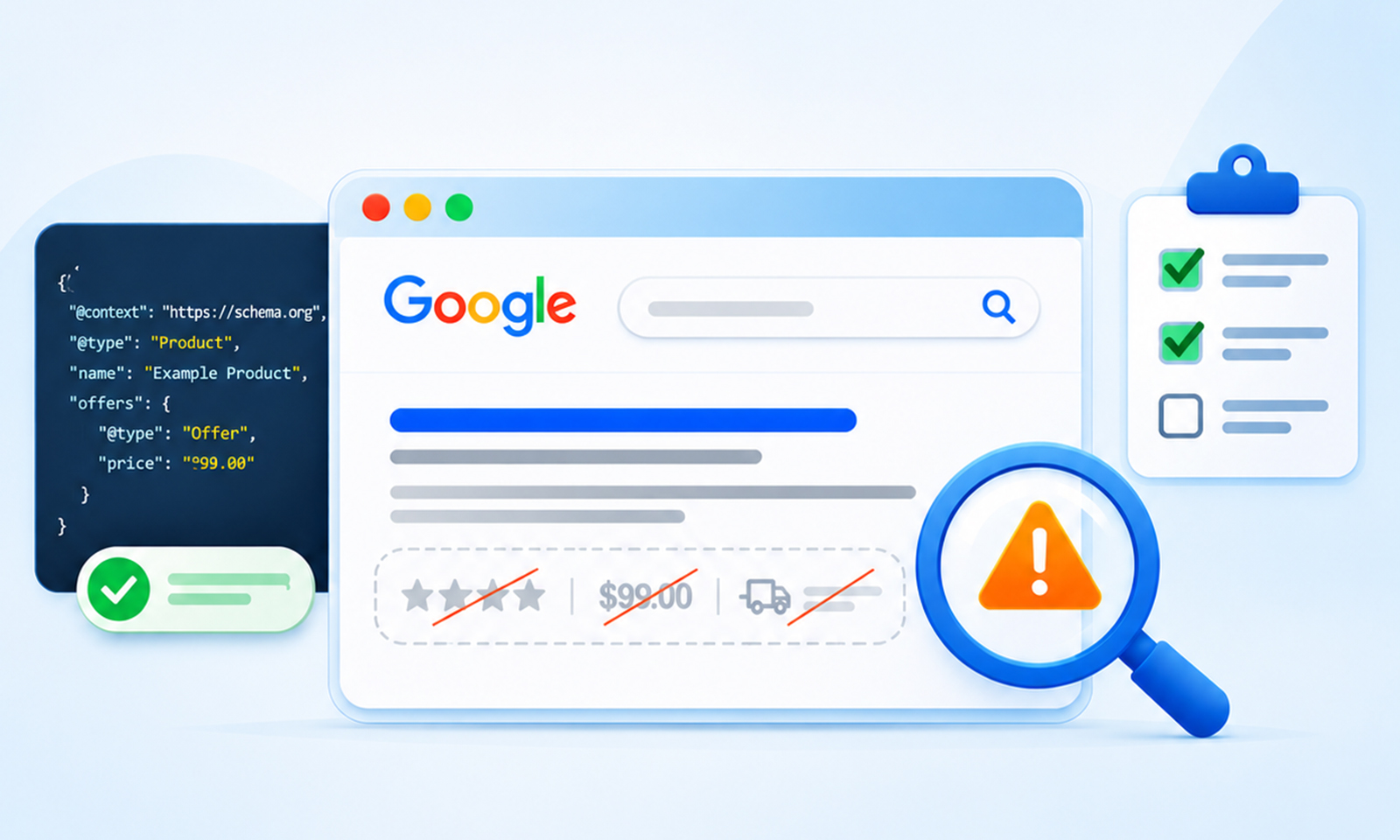
TL;DR: Rich snippets not showing is rarely a syntax problem. The usual causes are markup that does not match visible content, ineligible page types, missing required properties, duplicate blocks, unindexed pages, and rich result types Google has retired. Valid markup earns eligibility, not a guarantee.
Adding schema markup to a page feels like it should be enough. The code is in place, the testing tool says it is fine, and the page is live. Then weeks go by, and Google still shows a plain blue link. No stars, no price, no extra details.
Rich snippets not showing is a very common problem, and most of the time the code is not the issue. A testing tool can identify markup errors and check eligibility for supported rich results, but passing the test does not guarantee that Google will display them. Google then looks at other things, like whether the page is indexed, whether the content matches the markup, and whether that type of page is even allowed to get a rich result. None of those show up in a validator.
This guide covers the 12 most common reasons rich snippets do not appear, in the order they are worth checking, with a simple fix for each one.
Why Valid Schema Does Not Guarantee Rich Results
A rich result is a display decision Google makes per query, per page, per crawl. Structured data makes a page eligible. Correct markup does not guarantee a rich result will appear, and the search engine may choose not to show one even when everything passes. That framing changes how to troubleshoot. Instead of asking whether the code is right, the better question is which eligibility check the page is failing. The reasons below are those checks.12 Reasons Rich Snippets Are Not Showing in Google
Not every missing rich result points to a schema markup error. Some issues are related to indexing, eligibility, or Google’s display decisions. Here are 12 reasons worth checking and what you can do about them.1. The Page Is Not Indexed Yet
Google must be able to crawl and index a page for its structured data to qualify for rich results. A robots.txt block can prevent Googlebot from accessing the page, while a noindex tag prevents it from being indexed. A soft 404 can also prevent the page from appearing in Search. Check the URL in Search Console’s URL Inspection tool before troubleshooting the markup.2. Not Enough Time Has Passed
Even after indexing, rich results may take additional time to appear. Google has to reprocess the page and reassess its eligibility. Requesting indexing in Search Console can help Google discover an updated page, but it does not guarantee immediate processing or rich result display. There is no fixed waiting period for rich results to appear.3. The Rich Result Type Has Been Retired
Google stopped showing FAQ rich results in Search on May 7, 2026, and removed the feature’s documentation in June. FAQPage remains a valid Schema.org type, but it no longer qualifies for FAQ rich results in Google Search. HowTo rich results were retired in 2023, and Google removed several other structured data search features in 2025, including Course Info and Estimated Salary.4. Required Properties Are Missing
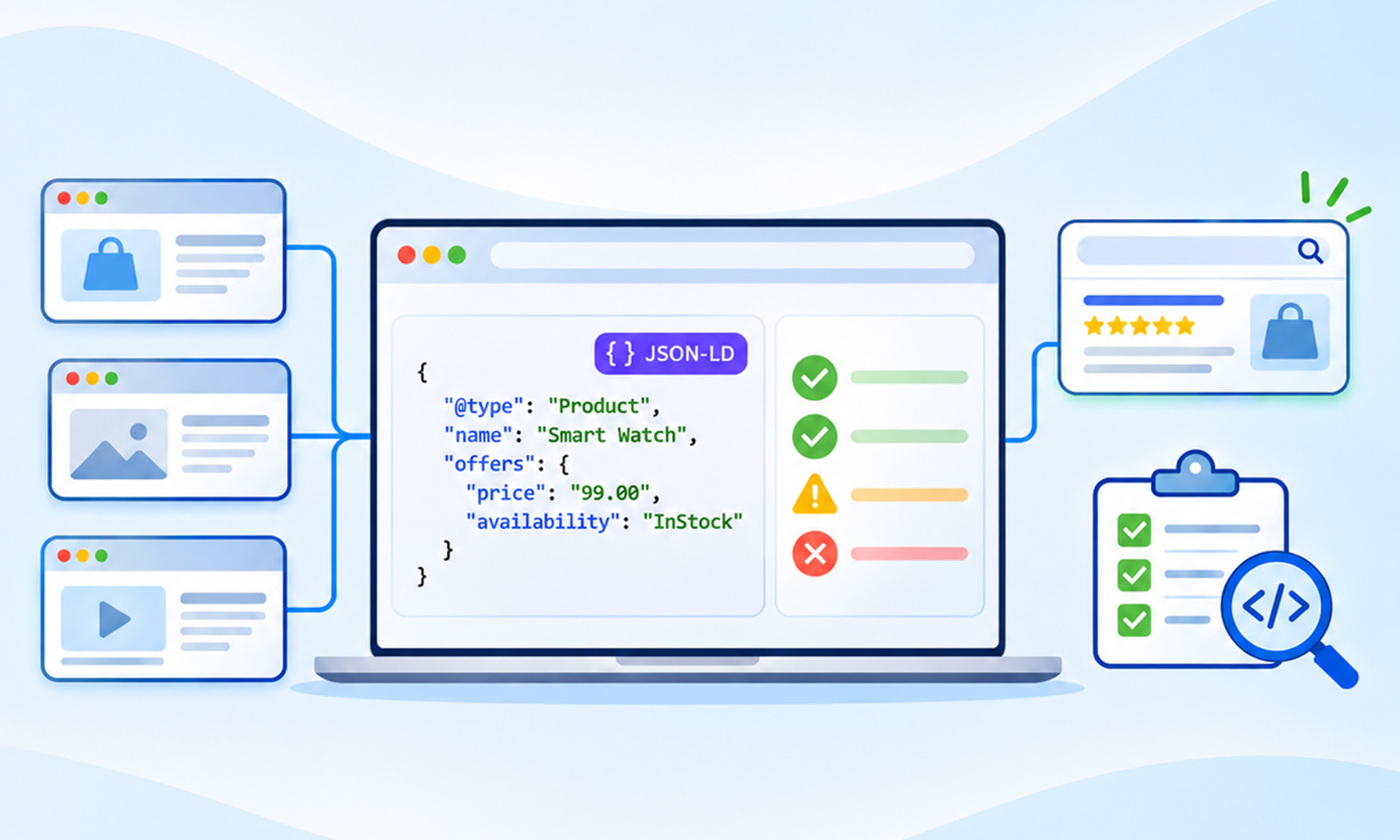
Each rich result has its own list of required schema properties, and the list differs from what Schema.org treats as required. Product merchant listings need name, image, and an offers block with a price. JobPosting needs title, description, datePosted, hiringOrganization, and jobLocation. Missing a required property makes the item ineligible for rich results, while missing recommended properties may generate warnings. The fix is reading the feature page, not the vocabulary page. It is also important to use the right validation tool. Google’s Rich Results Test checks whether structured data can generate a supported Google rich result, while the Schema Markup Validator checks Schema.org markup without Google’s feature-specific requirements. Passing the Schema Markup Validator does not mean a page is eligible for a Google rich result. If your markup validates but the expected feature is missing, check Google’s documentation for that specific rich result type and test the page using the Rich Results Test.5. The Markup Does Not Match What Visitors See
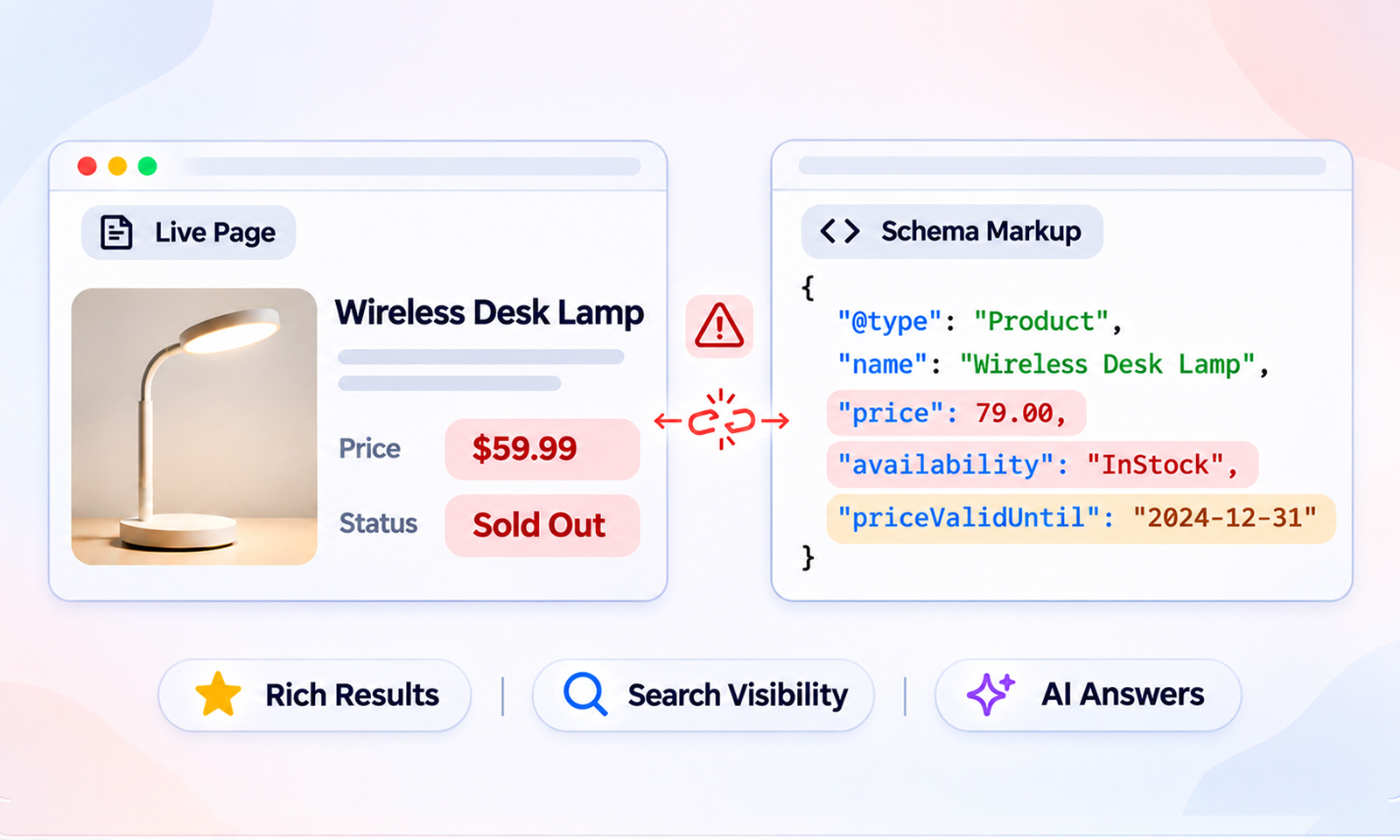
Google’s structured data policies require that marked-up content be visible on the page. A ratingValue of 4.8 when the page shows 4.5, a price in the markup that differs from the visible one, or FAQ answers in JSON-LD that appear nowhere on screen, all count as misleading. This is the single most common cause of schema markup not showing in Google on pages that pass validation, because validators cannot read the page.6. The Page Type Is Not Eligible for That Rich Result
Some combinations are ruled out by policy regardless of syntax. Review stars do not appear for self-serving reviews on LocalBusiness or Organization pages, because the business controls its own reviews. Service is not a supported type for review snippets at all. Nesting aggregateRating inside either will validate and produce nothing. Only pages describing a discrete, eligible item qualify.7. Duplicate or Conflicting Markup on the Same Page
A theme, SEO plugin, and custom snippet can each inject structured data for the same entity. If these blocks contain conflicting names, ratings, prices, or other properties, Google may have difficulty interpreting the information correctly. Multiple structured data blocks are not automatically a problem, however. A page can legitimately describe several related entities, such as an Article, its author, and its publisher. Review the generated markup, remove unnecessary duplicate descriptions of the same entity, and make sure the remaining properties are consistent.8. Templated Ratings Repeated Across Many Pages
Repeating the same aggregateRating across multiple pages can create misleading structured data when the rating does not genuinely describe the item or content on each page. For example, adding a business’s overall 4.9-star rating to every individual service page does not make those services independently reviewed. Google also excludes self-serving review snippets for LocalBusiness and Organization entities when the business controls the reviews about itself. Only add ratings that genuinely represent the item being reviewed, are visible to visitors, and meet Google’s requirements for the relevant rich result type.9. The Markup Is Injected by JavaScript and Not Rendered for Googlebot
JavaScript-generated JSON-LD is supported by Google, but rendering problems can prevent Google from accessing it. If a script fails to execute, depends on blocked resources, or generates incomplete markup, Google may not see the structured data in the rendered page. Check the rendered HTML using Search Console’s URL Inspection tool or the Rich Results Test rather than relying only on the original page source. Server-side rendering can make structured data more immediately available, but correctly implemented client-side JSON-LD is also supported.10. Google’s Quality Guidelines Are Not Met
Schema validation confirms that structured data can be parsed, but it does not establish whether the content meets Google’s quality guidelines. Markup must accurately represent the page’s main content and should not describe hidden, misleading, outdated, or irrelevant information. Google also requires structured data to comply with its Search spam policies. If Google issues a structured data manual action, affected pages lose eligibility for rich results, although this does not directly affect their ordinary web search rankings. Check the Manual Actions report in Search Console if you suspect a structured data policy violation.11. Values Are in the Wrong Format
A price stored as “$49.99” instead of a number with a separate priceCurrency, a date that is not ISO 8601, or a video duration written as “30 minutes” instead of PT30M, all generate warnings that reduce what Google extracts. These are among the more common schema markup errors because the code still parses, so the error only shows as a warning that many teams ignore.12. Google Decided Not to Show It
Sometimes everything is right, and the rich result still does not appear, or appears for some queries and not others. Google adjusts display based on query intent, device, location, competing results, and its own testing. Rich results can also disappear and return without any change on the site. This is why ongoing monitoring in Search Console matters more than a one-time check.Which Reasons Are Code Problems and Which Are Not
The table below separates the 12 reasons by where the fix lives. Most teams spend their time in the first column when the answer is in the second.| Fixable in the Markup | Fixable Elsewhere or Not Fixable |
|---|---|
| 4. Missing required properties | 1. Page not indexed |
| 5. Markup does not match visible content | 2. Not enough time |
| 7. Duplicate or conflicting blocks | 3. Rich result type retired |
| 8. Templated sitewide ratings | 6. Page type ineligible by policy |
| 9. JavaScript-injected markup | 10. Site quality issues |
| 11. Wrong value formats | 12. Google’s display decision |







 Wix Schema
 Squarespace Schema
 BigCommerce Schema
 Shopify Schema
 Hubspot Schema
 Webflow Schema
 GoHighlevel Schema
 Duda Schema
 Weebly Schema
 ClickFunnel Schema