

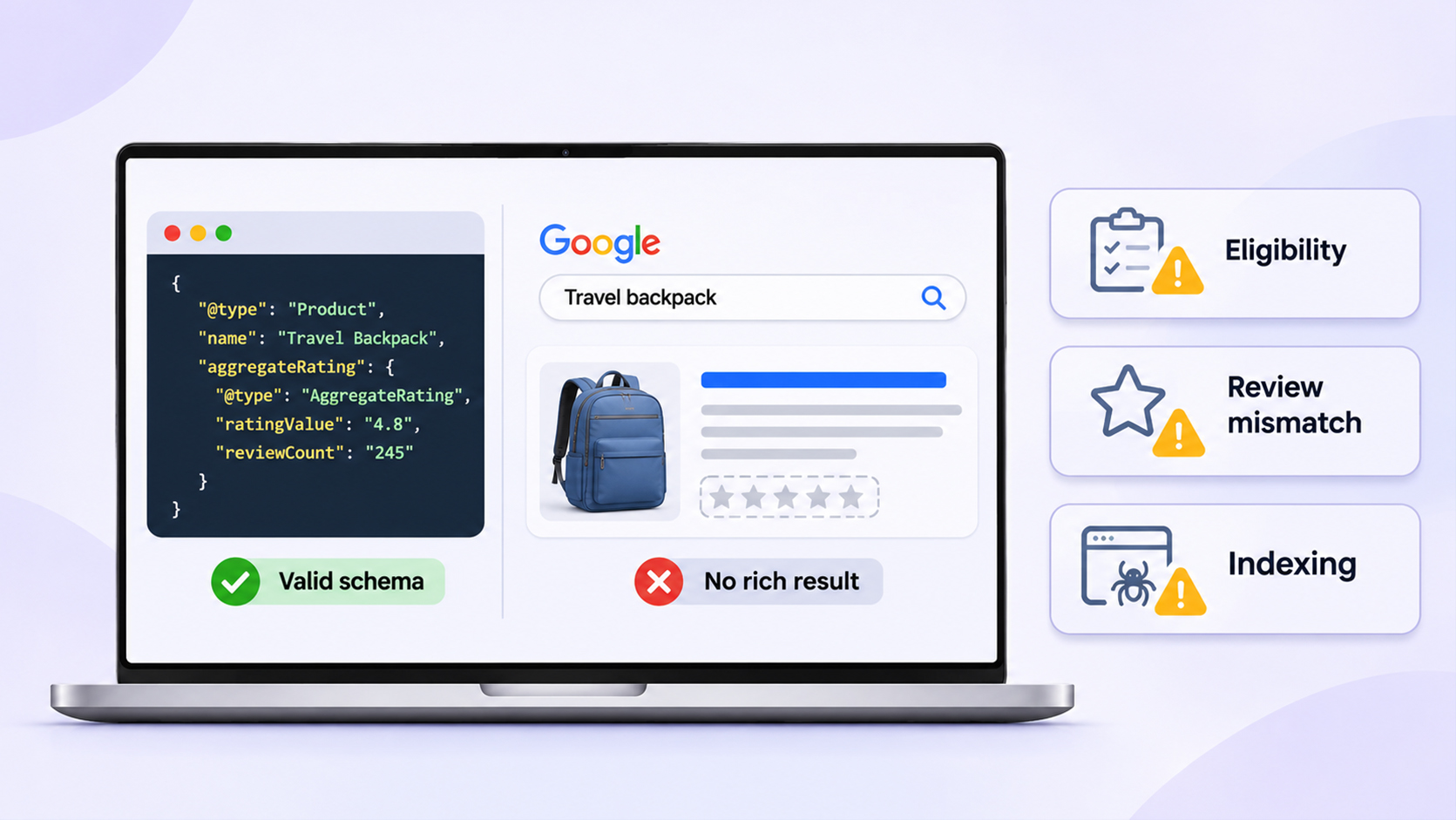
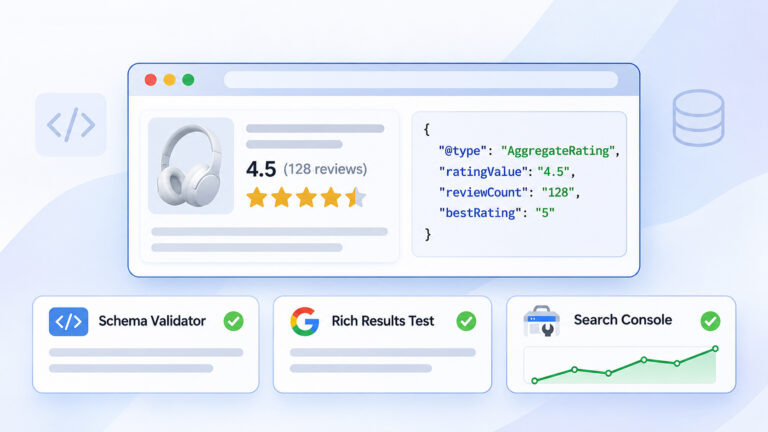
Seeing “Valid” in the Rich Results Test but no stars in Google Search can be frustrating. It often leads site owners to assume their review schema is not working. But there is an important distinction: validation and eligibility are not the same thing.
A validator primarily tells you whether Google can understand the structured data and whether required technical properties are present. Google can still decide that a page should not receive a review rich result based on content quality, eligibility, guidelines, or how the search result is generated. Google explicitly states that valid structured data does not guarantee a rich result will appear.
So if your review schema is valid but not showing, don’t immediately rewrite the JSON-LD. First diagnose which layer is actually failing.
Why Is Valid Review Schema Not Showing in Google?
- Valid schema ≠ guaranteed rich result: Google decides whether and how a supported rich result appears.
- Eligibility matters: The reviewed entity, review source, and page type must meet Google’s requirements.
- Visible content must match markup: Don’t mark up ratings or reviews that users cannot see on the page.
- Self-serving reviews can block stars: Certain LocalBusiness and Organization review implementations are specifically ineligible.
- Technical accessibility matters: noindex, robots.txt restrictions, login walls, or indexing problems can prevent Google from processing the page correctly.
- Changes take time: After fixing markup, Google needs to recrawl and reprocess the page before search appearance changes.
Valid Schema vs. Google Rich Results: What’s the Difference?
This is the most important concept behind most review schema errors. A page can pass the Rich Results Test because the markup contains the required properties and uses a supported structure.
However, Google also evaluates broader guidelines and the actual page before deciding whether a rich result is appropriate. Think of the process like this:
| Stage | What it answers |
|---|---|
| Schema syntax | Can Google parse the markup? |
| Rich Results Test | Does the markup meet technical requirements for the feature? |
| Content guidelines | Does the implementation follow Google’s quality rules? |
| Page eligibility | Is this content/type eligible for the review feature? |
| Crawling & indexing | Can Google access and process the page? |
| Search display | Does Google choose to show the enhancement? |
Google specifically says that structured data enables eligibility, it does not guarantee that a rich result will appear. Search appearance can vary based on Google’s systems and the search context.
That distinction explains why you can have a valid review schema but no rich results.
12 Review Schema Mistakes to Check When Valid Schema Gets No Rich Results
Passing schema validation doesn’t guarantee that Google will show a rich result. These review schema mistakes can still affect eligibility, guideline compliance, content consistency, or how Google processes the page, even when your markup is technically valid.
1. Using a Schema Type That Isn’t Eligible
One of the most fundamental review schema mistakes is assuming that every Schema.org type can produce Google review stars.
Google supports review snippets for specific types, including Product, SoftwareApplication, Recipe, Book, Movie, Event, and other supported types such as Organization and LocalBusiness. However, Organization and LocalBusiness review snippets are subject to additional restrictions: websites cannot use this feature to display self-serving reviews about their own organization or business.
For example, adding:
{
  "@type": "Organization",
  "aggregateRating": {
    "@type": "AggregateRating",
    "ratingValue": 4.8,
    "reviewCount": 245
  }
}
doesn’t automatically make a company’s homepage eligible for review stars.
Fix: Start with the page’s primary entity and confirm that Google supports review snippets for that schema type.
2. Marking Up Self-Serving Reviews
This is one of the biggest reasons legitimate-looking markup can fail to produce stars.
Google says pages using LocalBusiness or Organization structured data can be ineligible when the entity being reviewed controls the reviews about itself. This can also apply when reviews are displayed through embedded third-party widgets.
For example, a company shouldn’t assume that importing its own Google Business Profile or Facebook reviews into an Organization schema makes those ratings eligible for Google’s review snippet.
The markup may be perfectly valid from a syntax perspective. The implementation can still be ineligible for the feature.
Fix: Check whether the reviews are genuinely about another entity and whether your implementation falls within Google’s self-serving review restrictions.
3. Adding Ratings That Aren’t Visible on the Page
Google’s structured data guidelines require markup to represent content that is available to users.
Suppose your page visibly says:
“No customer ratings yet.”
But your JSON-LD contains:
"aggregateRating": {
  "@type": "AggregateRating",
  "ratingValue": 4.9,
  "reviewCount": 87
}
That’s a serious mismatch.
Google specifically warns against marking up content that isn’t visible to users or using structured data that is misleading or irrelevant.
Fix: Make sure the rating, review count, and relevant review content represented in your markup correspond to what users can actually find on the page.
4. Using the Wrong Rating Scale
Incorrect rating data can create subtle review structured data errors.
A common example is displaying a 4.7/5 rating while the markup uses a different scale without defining it correctly.
Google’s documentation states that numerical ratings default to a 1–5 scale. If you’re using another scale, properties such as bestRating and worstRating should communicate that scale.
For example:
"reviewRating": {
  "@type": "Rating",
  "ratingValue": 92,
  "bestRating": 100,
  "worstRating": 0
}
is different from:
"reviewRating": {
  "@type": "Rating",
  "ratingValue": 4.6,
  "bestRating": 5,
  "worstRating": 1
}
Fix: Ensure the markup reflects the rating system actually used by your website.
5. Using an Incorrect or Misleading Review Count
Another common mistake is treating reviewCount and ratingCount as interchangeable. They describe different things:
- reviewCount = number of people who provided a review, with or without an accompanying rating.
- ratingCount = total number of ratings submitted for the item, including ratings without written reviews.
If your page displays 126 written reviews but the markup says reviewCount: 250, Google has conflicting information to interpret.
Fix: Use the correct property and ensure the number accurately represents the underlying data.
6. Marking Up Only Some of the Visible Reviews
This mistake is easy to overlook on pages with many reviews. Imagine a product page displays 40 customer reviews, but your structured data includes only three. Google says structured data should fully represent the visible content; marking up only some reviews can be misleading.
This doesn’t mean every page needs an enormous JSON-LD object containing every possible piece of review information. It means your implementation shouldn’t selectively mark up content in a way that misrepresents what’s on the page.
Fix: Keep your review markup consistent with the review content users can access.
7. Nesting Review or AggregateRating Incorrectly
Review and AggregateRating are often used as properties of another entity.
For example:
{
  "@type": "Product",
  "name": "Example Product",
  "aggregateRating": {
    "@type": "AggregateRating",
    "ratingValue": 4.7,
    "reviewCount": 126
  }
}
Here, the rating is clearly associated with the product.
Google’s documentation also distinguishes between nested and standalone review structures. When AggregateRating is nested inside the reviewed entity, you don’t need to repeat itemReviewed because the parent establishes that relationship.
Fix: Make the relationship between the review/rating and the reviewed entity unambiguous.
8. Omitting Important Required Properties
A page can contain Review markup and still have review schema issues if required properties are missing or incorrectly populated.
For Review, Google requires author and reviewRating, along with the reviewed item’s name. You must also provide itemReviewed when the review isn’t nested within the reviewed entity. For AggregateRating, Google requires ratingValue and at least one of ratingCount or reviewCount. When an aggregate rating is nested within another entity, itemReviewed isn’t required, but the parent entity must still have a name.
For example, an anonymous placeholder such as:
"author": {
  "@type": "Person",
  "name": "Customer"
}
may be technically parseable but isn’t necessarily a useful representation of the actual reviewer.
Google also specifies that reviewer names should be valid names and limits author names to fewer than 100 characters for author-based review snippets.
Fix: Use complete, accurate review data rather than filling required fields with generic placeholders.
9. Using Fake, Editorial, or Artificially Generated Ratings
Structured data isn’t a shortcut for creating an attractive search result.
Google’s guidelines require original, genuine content and prohibit misleading structured data. Ratings should come directly from users where required by the review feature.
For example, inventing a 4.9-star rating because competitors have similar ratings is not a legitimate implementation.
Likewise, manually assigning ratings to testimonials that were never actually submitted as ratings creates a questionable data relationship.
Fix: Mark up authentic reviews and ratings generated through a real review process.
10. Your Page Is Not Accessible to Google
Sometimes the problem has nothing to do with the markup itself.
Google recommends checking whether the page is accessible and not blocked by:
- Robots.txt restrictions
- Noindex directive
- authentication or login requirements
- other crawling restrictions
Google recommends using the URL Inspection tool to confirm how it sees the page.
This is particularly important after migrations, template changes, JavaScript implementations, or CMS updates.
Fix: Inspect the live URL in Search Console and confirm that Google can crawl, render, and index the page containing the review structured data.
11. Expecting the Rich Results Test to Guarantee Search Appearance
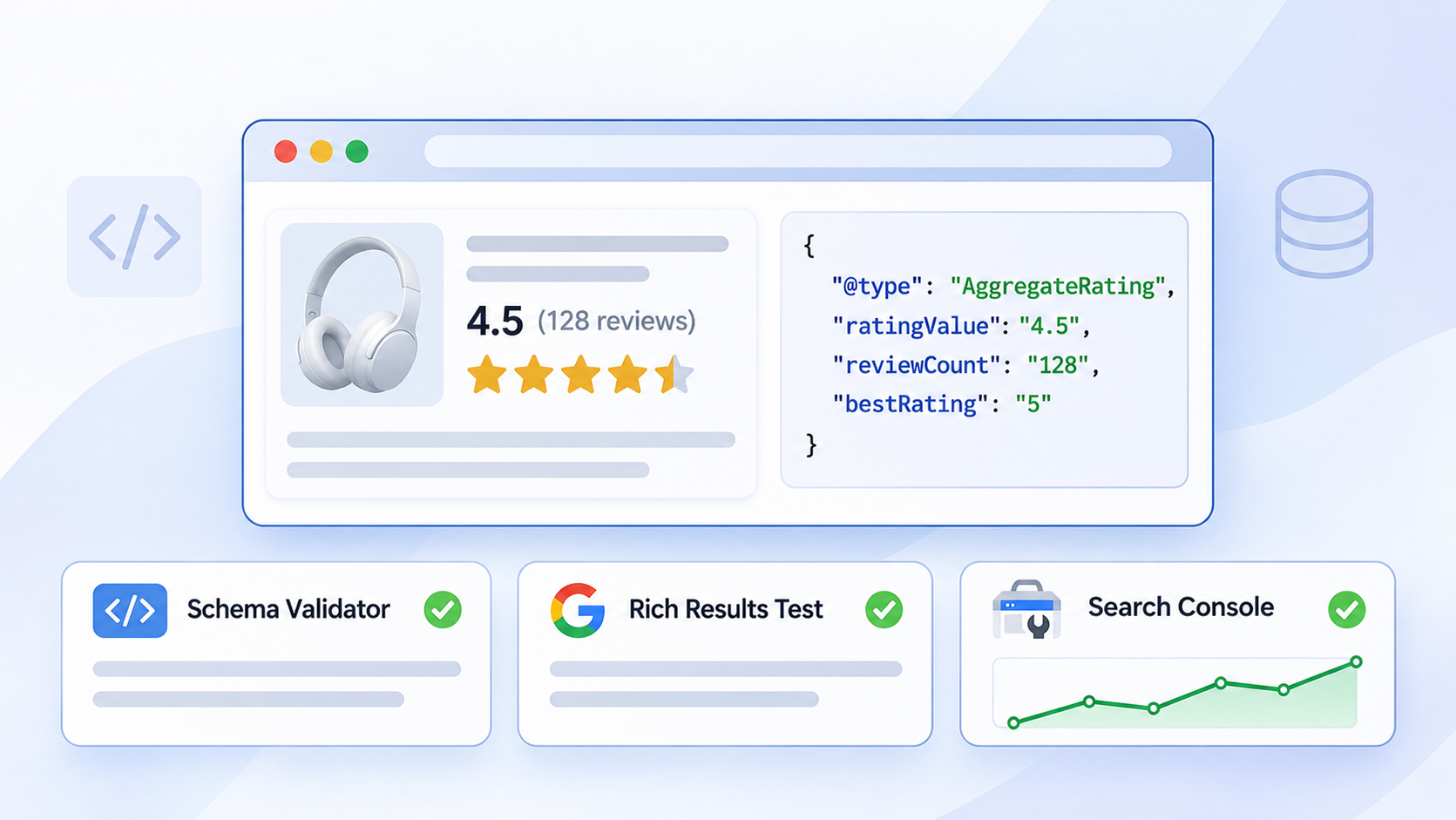
This is perhaps the most misunderstood review schema mistake. The Rich Results Test is a validation and eligibility diagnostic tool. It isn’t a promise that Google will display stars for every query.
Google explicitly states that even correctly implemented structured data may not appear as a rich result. Its systems determine which search features provide the best experience for a particular query.
So if your test says:
“Page is eligible for review rich results”
but Google Search shows a normal blue link, that doesn’t automatically mean your schema is broken.
Fix: Treat the Rich Results Test as one diagnostic layer, not a guarantee of search appearance.
12. Fixing the Schema but Forgetting to Wait for Google to Reprocess It
You corrected the JSON-LD. You ran the test. Everything is valid. And the stars still aren’t there. That doesn’t necessarily mean the fix failed.
Google recommends allowing time for crawling and re-indexing after structured data changes. You can use URL Inspection to check Google’s current view of the page and request recrawling where appropriate.
This is especially important after fixing widespread review schema errors across hundreds or thousands of product pages.
Fix: Verify the live implementation, request recrawling when appropriate, and monitor the affected pages instead of repeatedly changing valid markup.
How to Diagnose Review Schema That Isn’t Showing
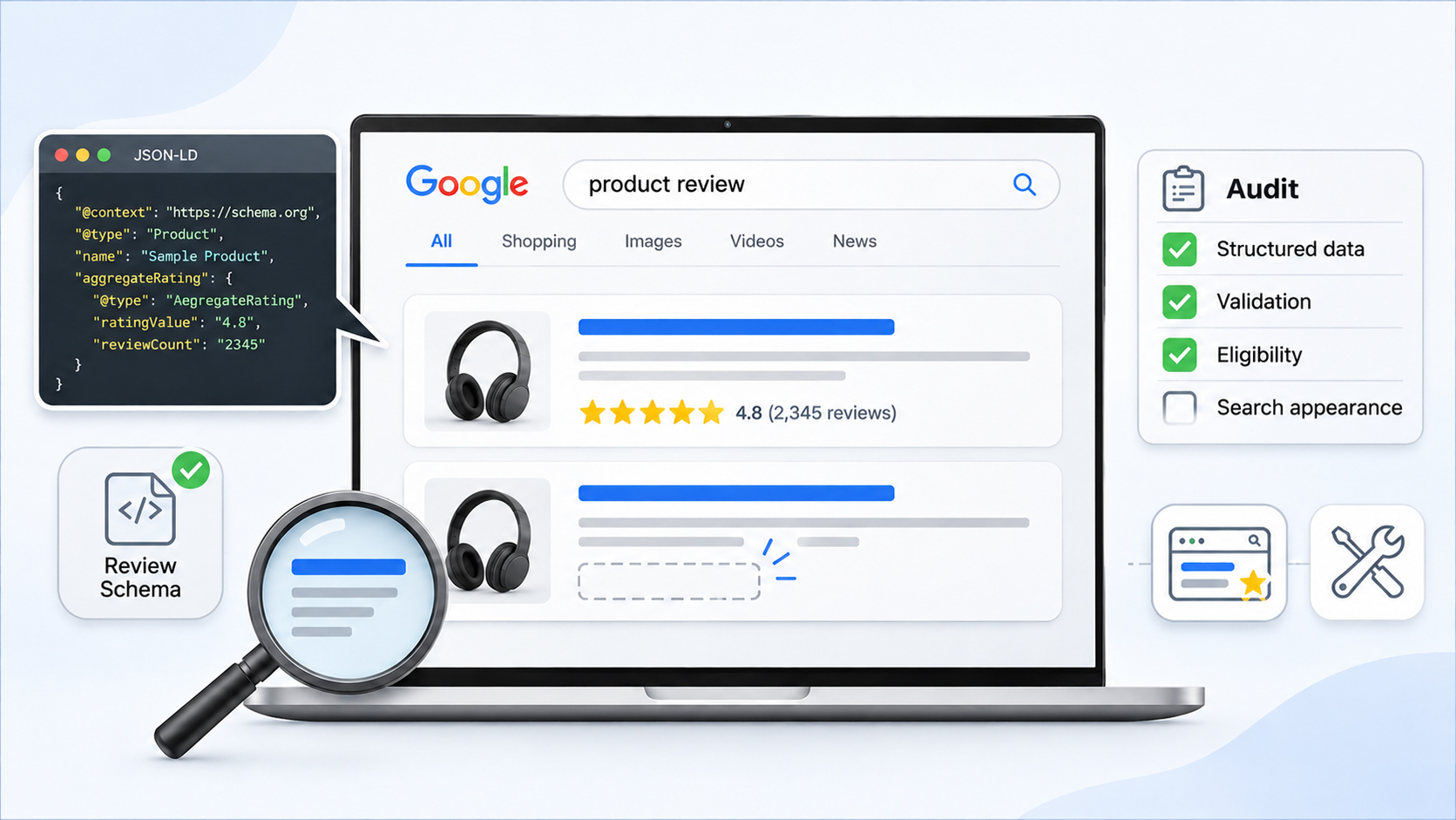
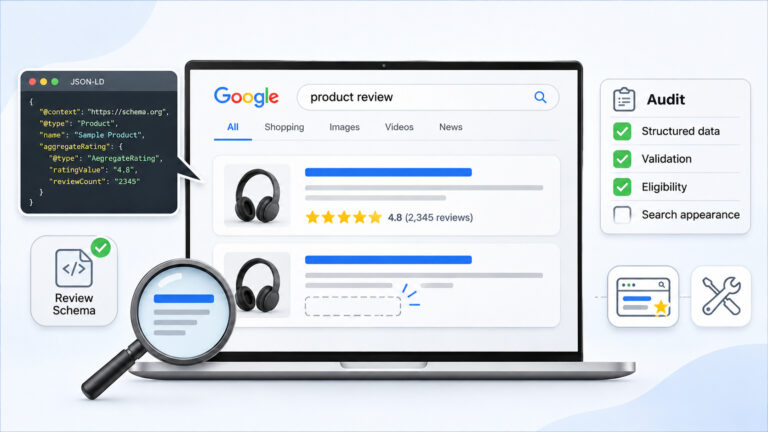
If your review schema is not showing in Google, use this order rather than randomly changing properties.
Step 1: Check the live page
Don’t validate an old source-code version. Inspect the actual URL and confirm the review information is present and visible.
Step 2: Run the Rich Results Test
Check for errors, warnings, and whether Google recognizes the expected review-related structured data.
Step 3: Check eligibility
Ask:
Is the reviewed entity and page type actually eligible for Google review rich results?
This is where many technically valid implementations fail.
Step 4: Compare markup with visible content
Check the product name, rating, review count, individual reviews, reviewer information, and rating scale.
Step 5: Check indexing
Use Search Console’s URL Inspection tool. Confirm that Google can access the page and that the current version has been crawled.
Step 6: Check for guideline issues
Look specifically for self-serving reviews, hidden content, misleading ratings, incomplete representation, or other structured data policy violations.
Step 7: Give Google time
If everything checks out, stop changing the markup unnecessarily. Google controls whether a rich result appears.
Why Are Google Review Stars Not Showing Even Though Schema Is Valid?
The short answer is: Google’s eligibility and display decisions go beyond syntax validation.
A valid implementation can fail to produce visible stars because the page uses an ineligible entity type, contains self-serving reviews, doesn’t accurately represent visible content, has accessibility or indexing problems, or simply isn’t selected for a rich result in a particular search context.
That’s why troubleshooting Google star ratings not showing requires more than checking whether the JSON-LD contains an AggregateRating.
Review Schema Troubleshooting Checklist
Before concluding that your review schema is not working, verify these six areas:
| Check | What to verify |
|---|---|
| Schema | JSON-LD parses correctly and required properties are present |
| Entity | The reviewed entity is supported and correctly identified |
| Reviews | Reviews and ratings are genuine and visible |
| Consistency | Rating values and counts match the page |
| Eligibility | No self-serving or feature-specific guideline violation |
| Indexing | Google can crawl, render, and index the page |
This distinction is also useful when investigating cases where review stars disappeared from Google. If stars previously appeared and then vanished, compare the current page, markup, review data, indexing status, and Search Console reports against the version that previously generated the enhancement.
Conclusion
The biggest lesson behind these review schema mistakes is simple: valid structured data is only one part of earning Google rich results.
Your Review or AggregateRating markup can be syntactically correct and still produce no stars because Google evaluates eligibility, content quality, guideline compliance, page accessibility, and search context separately.
When review rich snippets are not showing, don’t start by adding more schema. Start by verifying the fundamentals: the right entity, genuine and visible reviews, accurate ratings and counts, compliant implementation, accessible pages, and proper indexing.
Once those pieces are correct, you’ve done what structured data can actually do: give Google clear, accurate information and make the page eligible for the appropriate search enhancement. The final decision to display it remains Google’s.
FAQs
Q1: Why is my review schema valid but not showing in Google?
A valid review schema but no rich results situation can occur because Google doesn’t guarantee rich-result display. Check eligibility, visible content, review guidelines, indexing, and whether the page is using a supported schema type.
Q2: How long does it take for review stars to appear after adding schema?
There is no guaranteed timeframe. Google needs to crawl and reprocess the page, and even after that, it may choose not to display the review enhancement. Google recommends allowing time for crawling and re-indexing after structured data changes.
Q3: Can valid review schema still be ineligible for Google rich results?
Yes. Passing the Rich Results Test does not override Google’s feature-specific or general structured data guidelines. Self-serving reviews, misleading markup, hidden content, and unsupported implementations can affect eligibility.
Q4: Why are my Google review stars not showing on my business website?
If you’re marking up reviews about your own business using Organization or LocalBusiness, check Google’s self-serving review restrictions. Certain self-controlled reviews are explicitly ineligible for the star review feature.
Q5: Does adding AggregateRating guarantee star ratings in Google?
No. AggregateRating provides Google with structured information about a rating, but it doesn’t guarantee a star display. The page must meet Google’s requirements, and Google ultimately decides whether to show the enhancement.
Q6: Should I keep changing my schema if rich snippets aren’t showing?
Not necessarily. If the markup is valid, the page is eligible, the data matches visible content, and Google can crawl the page, repeatedly changing the schema may not help. Investigate eligibility and indexing first, then allow Google time to reprocess the page.





 Wix Schema
 Squarespace Schema
 BigCommerce Schema
 Shopify Schema
 Hubspot Schema
 Webflow Schema
 GoHighlevel Schema
 Duda Schema
 Weebly Schema
 ClickFunnel Schema