

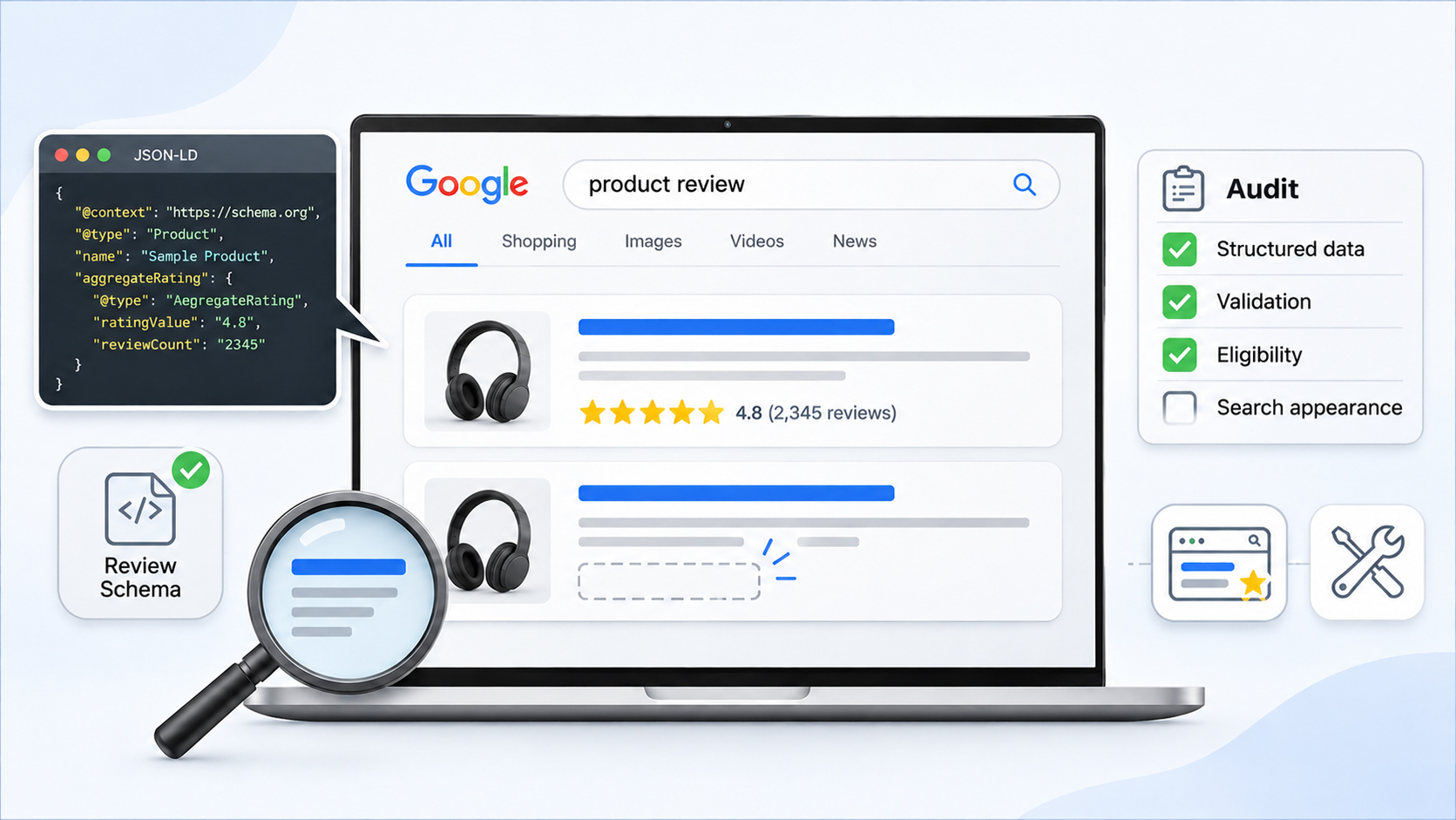
Seeing your product or website appear in Google without the familiar stars can be alarming, especially if those stars were showing consistently before.
But when star ratings disappeared from Google, the problem was not always a broken schema tag. Google treats review stars as a search enhancement, not a guaranteed feature. A page can remain indexed and rank normally while its review rich result disappears.
The key is to separate technical schema problems from eligibility, content, guideline, crawling, and Google display decisions. That distinction makes troubleshooting much faster.
Quick Overview: Why Did My Star Ratings Disappear?
- Invalid or changed structured data: Google may no longer be able to process the Review or AggregateRating markup.
- Review data doesn’t match the page: Ratings in schema must be supported by content users can actually see.
- The page lost eligibility: Not every schema-supported entity qualifies for review stars.
- Google detected guideline issues: Fake, undisclosed incentivized, aggregated, or self-serving reviews can make markup ineligible.
- Crawling or indexing changed: A template, JavaScript, noindex, canonical, or deployment change can affect what Google sees.
- Google changed the displayed result: Valid markup does not guarantee that stars will appear for every query or URL.
Google explicitly states that structured data can make a page eligible for rich results, but does not guarantee that the enhanced appearance will be shown.
What Does It Mean When Star Ratings Disappear From Google?
A disappearing star rating usually means one of two things: Google can no longer use the review signal, or Google has chosen not to display it.
Those are very different problems.
For example, imagine a product page that previously showed:
★★★★☆ 4.6 – 128 reviews
The page still ranks in position three, the product still has 128 genuine reviews, and the reviews are visible to visitors. If the stars suddenly vanish, that does not necessarily mean the product lost its rating.
Google’s review snippet documentation explains that valid review or rating markup may produce a rich snippet containing stars and other review information. The word may matter. Rich results are an enhancement that Google controls.
So if your Google star ratings disappeared, first determine whether the underlying structured data is broken or whether the search appearance simply changed.
The Most Common Reasons Google Review Stars Disappear
Google review stars can disappear due to schema changes, review inconsistencies, eligibility issues, or violations of Google’s review guidelines. Let’s look at the most common causes and how to identify them.
1. Your Review or AggregateRating Schema Changed
The first technical suspect is a schema change.
This can happen after a theme update, CMS migration, review-app change, template redesign, plugin installation, or custom development work.
A product page may have previously contained:
{
"@type": "Product",
"name": "Example Product",
"aggregateRating": {
"@type": "AggregateRating",
"ratingValue": "4.6",
"reviewCount": "128"
}
}
After a deployment, the aggregateRating object might disappear, become malformed, point to the wrong product, or contain values that no longer reflect the page.
Google’s Product documentation confirms that product snippets can use review or aggregateRating information to provide rating enhancements. This is one of the first things to check when a star rating schema is not working.
2. The Rating Is in Schema but Not Visible on the Page
This is a particularly important distinction. Structured data is not a place to tell Google information that visitors cannot find.
Google’s review guidelines require review content marked up on the page to be readily available to users. If you use AggregateRating, users should also be able to see that aggregate rating on the page.
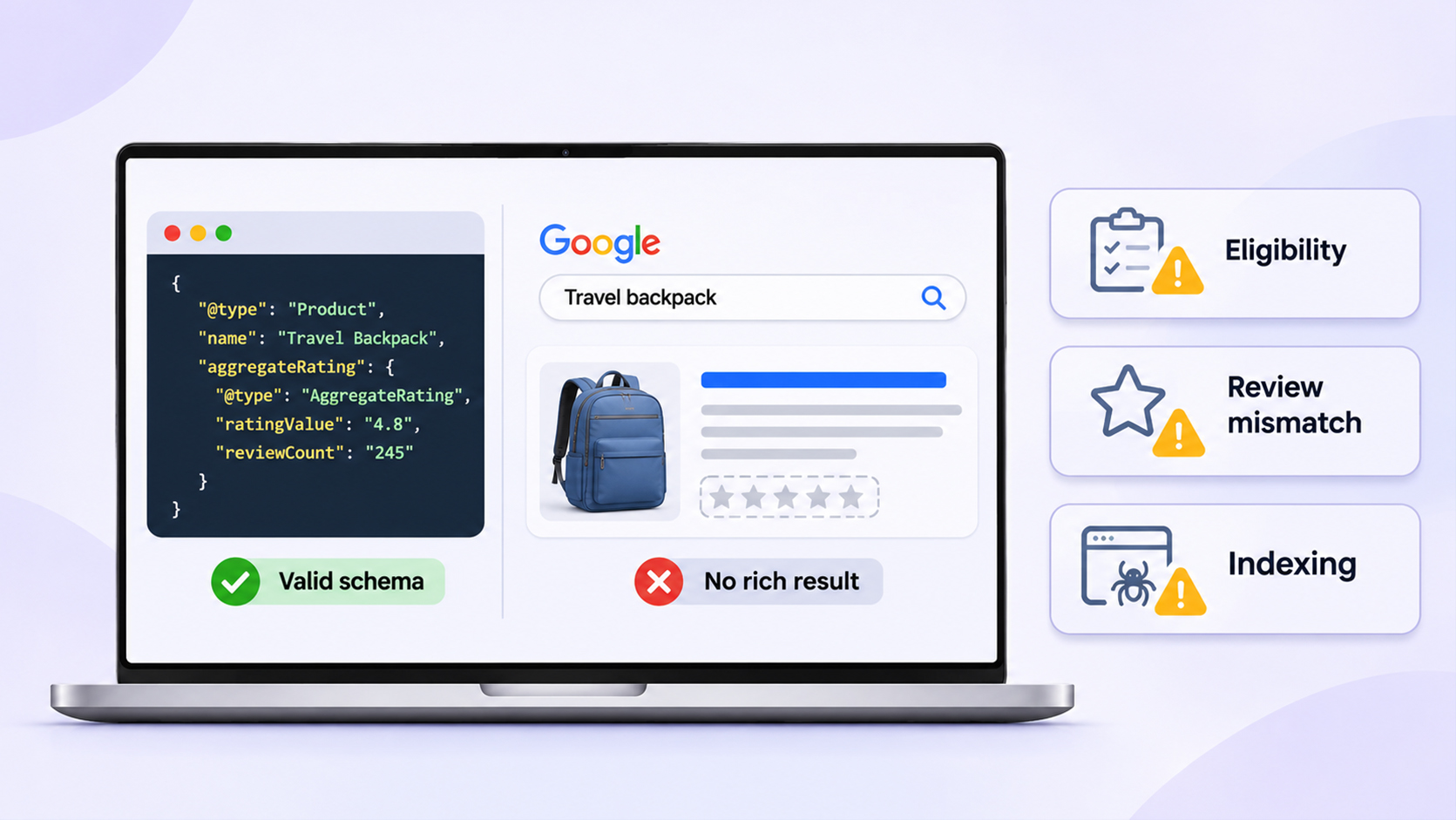
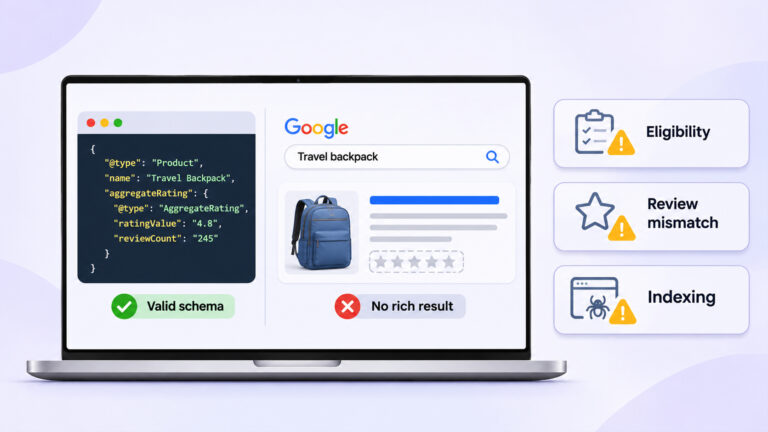
For example, your JSON-LD might say:
"aggregateRating": {
"@type": "AggregateRating",
"ratingValue": "4.8",
"reviewCount": "245"
}
But if the product page no longer displays the 4.8 rating or its underlying reviews, the markup is no longer a reliable representation of the visible page.
This mismatch is a common reason for review schema not showing stars even when the JSON itself passes a basic syntax check.
3. The Page or Entity Is No Longer Eligible
Not every page can generate review stars. Google supports review snippets for specific schema types, including Product, Software App, Recipe, Movie, Book, Event, Course list, and certain local-business scenarios. Google also supports certain other review-related Schema.org types, subject to its eligibility and review guidelines. Eligibility depends on the content type, implementation, and applicable Google policies.
This means changing the primary schema type can have consequences.
For example, a product page marked up as Product with a genuine customer rating has a different review-search context from a generic page marked up as Organization.
If product star ratings disappeared from Google, check whether the page’s schema type, entity relationship, or implementation changed.
4. You Started Aggregating Ratings From Another Website
This is an easy mistake to make when trying to consolidate review data. Google’s review guidelines specifically say not to aggregate reviews or ratings from other websites.
For example, suppose your website has no native product reviews, but your team copies a 4.8 rating from another marketplace or review platform into your Product schema.
That rating may look perfectly valid from a Schema.org perspective, but it does not automatically become eligible for Google’s review rich result. This is especially important when diagnosing why Google review stars disappeared after changing review providers.
5. Your Reviews or Ratings Became Non-Compliant
Google can ignore review markup when the underlying review implementation violates its guidelines.
Examples include fabricated reviews, reviews based on undisclosed incentives, ratings that do not represent genuine user experiences, or markup that misrepresents what users see on the page.
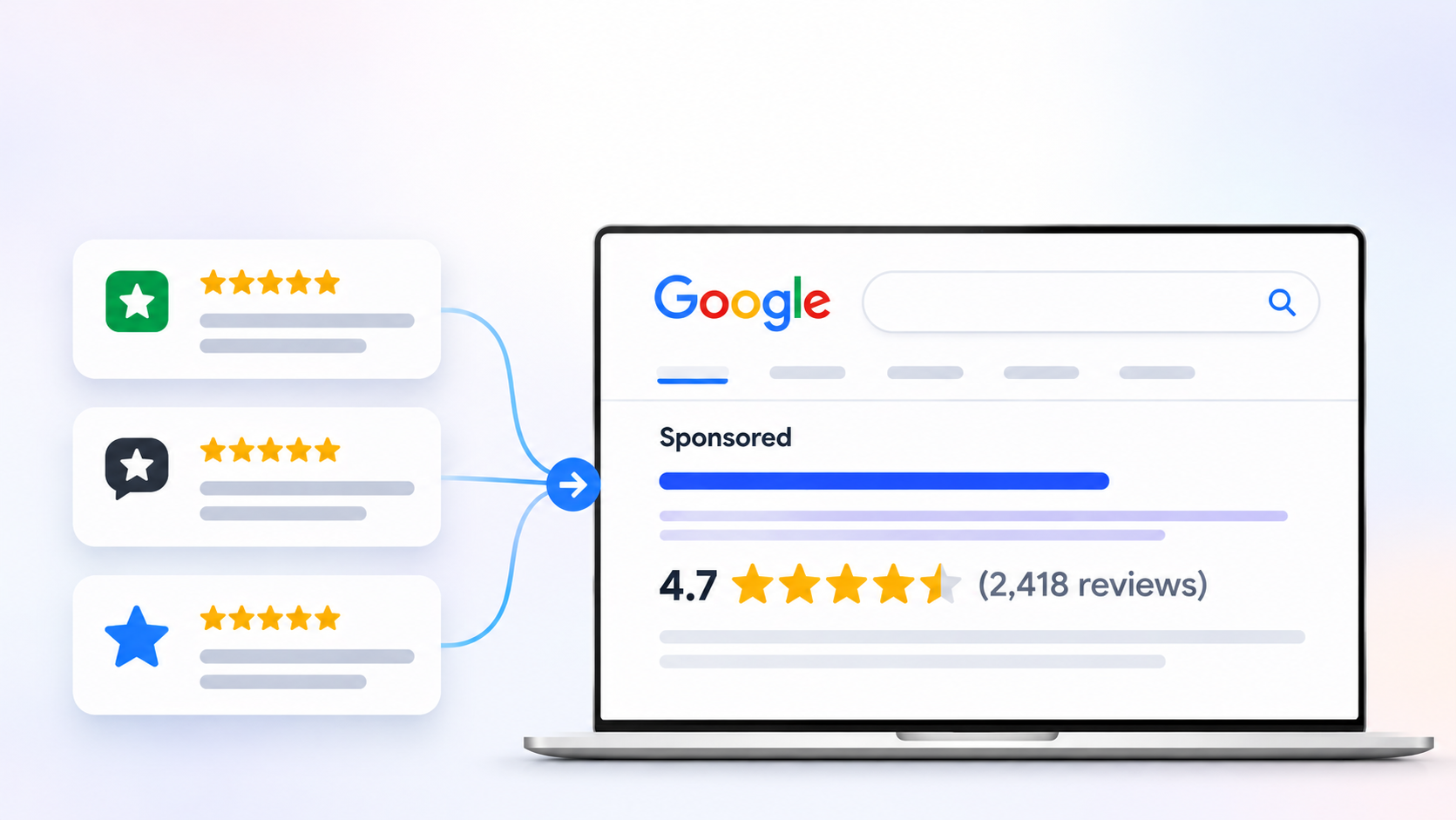
A particularly important case involves self-serving reviews. Google restricts review rich results for certain LocalBusiness and Organization implementations when the entity controls the reviews about itself.
In other words, adding your own company’s testimonials to your Organization or LocalBusiness markup does not automatically make those reviews eligible for Google stars. If Google stars disappeared from the SERP after changing how business reviews are collected or displayed, review-source compliance deserves a close look.
Why Valid Schema Doesn’t Always Bring the Stars Back
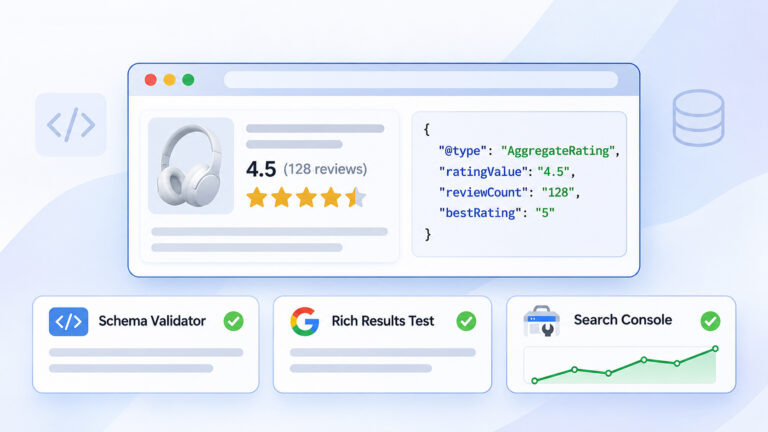
This is where many troubleshooting attempts go wrong. You can put valid JSON-LD on a page, run it through a schema markup checker, receive a valid result, and still see star ratings not showing in Google search.
That’s not necessarily a contradiction. Google’s Rich Results Test determines what structured data it can detect and whether that markup can generate supported rich results. It does not promise that Google will display the feature in live search.
Think of it this way:
| Check | What it tells you |
|---|---|
| Schema syntax | Whether the JSON-LD is technically valid |
| Rich Results Test | Whether Google can detect eligible structured data |
| Search Console | What Google has found and processed on your site |
| Live Google search | Whether Google actually chooses to display the enhancement |
That is why rich snippets star ratings disappearing can be a search-display issue even when the markup itself looks correct.
A Systematic Diagnosis for Missing Star Ratings
Rather than changing schema randomly, work through the problem in this order.
1. Confirm the Problem Is Sitewide
Check several affected URLs. If one product lost its stars but 500 others still show them, investigate that page first.
If hundreds or thousands of URLs lost their stars around the same date, look for a shared cause such as a template update, review-app migration, schema deployment, indexing issue, or sitewide implementation change. This distinction can save hours of unnecessary debugging.
2. Compare a Working URL With an Affected URL
If you have both, compare their rendered HTML and structured data. Look specifically for:
- Product
- Review
- AggregateRating
- RatingValue
- ReviewCount or ratingCount
- ItemReviewed (when required for a standalone review or aggregate rating)
- Reviewer information
- Visible rating and review content
Don’t only compare the JSON-LD. Compare what Google can actually access on the rendered page.
3. Test the Affected URL
Use Google’s Rich Results Test to inspect the current implementation. If the Product or Review-related item is missing, invalid, or no longer eligible, you have a strong technical lead.
If the test shows valid markup, don’t stop there. Move to the next checks.
4. Check Search Console
Google Search Console’s rich result reports show structured data Google has detected and whether those items are valid or affected by issues. Google also recommends URL Inspection for checking individual URLs.
In URL Inspection, distinguish between the indexed version of the page and the live URL test. The indexed version reflects the page Google last processed, while the live test checks the current implementation. After fixing structured data, you can request indexing and monitor the relevant rich results report to see whether Google has processed the updated markup.
For ecommerce websites, the Product snippet report can be particularly useful because product results can contain ratings, prices, and other enhancements.
Also check the Performance report’s Search appearance dimension. Google specifically includes Review snippets and Product results as search appearance types.
If review-related impressions dropped at the same time your stars disappeared, you have stronger evidence that the search appearance changed rather than simply seeing a temporary visual variation.
5. Inspect the Visible Reviews
Open the affected page as a normal visitor. Can you see the same rating and review count represented in your structured data?
If the markup says 4.8 from 245 reviews but the page displays 4.6 from 219 reviews, fix the underlying data before worrying about the SERP. The structured data should describe the page, not a preferred version of the page.
6. Check for Manual Actions and Guideline Problems
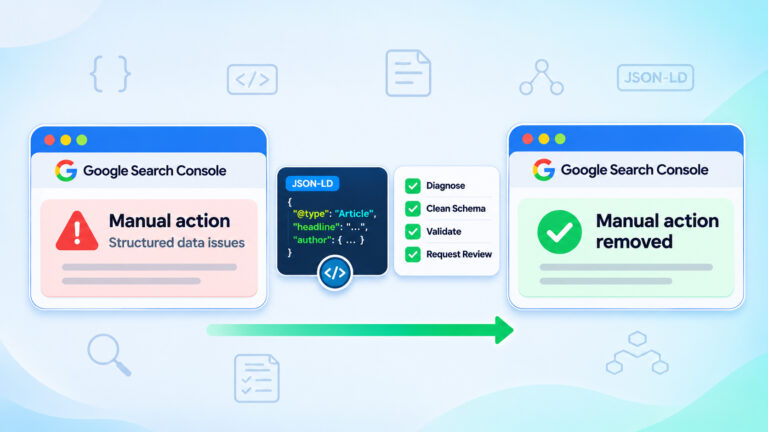
A technical validator cannot identify every compliance problem. Google notes that a page can have technically valid structured data and still fail to qualify because the implementation violates structured-data or review guidelines. A structured data manual action can also cause the markup to be ignored.
So if Google rich results disappeared across a group of pages, check Search Console for manual actions and review the applicable Google guidelines.
7. Look for Recent Site Changes
Think back to when the ratings disappeared. Did you:
- change themes?
- install or remove a review app?
- migrate platforms?
- modify product templates?
- change canonical URLs?
- introduce JavaScript-rendered reviews?
- change how ratings are calculated?
- redesign the review section?
- alter schema generated by an SEO plugin?
A sudden loss after a deployment is often more informative than the missing stars themselves.
How to Distinguish a Schema Problem From a Google Display Change
The fastest way to narrow the diagnosis is to use the evidence together.
| What you see | Most likely direction |
|---|---|
| Schema is missing | Implementation or template problem |
| Schema has errors | Structured data problem |
| Schema is valid but rating isn’t visible | Content/markup mismatch |
| Schema is valid and visible, but no stars | Eligibility or Google display decision |
| Only one page is affected | Page-level implementation issue |
| Thousands of pages changed together | Sitewide deployment, indexing, or eligibility issue |
| Review snippets dropped in Search Console | Search appearance change |
| Manual action appears | Guideline/compliance problem |
This prevents the common mistake of assuming that every missing star is a JSON-LD problem.
What About Product Star Ratings Specifically?
For ecommerce stores, the most common structure is a Product entity with review and/or aggregate rating information.
Google’s current Product documentation says product snippets require a product name and at least one of review, aggregateRating, or offers; review and aggregate rating information have their own requirements.
A simplified implementation might look like:
{
"@context": "https://schema.org",
"@type": "Product",
"name": "Example Product",
"aggregateRating": {
"@type": "AggregateRating",
"ratingValue": "4.6",
"reviewCount": "128"
}
}
But the code is only one part of the equation. The rating must correspond to the product, reflect real review data, and be supported by information users can access on the page.
That’s why simply adding AggregateRating is not a reliable solution when product review stars are not showing.
What Not to Do When Your Stars Disappear
Don’t immediately increase your rating value, copy reviews from another platform, add fake review counts, or place review markup on unrelated pages.
Those shortcuts address the appearance of the search result rather than the underlying data.
Google’s documentation is clear that review information must represent genuine, relevant reviews and that ratings from other websites should not simply be aggregated into your markup.
It is better to have accurate structured data with no stars than misleading markup that temporarily appears to work.
Conclusion
When star ratings disappeared from Google, the right response was diagnosis, not immediately adding more schema.
Start by determining whether the problem affects one URL or an entire template. Then compare the structured data with the visible reviews, test the affected page, inspect Search Console, verify review eligibility, and check for recent site or review-system changes.
Most importantly, remember that valid structured data creates eligibility, not a promise of stars. Once that distinction is clear, a disappearing rating becomes much easier to investigate, and much harder to misdiagnose.
FAQs
Q1: Why did my star ratings disappear from Google?
The most common causes are changes to structured data, mismatched visible review information, loss of rich-result eligibility, review guideline issues, crawling or indexing changes, or Google’s decision not to display the enhancement. Valid schema alone does not guarantee stars.
Q2: Why are my review stars not showing in search results even though my schema is valid?
A valid schema only means the markup can be processed correctly. Google still evaluates eligibility and decides whether to display the rich result. Check the visible review content, review guidelines, Search Console, and the affected URL’s current structured data.
Q3: Can Google remove star ratings without removing my rankings?
Yes. Review stars are a search enhancement, while organic rankings are a separate aspect of search results. A page can remain indexed and rank normally even when its review rich result is no longer displayed.
Q4: How do I know whether my AggregateRating schema is working?
Test the URL with Google’s Rich Results Test, then inspect the URL and relevant rich-result reports in Search Console. Also confirm that the rating and review count in the markup match what users can see on the page.
Q5: Can changing my review app make Google stars disappear?
Yes. A review app can change how reviews are rendered, how rating data is exposed, or how structured data is generated. If the disappearance coincides with a review-app or theme change, compare the old and current markup and rendered page.
Q6: How long does it take for missing star ratings to return?
There is no guaranteed recovery time. After fixing an implementation issue, Google needs to recrawl and process the page, and even eligible structured data is not guaranteed to produce stars. Google recommends allowing time for recrawling and reindexing after changes.





 Wix Schema
 Squarespace Schema
 BigCommerce Schema
 Shopify Schema
 Hubspot Schema
 Webflow Schema
 GoHighlevel Schema
 Duda Schema
 Weebly Schema
 ClickFunnel Schema