

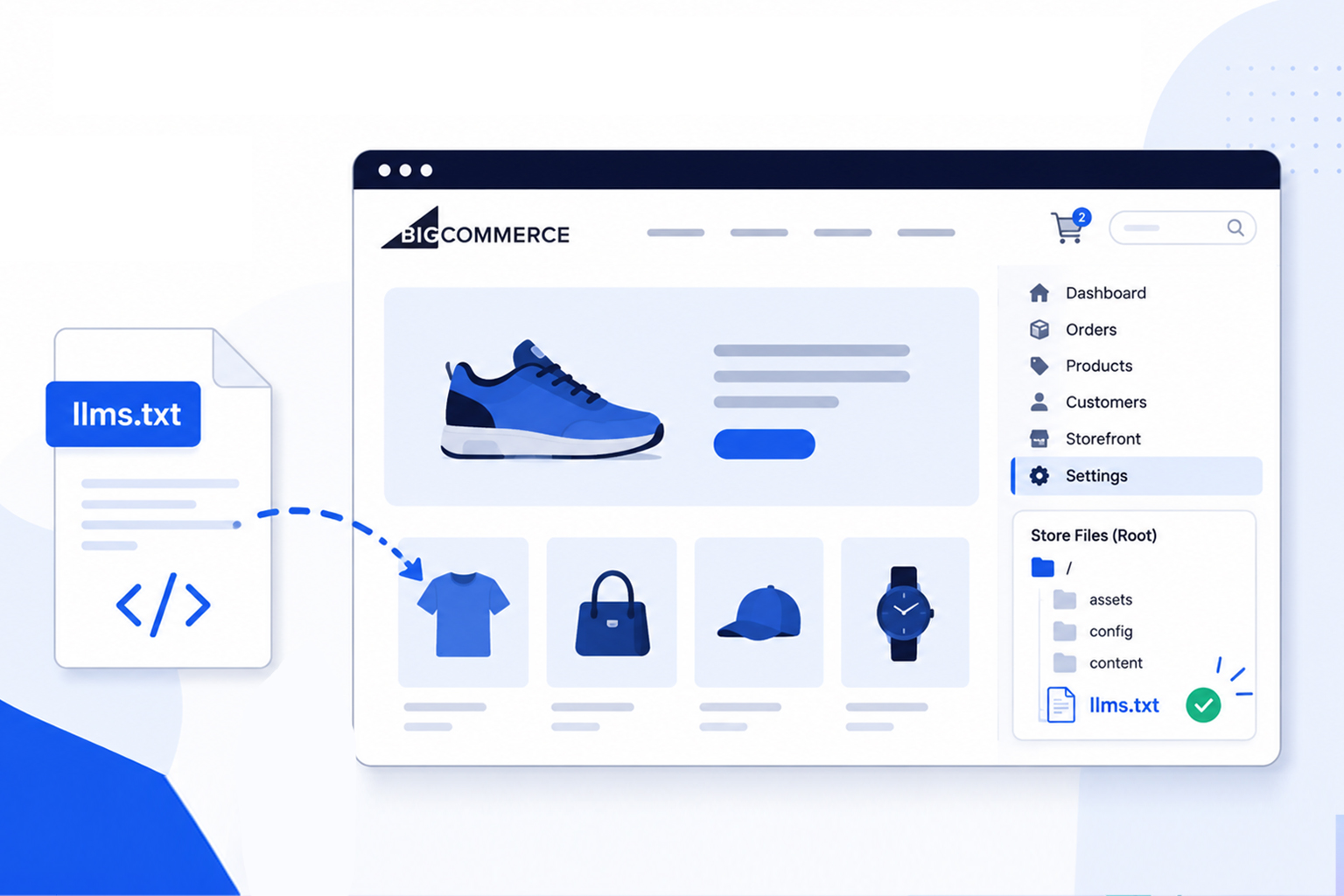
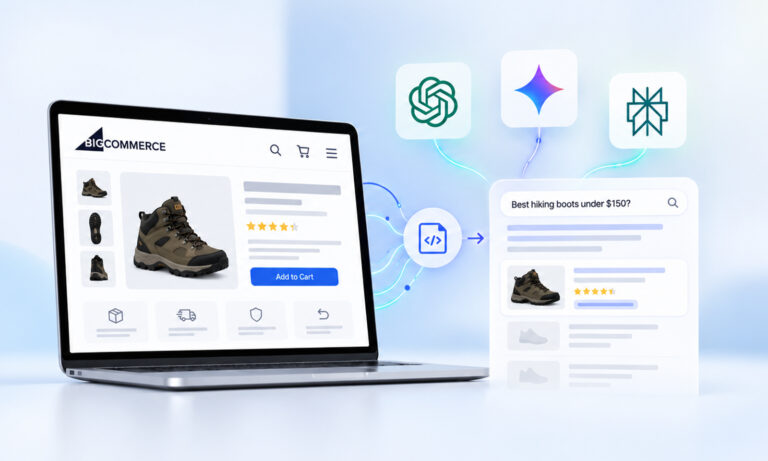
If you’ve been following trends around AI visibility for websites , you’ve probably noticed growing discussion about adding an llms.txt file to BigCommerce, but there isn’t much clear guidance available. The format is attracting attention as a way to organize a website’s most important content for AI systems, yet it remains an emerging proposal rather than an official web standard.
It’s also important to set realistic expectations. No major AI platform has publicly confirmed that it uses llms.txt for crawling, ranking, or generating responses, and Google has stated that it doesn’t use llms.txt for Google Search, AI Overviews, or AI Mode.
This guide explains everything you need to know about BigCommerce llms.txt, including what it is, how to create an llms.txt file for your store, the current limitations of publishing it on BigCommerce, and the practical options available today.
BigCommerce llms.txt Setup (Quick Steps)
Understand the key steps involved in creating and publishing an llms.txt file.
- Create an
llms.txtfile in Markdown format and include links to your store’s most important pages. - Keep the file concise by prioritizing product categories, buying guides, policies, and support pages.
- Publish the file at
yourdomain.com/llms.txtusing a supported workaround, as BigCommerce doesn’t currently offer native root-level file hosting. - Check that the file is publicly accessible, correctly formatted, and contains working links.
- Continue following established SEO best practices, as no major AI platform has confirmed using llms.txt for crawling, ranking, or AI-generated responses.
What Is an llms.txt File?
An ecommerce llms.txt file is a plain text document written in Markdown and intended to live at the root of a website, for example:
https://example.com/llms.txt
Rather than listing every page on your website like a sitemap, llms.txt acts as a curated guide. It highlights the pages, documentation, policies, product resources, or collections that you consider most valuable for AI systems to understand.
The proposal was introduced in 2024 by Jeremy Howard as a way to provide AI systems with a cleaner overview of website content than parsing full HTML pages alone.
A typical file includes:
- Website name
- A brief description
- Important content grouped into sections
- Markdown links to key resources
Unlike robots.txt, it does not control crawler access. Unlike sitemap.xml, it is not designed to list every URL on your site. Instead, it serves as a human-curated index of important content.
Does BigCommerce Support llms.txt?
This is where many store owners become confused. BigCommerce does not currently provide a built-in feature for publishing an llms.txt file at your storefront’s root URL.
That doesn’t necessarily mean creating one is impossible.
Depending on your store’s architecture, you may be able to publish the file through methods such as:
- a CDN or reverse proxy
- middleware in a headless implementation
- specialized third-party tools
- custom infrastructure outside the standard storefront
The right approach depends entirely on how your BigCommerce storefront is deployed. If you’re using a traditional hosted storefront without additional infrastructure, publishing a root-level file can be challenging.
Should You Add llms.txt to BigCommerce Today?
Whether you should add llms.txt to BigCommerce depends on your expectations. If you’re hoping it will immediately improve rankings in AI search, there is currently no public evidence supporting that outcome.
Similarly, there is no confirmation from OpenAI, Anthropic, Google, Microsoft, or Perplexity that their consumer AI products use llms.txt during retrieval or answer generation.
However, there are still practical reasons some businesses choose to create one:
- It documents the most important parts of your website in a structured format.
- It can be maintained alongside other technical SEO files.
- If broader adoption occurs later, you’ll already have an organized implementation.
- Creating and maintaining the file generally requires little effort.
The key is to treat BigCommerce AI visibility as a long-term consideration rather than expecting immediate results. If you decide to implement llms.txt, view it as a lightweight documentation file that complements your existing SEO efforts rather than replacing them.
How to Create llms.txt for BigCommerce
Although hosting may require additional work, creating the file itself is straightforward. Start by opening a plain text editor and save a new file named:
llms.txt
The file uses standard Markdown formatting.
A simple structure looks like this:
# My Store
> Premium outdoor equipment and accessories.

## Products
- https://example.com/collections/camping
- https://example.com/collections/backpacks

## Buying Guides
- https://example.com/blog/how-to-choose-a-backpack
- https://example.com/blog/camping-checklist

## Customer Support
- https://example.com/shipping
- https://example.com/returns
- https://example.com/contact
Notice that the content is intentionally concise.
Rather than trying to include every product page, focus on durable resources that explain your business and help users understand what your store offers.
For most e-commerce websites, useful sections include:
- Main product categories
- Buying guides
- Help center
- Shipping policies
- Return information
- FAQs
- Contact page
Think of your BigCommerce llms.txt file as a curated table of contents rather than a complete inventory.
What Should You Include?
When you create llms.txt for BigCommerce, prioritize pages that are stable, authoritative, and useful over time.
For example, your file might include:
| Section | Good candidates |
|---|---|
| Product Collections | Category pages instead of individual SKUs |
| Educational Content | Buying guides, comparison articles |
| Customer Support | FAQ, shipping, returns |
| Company Information | About page, contact page |
| Policies | Privacy, terms, warranty |
Avoid adding:
- Temporary sales pages
- Seasonal promotions
- Expired campaigns
- Login pages
- Cart URLs
- Search results
BigCommerce llms.txt Setup: How to Publish the File
After creating your BigCommerce llms.txt file, the next step is making it accessible at your website’s root URL:
https://yourstore.com/llms.txt
This is where many BigCommerce merchants encounter a limitation.
Unlike some self-hosted platforms, BigCommerce doesn’t currently offer a built-in way to upload arbitrary files directly to the root of your storefront domain. As a result, there isn’t a one-click BigCommerce llms.txt setup available today.
Depending on how your store is built, there are a few possible approaches:
1. Use a Reverse Proxy or CDN
If your store sits behind infrastructure such as a reverse proxy or CDN that allows custom routing, you may be able to serve an llms.txt file from the root URL without modifying the BigCommerce platform itself.
This approach is typically used by businesses with custom hosting infrastructure or development teams.
2. Headless BigCommerce Stores
If you’re running a headless storefront with a custom frontend (for example, using Next.js or another framework), you generally have more control over your site’s routing. In this case, publishing an llms.txt file at the root is usually straightforward.
3. Third-Party Tools
As interest in llms.txt continues to grow, new tools are emerging that help website owners generate and manage these files.
If you don’t want to write Markdown manually, a BigCommerce llms.txt generator can help you create a properly formatted file. Before using one, verify that it supports customization and allows you to review the generated content instead of automatically including every page on your website.
Regardless of the method you choose, remember that the proposed specification recommends serving the file from the root of your domain rather than within another directory.
BigCommerce llms.txt Example
A good BigCommerce llms.txt example is concise and focuses on your store’s most valuable pages instead of listing hundreds of URLs.
# Outdoor Adventure Store
> Outdoor gear, hiking equipment, and camping accessories.

## Shop
- https://example.com/camping
- https://example.com/hiking
- https://example.com/backpacks

## Buying Guides
- https://example.com/blog/how-to-choose-a-tent
- https://example.com/blog/backpack-sizing-guide

## Customer Support
- https://example.com/shipping
- https://example.com/returns
- https://example.com/contact

## Company
- https://example.com/about
This structure is easy to read, simple to update, and aligns with the current llms.txt proposal.
As your website grows, revisit the file periodically to ensure it still reflects your most important content.
Note: You don’t need to follow this structure exactly. Organize your llms.txt file in a way that best reflects your store’s most valuable content, while keeping it concise and easy to navigate.
How to Validate Your BigCommerce llms.txt File
Once you’ve published the file, it’s worth taking a few minutes to validate your BigCommerce llms.txt.
Unlike XML sitemaps, there isn’t an official validator maintained by a standards organization. Since llms.txt is still an evolving proposal, validation mainly involves checking that the file is accessible and correctly formatted.
Here are a few things to verify:
- The file is publicly accessible at /llms.txt.
- It uses valid Markdown formatting.
- All included links return a successful HTTP response.
- URLs point to current, live pages.
- The content is organized with clear headings and sections.
- There are no broken or outdated links.
If you update important pages, remember to update your llms.txt file as well so it continues to reflect your site’s key resources.
Does llms.txt Improve BigCommerce AI Visibility?
This is one of the most common questions merchants ask.
The honest answer is: there is currently no public evidence that simply adding an llms.txt file improves BigCommerce AI visibility or rankings in AI-powered search experiences.
The llms.txt proposal has generated significant discussion within the AI and developer communities. Still, adoption remains limited, and major AI providers have not announced that they use it as a ranking or retrieval signal.
For that reason, think of llms.txt as a supplementary resource rather than a replacement for established best practices.
If your goal is BigCommerce AI search optimization, continue focusing on the fundamentals that are already well supported:
- Publish original, high-quality content.
- Use descriptive page titles and headings.
- Implement structured data where appropriate.
- Maintain accurate product information.
- Keep your XML sitemap updated.
- Make important pages easy to discover through internal linking.
These practices benefit both traditional search engines and AI systems that rely on publicly accessible web content.
Common Mistakes to Avoid
Because llms.txt is still new, many websites make the same implementation mistakes.
Avoid these common issues:
- Treating llms.txt as a replacement for robots.txt or sitemap.xml.
- Expecting immediate improvements in AI search visibility.
- Including every product page instead of a curated selection.
- Forgetting to update the file after significant website changes.
- Publishing outdated or broken links.
- Treating llms.txt as a substitute for clear site navigation or structured data.
- Assuming all AI platforms currently support the specification.
Keeping your expectations realistic will help you use llms.txt appropriately while following established SEO best practices.
Conclusion
As AI-assisted search continues to evolve, many merchants are exploring ways to make their websites easier to understand for both people and machines. A BigCommerce llms.txt file is one emerging approach, offering a simple, curated overview of your store’s most important content.
While there is currently no confirmed evidence that llms.txt improves AI visibility, rankings, or citations, creating one can help you organize key resources and prepare for potential future adoption.
If you decide to implement it, focus on maintaining a concise, accurate file and continue prioritizing proven SEO practices such as high-quality content, structured data, clear site architecture, and regular technical maintenance. Together, these efforts will provide a stronger foundation for both traditional search and whatever comes next in AI-powered discovery.
Frequently Asked Questions
Q1: What is a BigCommerce llms.txt file?
A BigCommerce llms.txt file is a Markdown document that highlights the most important pages on your website for AI systems. It is based on an emerging community proposal and is not an official web standard.
Q2: Can I add llms.txt to BigCommerce?
Yes, you can create the file, but publishing it at the root of a standard BigCommerce storefront may require additional infrastructure because BigCommerce doesn’t currently provide a native root-file upload feature.
Q3: Does llms.txt improve AI rankings?
There is currently no public confirmation that adding an llms.txt file improves rankings, citations, or visibility in AI search tools.
Q4: Is llms.txt required for SEO?
No. Search engines do not require an llms.txt file, and it is not a replacement for XML sitemaps, structured data, or other technical SEO best practices.
Q5: Can I use a BigCommerce llms.txt generator?
Yes. Several third-party tools can help generate an llms.txt file in Markdown format. Regardless of the tool you use, review the generated content to ensure it accurately represents your store and includes only your most valuable pages.
Q6: How often should I update my llms.txt file?
Review it whenever you publish major buying guides, reorganize product categories, update important policies, or make significant changes to your website structure.





 Wix Schema
 Squarespace Schema
 BigCommerce Schema
 Shopify Schema
 Hubspot Schema
 Webflow Schema
 GoHighlevel Schema
 Duda Schema
 Weebly Schema
 ClickFunnel Schema