

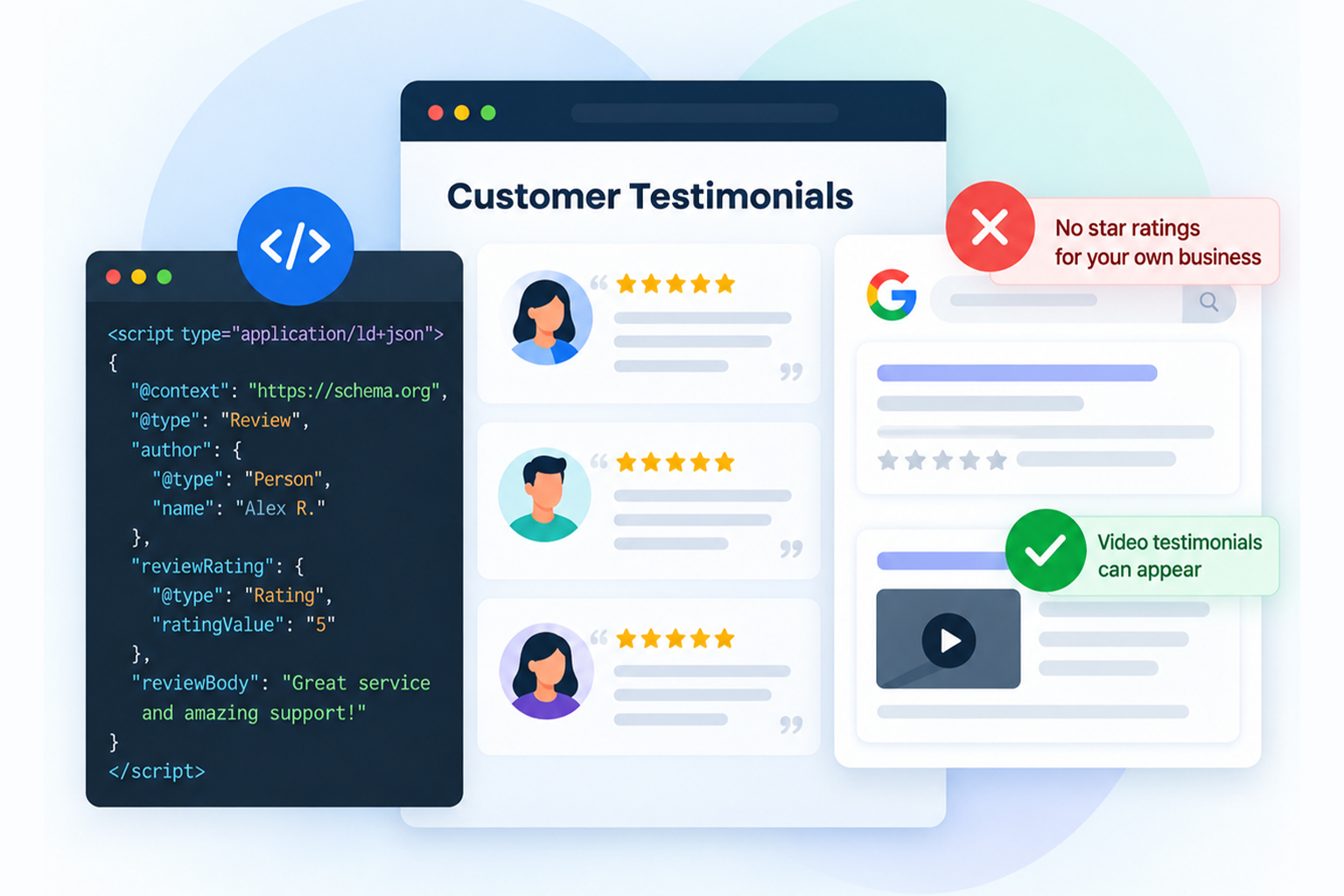
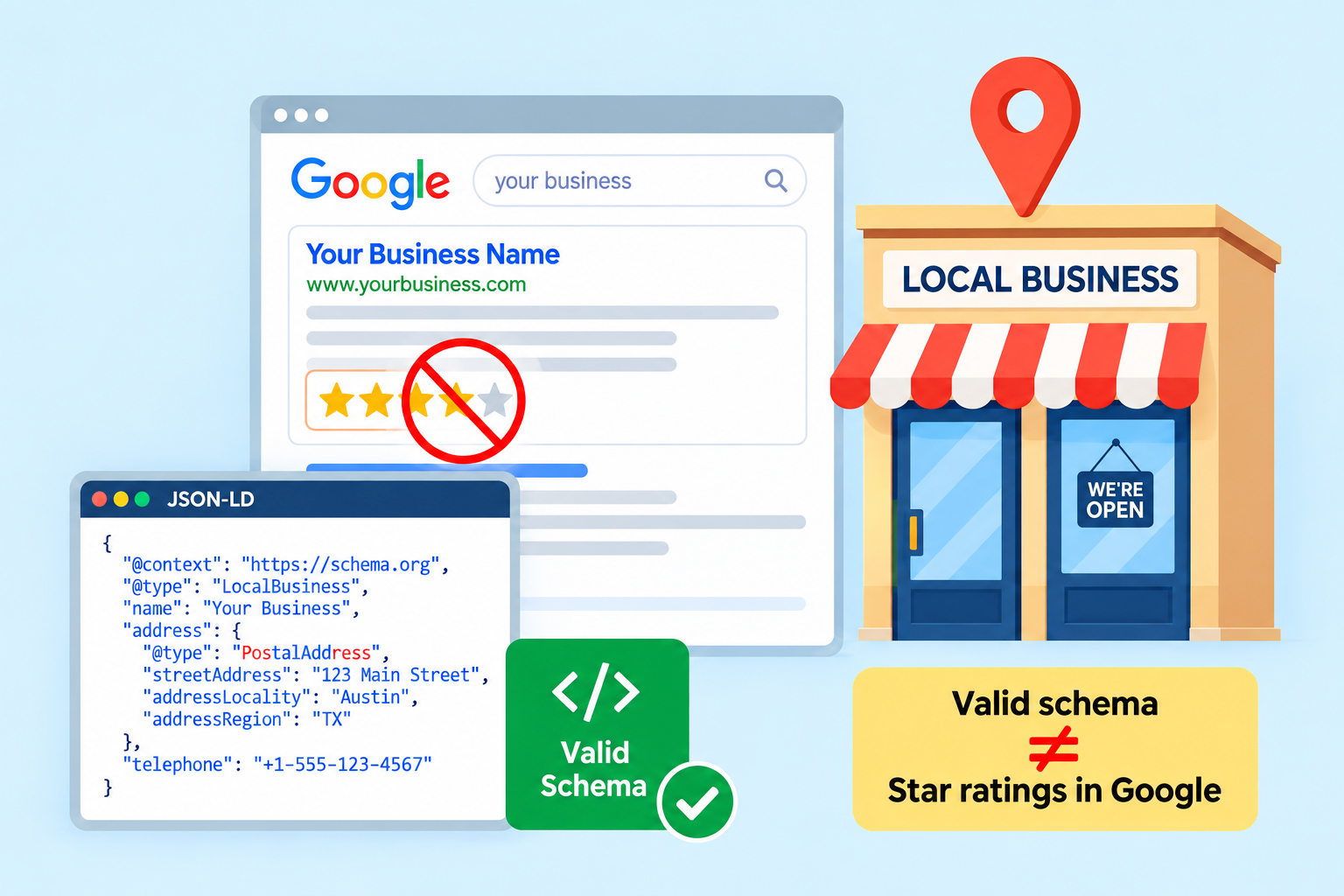
Almost every service business ends up in the same place. You build a testimonials page, fill it with genuine customer quotes, add review schema, watch it pass the Rich Results Test, and then wait for stars that never arrive.
The instinct after that is usually to assume something is broken. In most cases, nothing is broken. The markup is fine, the page is fine, and Google is doing exactly what its documentation says it will do. The confusion comes from a gap between what review structured data describes and what it qualifies you for, and those two things stopped being the same thing back in 2019.
This post separates the three outcomes that get lumped together, what’s allowed on a testimonial page, what Google simply ignores, and what actually carries risk.
Review Schema on Testimonial Pages: Rules at a Glance
Most testimonial page questions come down to three outcomes: what Google accepts, what it quietly filters out, and what actually creates a problem. Here’s where each type of markup lands.
| What you add | What Google does | Verdict |
|---|---|---|
| Review items describing individual testimonials | Reads them, no star ratings for your own business | Allowed |
| aggregateRating on Organization or LocalBusiness about yourself | Ignored for review rich results since 2019 | Ignored, not penalized |
| CollectionPage describing the testimonials page | Reads it as page and entity context | Allowed |
| VideoObject on video testimonials | Fully eligible for video features | Allowed and useful |
| Ratings copied from Google, Trustpilot, or Yelp | Violates the sourcing rule | Not allowed |
| Product markup on a service page to force stars | Misrepresents page content | Risky |
| Reviews in markup that aren’t visible on the page | Violates the visible content rule | Risky |
What Does Review Schema on Testimonial Pages Actually Mean?
Review structured data is descriptive. When you add it, you are telling search engines “this page contains a customer review, written by this person, giving this rating, about this specific thing.” Google then checks that claim against the page and decides independently whether to display anything.
That last part is where most guides stop short. Passing validation means your JSON-LD (the JavaScript-based syntax Google prefers for structured data ) is syntactically correct. It says nothing about eligibility.
Review and AggregateRating do different jobs
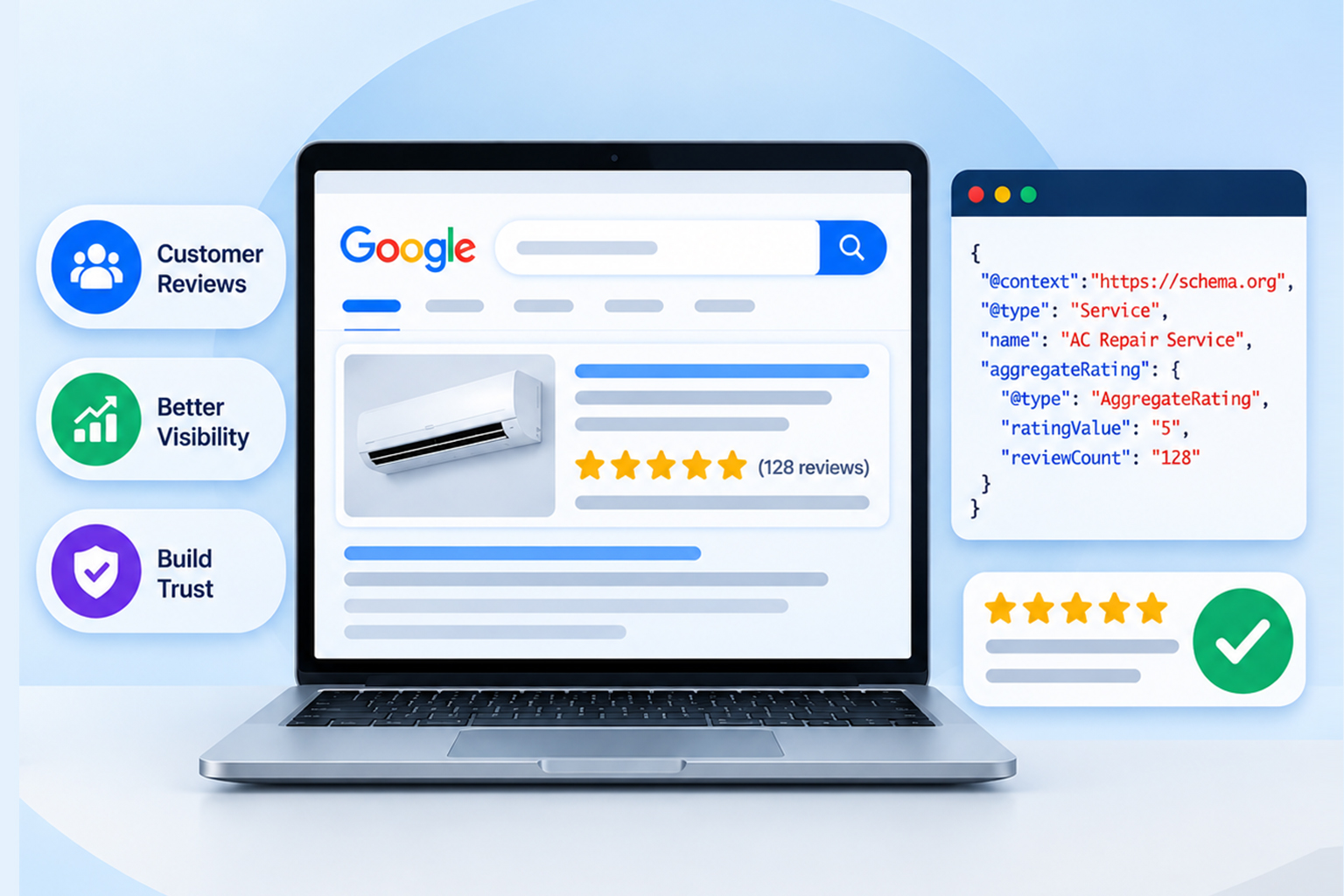
On a testimonial page, these two get used interchangeably, and they shouldn’t be. Review represents one testimonial from one person. AggregateRating represents the average across many, and it’s the one that normally produces the visible star display.
If you’re marking up a testimonials page, you’re almost always describing a collection of Review items, and the temptation is to wrap an aggregateRating around them at the business level. That specific combination is the one Google stopped honoring.
Can Testimonials Use Review Schema?
The short answer is yes, you can use it, but it won’t give you stars. The long answer sits in Google’s review snippet documentation, which sets out conditions that all have to hold at once.
The reviewed item has to be an eligible schema type. The review content has to be visible on the page. The ratings have to come directly from your own users rather than being pulled in from another website. And when the reviewed entity is a business or organization, Google does not make pages eligible for review rich results when that entity controls the reviews about itself. That’s why a business’s own testimonials page won’t qualify for those stars.
Why your own testimonials don’t earn star ratings
In September 2019, Google announced it would stop showing review rich results for LocalBusiness and Organization schema when the entity being reviewed controls the reviews about itself. Google called these self-serving reviews, and the reasoning was straightforward: a business grading its own homework isn’t a useful signal for searchers.
Critically, the rule follows the relationship, not the source. Embedding a Google Business Profile widget or a third-party review widget on your testimonials page doesn’t create eligibility, because it’s still your business presenting reviews about your business. The same applies to scores lifted from external platforms.
What’s Allowed on a Testimonial Page
Here’s the part most articles skip. Ineligible for stars is not the same as prohibited. Individual Review items are allowed. Marking up each testimonial with its author, rating, and review body accurately describes the page. It won’t trigger a review rich result for your business, but it gives search engines and AI systems a clean, structured reading of what the page contains.
The Collection Page is a good structural fit. A testimonials page is a collection, and CollectionPage exists for exactly that. You can describe the page itself, then connect each testimonial as a Review item using hasPart or mentions . This is honest markup: it describes the page as what it is rather than pretending it’s a product listing.
Organization and Person data are allowed and genuinely useful. Identifying your business as an entity and naming the people quoted helps search engines connect the dots between your brand and the pages that mention it. There are no star ratings here, but entity clarity increasingly matters for how AI systems assess and cite sources.
VideoObject can also be useful. If your testimonials page includes video, that video is not subject to the self-serving restriction. Video structured data remains eligible for video features in Search, which makes it the one element on a typical testimonial page that can still earn a visual result.
Here’s a compact example of testimonial page schema that describes the page accurately without overclaiming:
{
"@context": "https://schema.org",
"@type": "CollectionPage",
"name": "Customer Testimonials",
"url": "https://example.com/testimonials/",
"about": {
"@type": "Organization",
"name": "Example Company"
},
"hasPart": [
{
"@type": "Review",
"reviewBody": "Their team rebuilt our onboarding flow in three weeks.",
"author": {
"@type": "Person",
"name": "Priya Nair"
},
"reviewRating": {
"@type": "Rating",
"ratingValue": "5",
"bestRating": "5"
},
"itemReviewed": {
"@type": "Organization",
"name": "Example Company"
}
}
]
}
Notice what’s missing: there’s no aggregateRating attached to the organization. That omission is deliberate, and it’s the difference between describing your page and making a claim Google has already said it won’t honor.
Review Schema on Testimonial Pages: What’s Ignored, and What’s Actually Risky?
These two get conflated constantly, and the distinction matters for how you prioritize cleanup.
Ignored: An aggregateRating on your own Organization or LocalBusiness markup. Google filters it out of review rich results. It’s dead weight in your markup rather than a live problem, and it’s not going to hurt your rankings on its own.
Risky: Markup that misrepresents the page. Google’s spam policies treat structured data that’s misleading or that describes content not visible to users as a violation, and this is the category that can attract a manual action against your structured data.
Two versions of this show up repeatedly. The first is review counts and averages in the markup that don’t match what a visitor actually sees on the page. The second is applying Product or SoftwareApplication markup to a service page purely to sidestep the self-serving rule. That second one is a bad trade.
If the page isn’t selling a defined product, the markup lies about the page, and you’ve swapped an ineligible result for a guidelines problem. If you’re auditing an existing page, the practical rule is simple. Ineligible markup can stay or go with little consequence. Inaccurate markup should come off immediately.
Where Testimonials Can Legitimately Earn Star Ratings
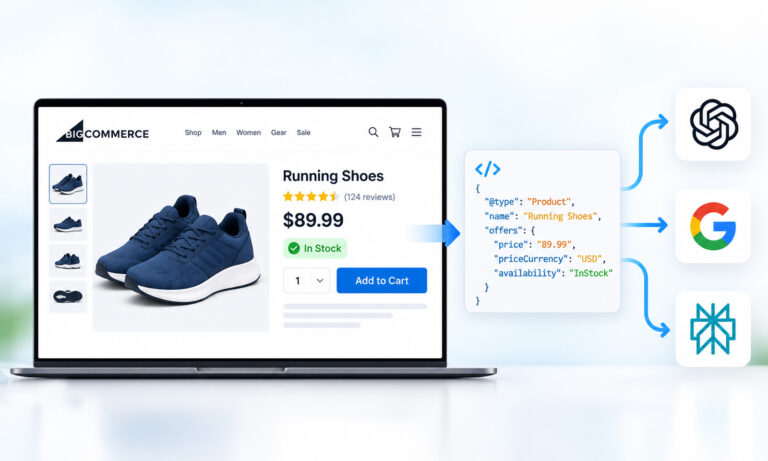
Review rich results eligibility hasn’t disappeared, it just moved. Reviews attached to specific, eligible items still qualify, provided the ratings are first-party and visible.
| Page type | Schema type | Star eligible |
|---|---|---|
| Product page with customer ratings | Product | Yes |
| SaaS or app page with first-party ratings | SoftwareApplication | Yes |
| Recipe, book, movie, course, event pages | Matching type | Yes |
| Directory page reviewing other businesses | LocalBusiness on the reviewed entity | Yes |
| Your own testimonials or homepage | Organization, LocalBusiness | No |
For SaaS companies in particular, the practical move is to relocate ratings from the testimonials page to individual product or feature pages using SoftwareApplication, which sits alongside the other schema types that help SaaS sites earn rich snippets
Ecommerce sites are already in the eligible lane, as long as reviews sit on the matching product page. Service businesses have the hardest path, because Service isn’t on Google’s supported list at all. Our complete list of schema types eligible for review stars breaks down which types qualify and which never will.
How to Audit Your Testimonial Page in Ten Minutes
Start by running the page through the Rich Results Test. If no review snippet is detected, that’s expected behavior, not a bug.
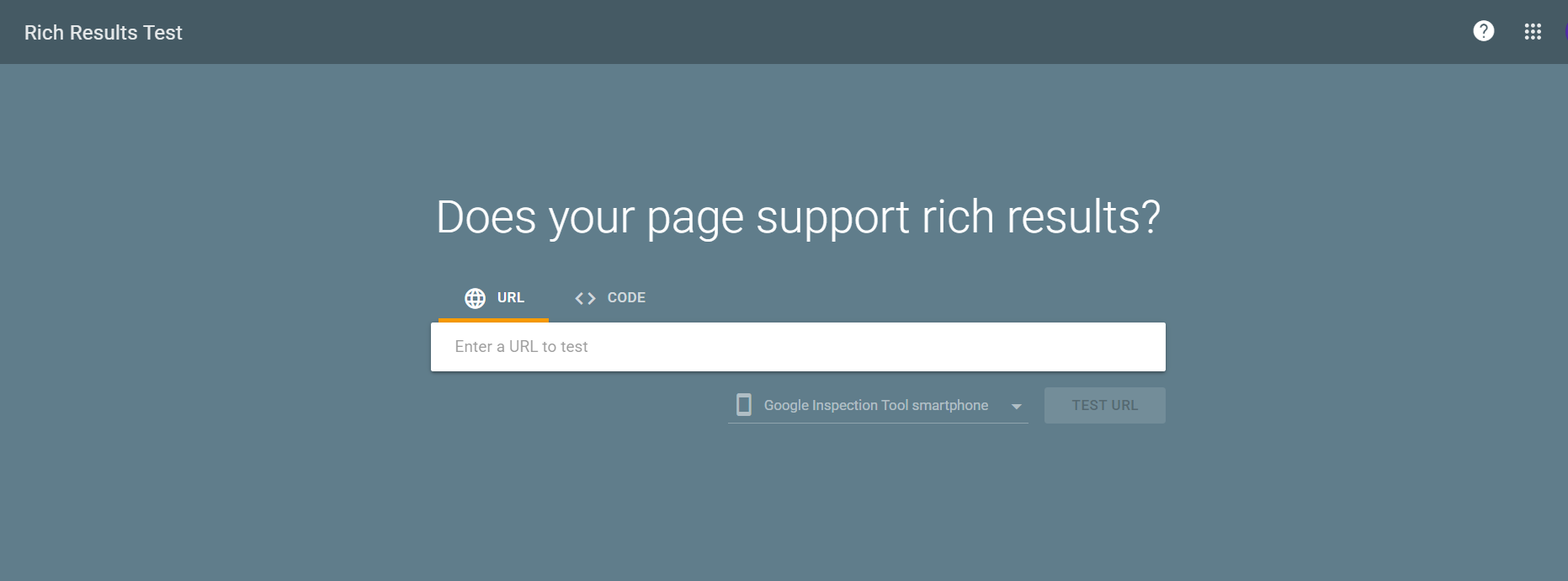
Then check that every number in your markup matches the page. Count the visible testimonials and compare them against your reviewCount. Mismatches are the single most common issue we see on these pages, usually because testimonials get added or removed without the markup being updated.
Next, confirm the syntax itself is valid using the Schema Markup Validator. Passing one tool doesn’t mean passing the other, since they check different things.
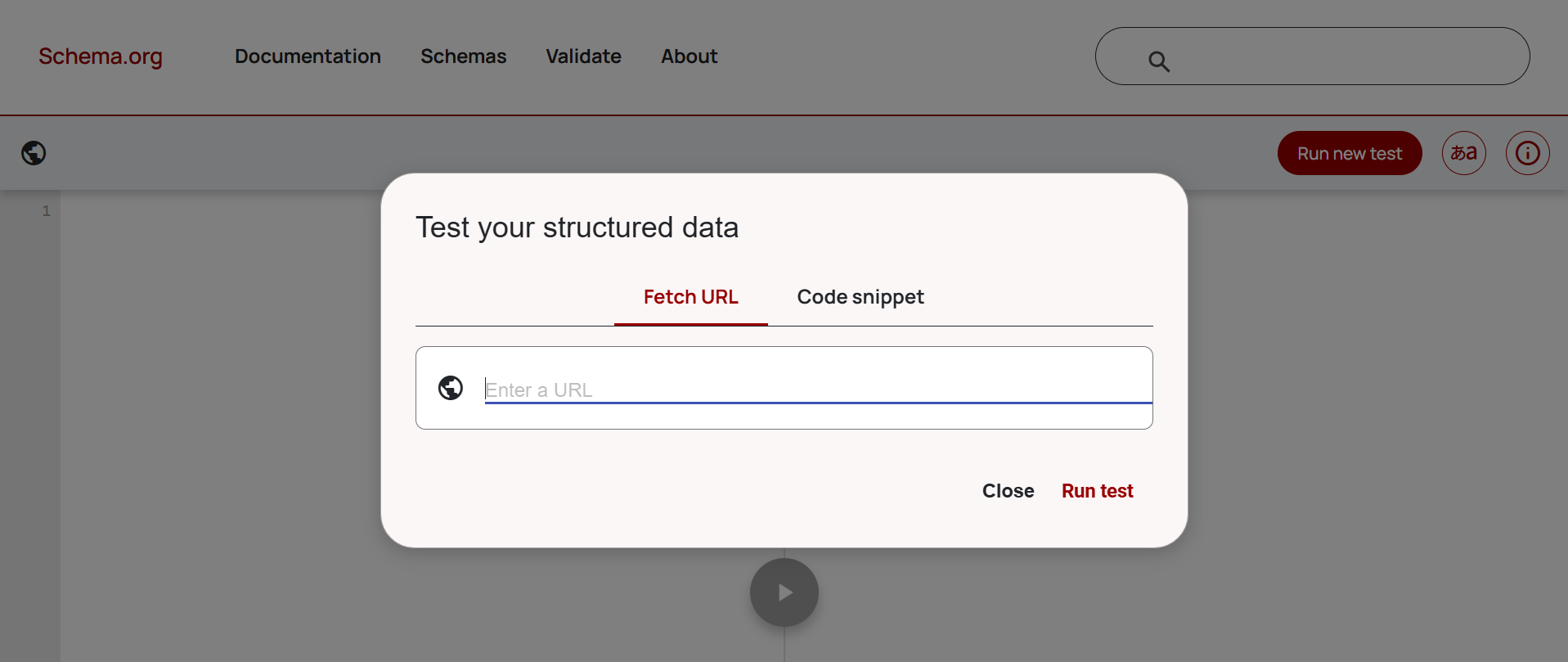
Finally, watch Search Console’s Enhancements reports for a few weeks. If your markup is detected and clean but no stars appear on a self-serving page, that’s the policy working as designed.
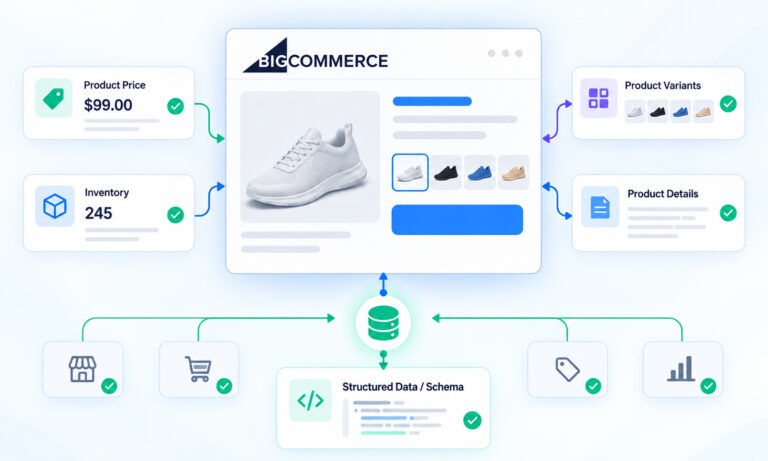
Keeping markup synced with visible content across dozens of pages is where manual implementation tends to break down, and automated schema error detection is usually the point at which it becomes manageable.
Conclusion
Review schema on testimonial pages sits in a middle ground that most guides refuse to acknowledge. It’s not banned, it’s not going to earn you stars, and the risk isn’t in adding it, it’s in adding markup that doesn’t match the page.
The practical takeaway is to be honest with your markup. Describe the testimonials page as a collection of genuine reviews, keep every number aligned with what visitors see, and move your star-rating ambitions to the page types that are actually eligible: products, software, and anything where you’re reviewing something other than yourself.
That shift is usually less work than it sounds, and it’s the difference between markup that quietly does nothing and markup that earns you something.
FAQs
Q1: Can testimonials use review schema at all?
Yes. You can mark up individual testimonials with Review structured data, and it will validate correctly. What you cannot do is expect that markup to produce star ratings for your own business, because reviews you publish about yourself fall under Google’s self-serving reviews rule.
Q2: Will Google penalize me for review schema on testimonial pages?
Not for the schema itself. Self-serving review markup is filtered out rather than penalized. Penalties come into play when the markup is inaccurate or misleading, for example, when review counts don’t match the page or when a service page uses Product markup to force eligibility.
Q3: Should I remove the review schema from my testimonials page?
Only if it’s inaccurate. If your markup honestly describes visible testimonials, leaving it in place is fine and helps search engines understand the page. If it contains an aggregateRating about your own business, that part is doing nothing, and removing it simplifies your markup.
Q4: What schema type should a testimonials page use?
CollectionPage is the most accurate structural choice, with each testimonial nested as a Review item and your business identified through Organization. Add VideoObject for any video testimonials, since video markup remains fully eligible for rich results.
Q5: Do testimonial pages ever show star ratings in Google?
Only when the page reviews something other than the publisher. A directory reviewing other businesses qualifies. A product page carrying first-party customer ratings qualifies. A business publishing praise about itself does not, regardless of how the markup is structured.
Q6: Does testimonial schema help with AI search visibility?
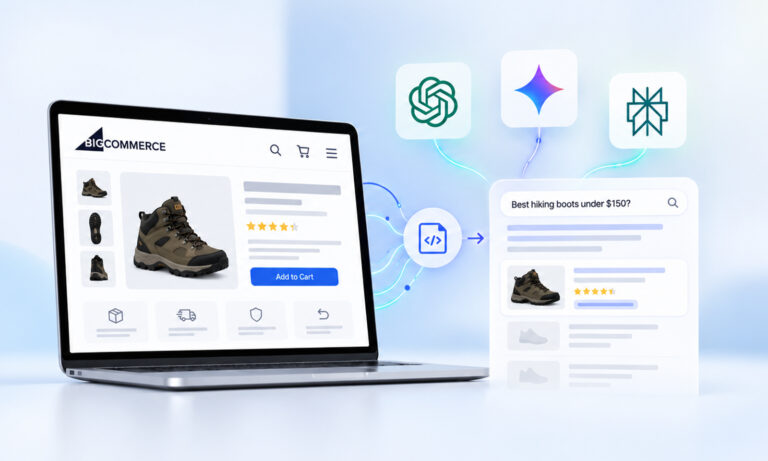
It can. Even without a review rich result, accurate structured data helps AI systems parse who said what about which entity. That clarity supports how your brand is understood and cited, which is a different outcome from star ratings but not a worthless one.





 Wix Schema
 Squarespace Schema
 BigCommerce Schema
 Shopify Schema
 Hubspot Schema
 Webflow Schema
 GoHighlevel Schema
 Duda Schema
 Weebly Schema
 ClickFunnel Schema