

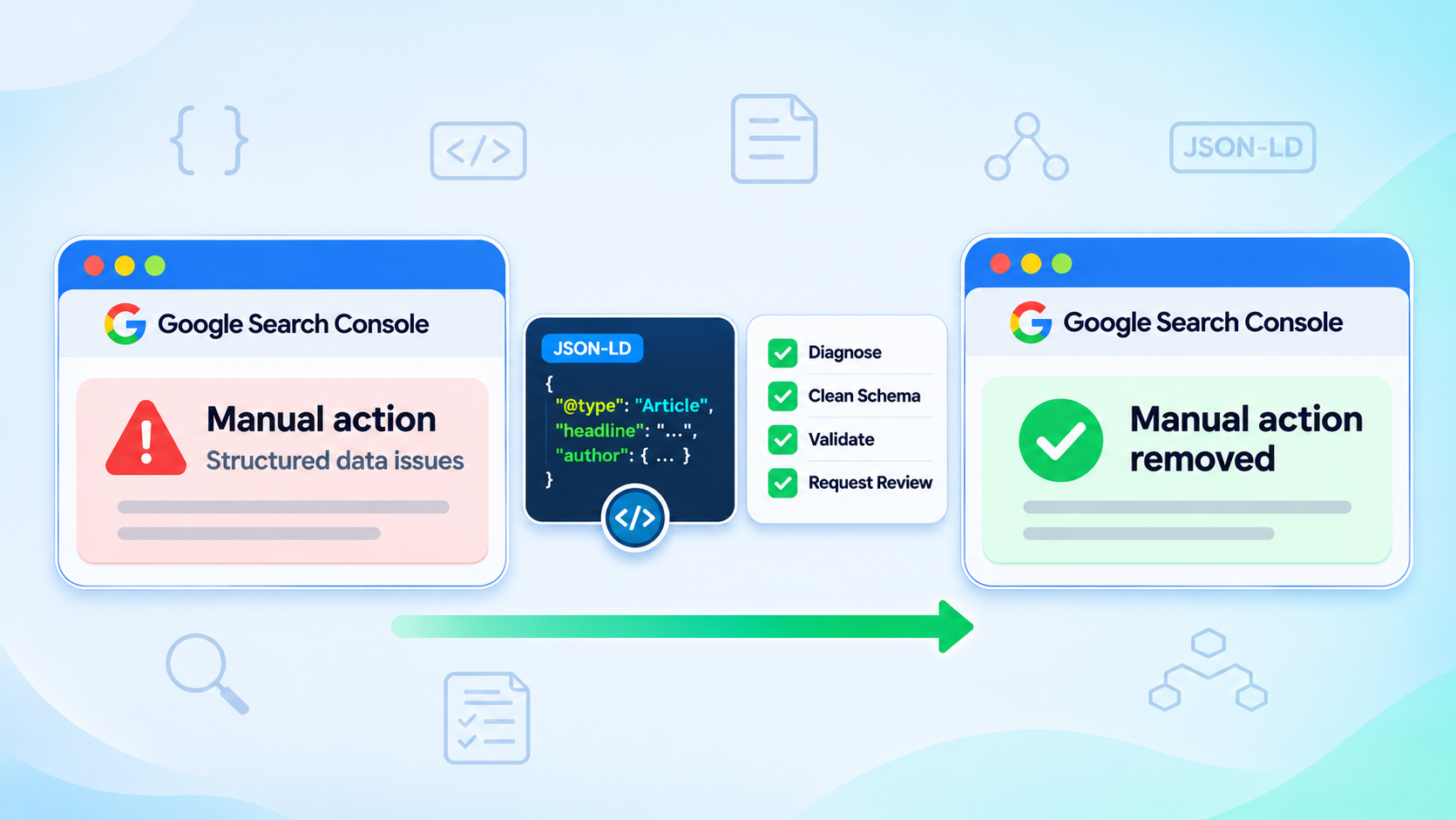
A structured data manual action occurs when Google determines that your website’s structured data violates its guidelines, such as by containing misleading, irrelevant, or invisible content. To recover, you must identify the violations in Google Search Console, remove or correct the problematic markup across all affected pages, validate the remaining structured data, and submit a Request Review through the Manual Actions report.
Recovery requires more than fixing JSON-LD syntax errors. Even technically valid schema can violate Google’s policies if it describes information that users cannot see or that is unrelated to the page. You should therefore audit the underlying markup across affected templates, plugins, and applications to ensure that every structured data property accurately represents visible page content.
This guide explains how to identify a structured data manual action, clean up schema violations, validate the corrected markup, prepare a reconsideration request, and prevent the same issues from happening again.
Steps to Recover From a Structured Data Manual Action?
- Find the action: Open Google Search Console → Manual Actions and identify the specific structured data issue and affected page patterns.
- Audit the markup: Check every affected template, plugin, app, and JSON-LD block, not just the example URLs shown by Google.
- Remove violations: Correct or remove misleading, irrelevant, invisible, or otherwise non-compliant structured data.
- Validate: Use Google’s Rich Results Test and Schema Markup Validator to confirm the cleaned markup is technically valid and appropriate.
- Request review: Submit a detailed reconsideration request only after the entire affected pattern has been fixed.
- Prevent recurrence: Establish ongoing schema validation and monitoring so the same issue is not automatically recreated.
What Is a Structured Data Manual Action?
A structured data manual action occurs when a Google reviewer determines that structured data on your site does not comply with Google’s guidelines.
Google’s current Manual Actions documentation describes a “Structured data issue” as markup that may use techniques outside its structured data guidelines, including marking up content that is invisible to users, irrelevant to the page, or misleading.
This is different from an ordinary schema validation error.
| Problem | What it means | Typical response |
|---|---|---|
| Syntax error | JSON-LD cannot be parsed correctly | Fix the code |
| Missing required property | The markup may not qualify for a rich result | Add the required property |
| Schema warning | An optional improvement is recommended | Evaluate and improve |
| Guideline violation | The markup doesn’t comply with Google’s structured data policies | Remove or correct the violation |
| Structured data manual action | Google has taken manual action because of a structured data violation | Clean up the affected markup and request review |
A structured data manual action is a Google policy enforcement issue, not simply a technical schema error.
A structured data manual action does not directly lower a page’s organic search rankings. Its impact is on eligibility for rich results, which can affect how eligible content appears in Google Search.
What Happens When Google Issues a Structured Data Manual Action?
The most important point is that Google may ignore the structured data affected by the manual action.
Google explicitly states that when a structured data manual action is applied to a page, the structured data on that page will be ignored, although the page can still appear in Google Search. That distinction matters.
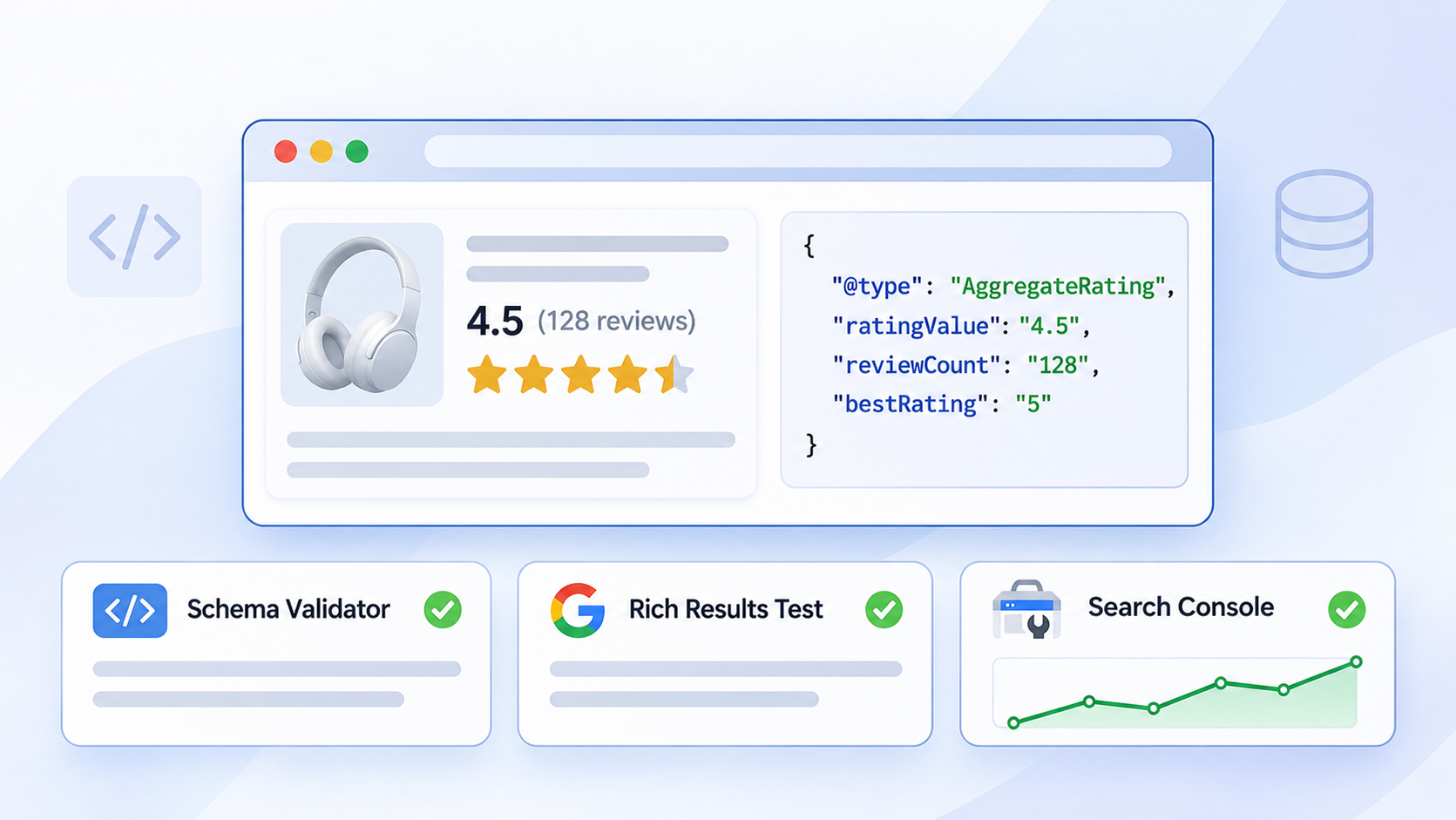
Suppose a product page contains valid-looking Product JSON-LD with a 4.9 rating that is not actually displayed to visitors. The code may technically parse without errors, but the markup can still violate Google’s guidelines.
In that situation, repeatedly running the code through a validator will not solve the underlying problem. Technical validity and policy compliance are two different checks.
This is why a site can have “valid” schema and still receive a schema markup manual action.
Common Causes of a Structured Data Violation
Google’s structured data guidelines require markup to accurately represent the content users can see on the page. Google’s documentation also warns against adding structured data about information that is not visible to users.
1. Marking Up Invisible Content
One of the clearest examples is adding a review, rating, price, event, or other property to JSON-LD when users cannot find that information on the page.
For example:
{
  "@type": "Product",
  "name": "Example Product",
  "aggregateRating": {
    "@type": "AggregateRating",
    "ratingValue": "4.9",
    "reviewCount": "527"
  }
}
If the page does not visibly communicate those ratings or reviews, the markup can create a misleading representation.
The solution is not to make the JSON-LD more sophisticated. Either make the underlying information genuinely available to users or remove the unsupported properties.
2. Marking Up Irrelevant Content
Schema should describe the page and its content, not unrelated information added solely to qualify for a search feature.
For example, placing FAQPage markup on a page that does not actually contain those questions and answers is risky. Similarly, adding Product markup to a generic category page simply because you want product-rich-result features can create a relevance problem.
3. Misleading or Inaccurate Structured Data
The information in your markup should correspond to what users see. Common examples include outdated prices, incorrect availability, fabricated review counts, inaccurate business information, or ratings that belong to a different entity.
Google’s structured data documentation emphasizes that the markup should describe the content of the page and recommends using complete, accurate information rather than adding poorly supported properties simply to maximize enhancements.
4. Automatically Generated Schema That Goes Wrong at Scale
This is particularly important for ecommerce stores and large websites. A plugin, theme, CMS, review application, or custom schema system may generate thousands of JSON-LD blocks automatically.
If its template contains a bad rule, the same structured data violation can appear across hundreds or thousands of URLs. That is why fixing only the sample URLs shown in Search Console is rarely enough.
How to Fix a Structured Data Manual Action
Fixing a structured data manual action involves identifying and correcting markup that violates Google’s guidelines. Ensure your schema accurately represents the content visible to users and complies with Google’s structured data policies before requesting a review.
Step 1: Check the Manual Actions Report
Start in Google Search Console and open the Manual Actions report. Google provides the issue description and examples or patterns of affected pages. It also recommends fixing the problem across all affected pages before requesting review.
Do not immediately delete all schema from your site. First determine exactly what Google considers problematic.
Step 2: Identify the Source of the Markup
Find out where the offending schema is coming from. It may be generated by:
- Your CMS or theme
- An SEO plugin
- A review application
- An ecommerce platform
- A schema generator
- Custom JSON-LD
- Google Tag Manager or another injection method
- Multiple systems generating duplicate markup
This is often the hardest part of structured data cleanup.
If 5,000 product pages contain the same problematic aggregateRating, editing five individual pages will not solve the underlying issue. You need to correct the template, application, or generation rule responsible for producing it.
Step 3: Audit Every Affected Template
Look beyond the sample URLs. Compare several affected pages and ask:
Is the same schema pattern appearing across the entire template?
For example, if every product page contains the same review markup, investigate the product schema generation system rather than treating each URL as a separate problem.
Also check category pages, collection pages, blog templates, location pages, and other page types that may inherit global schema.
Step 4: Remove or Correct the Violating Markup
This is the core of schema markup cleanup. For each violation, determine whether the markup should be:
Corrected: when the underlying information is legitimate and visible but represented incorrectly.
Removed: when the information does not exist on the page, does not apply to the page, or was added solely to influence search appearance.
For example, if a Product page genuinely displays a customer rating of 4.6 from 83 reviews, the structured data can represent that information accurately. If the page has no visible review information, removing the unsupported rating is safer than inventing a way to expose it through JSON-LD.
Google recommends following both its general structured data guidelines and the requirements for the specific structured data feature you are implementing.
Validate the Cleanup Before Requesting Review
Validation is essential, but remember that validation alone does not prove compliance. Google recommends the Rich Results Test for checking which Google rich results your structured data can generate.
Its documentation also points to the Schema Markup Validator for broader Schema.org validation.
Use both when appropriate:
| Check | What it tells you |
|---|---|
| Rich Results Test | Whether Google can parse the markup and whether it meets feature-specific requirements |
| Schema Markup Validator | Whether the Schema.org markup is technically valid |
| URL Inspection | How Google accesses and renders the actual page |
| Manual page review | Whether the markup accurately reflects visible content |
Passing both validation tools does not guarantee that your structured data complies with Google’s guidelines. You must also manually compare the markup with the visible page content to identify misleading, irrelevant, or unsupported information.
Step 5: Check the Live Page, Not Just Your Source Code
After making changes, inspect the live URL. Make sure the affected page is accessible to Google and isn’t blocked by robots.txt, noindex, authentication, or other restrictions. Google recommends using URL Inspection to verify how it sees the page.
Also check the rendered page itself. If your JSON-LD says:
"availability": "https://schema.org/InStock"confirm that the product is actually presented as available to users.
If your markup includes:
"reviewCount": "83"confirm that the page genuinely supports that number.
Think of this as an evidence check: every important claim in the structured data should have a corresponding basis on the page.
Step 6: Submit a Structured Data Reconsideration Request
Once you’ve fixed the violations across all affected pages, go to Google Search Console → Manual Actions and select Request Review.
Your structured data reconsideration request should briefly explain:
- What violation Google identified.
- What you changed to fix it.
- How you verified the cleanup.
For example:
“We removed unsupported aggregate ratings from the affected product template, audited the related URLs, and validated the remaining Product markup. We also updated our schema implementation to prevent unsupported rating data from being generated again.”
A specific explanation gives Google clear evidence that the underlying issue, not just the example URLs, has been addressed.
How Long Does It Take to Recover From a Structured Data Manual Action?
There is no guaranteed recovery time. Google says most reconsideration reviews can take several days or weeks, depending on the issue. You should not repeatedly submit requests while an existing review is still pending.
A successful review also does not mean every rich result will immediately return. Once the manual action is removed, Google still needs to crawl and process the affected pages, and rich results are never guaranteed even when structured data is valid and compliant.
So separate these two milestones:
Manual action removed → Google accepts the cleanup.
Rich result restored → Google subsequently determines that the page qualifies and chooses to show the enhancement.
What Not to Do During Structured Data Manual Action Recovery
Don’t simply remove the schema from the example URLs and submit a reconsideration request. Don’t replace one questionable markup implementation with another simply to preserve a rich result.
Don’t assume that a green validation result means your site is compliant. And don’t add more schema types to compensate for lost rich results. More markup is not automatically better. Google explicitly recommends accurate, complete structured data over adding more poorly supported or inaccurate properties.
Preventing Another Schema Markup Penalty
The best schema manual action recovery strategy is to prevent the same implementation problem from returning.
For large sites, treat structured data as a managed technical asset rather than a one-time code deployment. Every schema change should be checked against three questions:
Does the schema describe the correct page? Is the information represented in the markup available to users?
Does the implementation follow Google’s feature-specific and general structured data guidelines?
This becomes particularly important when changing themes, installing review apps, migrating platforms, or adding new schema-generation systems.
Google recommends validating structured data during development and monitoring rich-result reports after deployment because templating or serving changes can break markup later.
For ecommerce sites, this is especially relevant to Product, Review, Offer, Organization, and other interconnected entities. Google’s current Search documentation lists Product structured data as supporting information such as price, availability, and review ratings when applicable.
Conclusion
Recovering from a structured data manual action is less about adding more schema and more about proving that your markup accurately represents your website.
Start with the Manual Actions report, identify the actual violation, trace it back to its source, and perform a complete structured data cleanup across every affected template. Then validate the corrected implementation, inspect the live pages, and submit a transparent Google reconsideration request that documents exactly what changed.
Most importantly, don’t confuse technically valid schema with compliant schema. The goal of recovery is not simply to make the code pass a test, it is to ensure that your structured data is accurate, relevant, visible, maintainable, and aligned with Google’s guidelines.
FAQs
Q1: What is a structured data manual action?
A structured data manual action is a Google Search Console penalty issued when a human reviewer determines that structured data on your site violates Google’s structured data guidelines. The issue can involve misleading, irrelevant, or invisible markup.
Q2: Does a structured data manual action affect rankings?
Not necessarily in the same way as broader site-level manual actions. For a structured data issue, Google states that the affected structured data is ignored, while the page can still appear in Google Search.
Q3: How do I fix a structured data manual action?
Identify the violation in Search Console, audit all affected pages and templates, remove or correct non-compliant markup, validate the remaining structured data, confirm the live pages, and then submit a Request Review through the Manual Actions report.
Q4: How do I submit a reconsideration request to Google?
After fixing all affected pages, open the Manual Actions report in Google Search Console and select Request Review. Explain the violation, the corrective actions you took, and the results of your cleanup.
Q5: Can valid schema still cause a manual action?
Yes. A validator can confirm that your markup is syntactically valid without confirming that it follows Google’s structured data policies. For example, valid JSON-LD can still be misleading if it describes information that isn’t visible or relevant to users.
Q6: How long does structured data manual action recovery take?
Google says most reconsideration reviews take several days or weeks. After the manual action is removed, additional time may be needed for Google to recrawl pages and decide whether eligible rich results should appear.






 Wix Schema
 Squarespace Schema
 BigCommerce Schema
 Shopify Schema
 Hubspot Schema
 Webflow Schema
 GoHighlevel Schema
 Duda Schema
 Weebly Schema
 ClickFunnel Schema